YouTube Comment Analysis API Tutorial | SandBase
Analyze YouTube audience reaction: read video details, page comments, and sample reply threads with three SandBase endpoints. No YouTube login; one SandBase API key.

A product launch video goes up, and within a day the comment section has turned into a focus group. Some people love the music. Some people say the chip is the real problem. A handful ask the same question three different ways. If you want to summarize that reaction for a launch review, a creator report, or a competitor teardown, you need the comments as data, not as a scroll. This YouTube Comment Analysis API tutorial shows how to read a video’s details, page through its top-level comments, and sample the busiest reply threads with three SandBase endpoints, then hand the result to a model. It builds on the YouTube public data API hub; read that first for the full endpoint map.
Everything here is public, read-only data. You need no YouTube login, no Google Cloud project, and no SDK. You do authenticate with a SandBase API key. The three endpoints are currently listed as Free in the SandBase catalog.
The endpoint API reference is the source of truth for parameters and the response envelope, and the envelope is all it guarantees. The payload field names below come from calls I ran (tested on 2026-10-01, UTC). Treat them as illustrative and observed-only, not documented guarantees, and check them against a live response before you build on them.
Key takeaway
- Start from a video id.
youtube/web-v2/video-infogives you the title, channel, views, likes, and a comment count to size the job.youtube/web-v2/video-commentsreturns top-level comments about 20 per page. Send the returnedcontinuation_tokenback to get the next page.- Each top-level comment with replies carries its own
reply_continuation_token. Pass it toyoutube/web-v2/video-comment-repliesto read that thread.- Set
language_codetoen. The default iszh-CN, which localizes counts and dates in the response.
Why comments, and why not the official API
The official YouTube Data API has commentThreads and comments resources, and if you already run a Google Cloud project with quota to spare, it’s a fine choice. The cost is setup: a project, credentials, and a daily quota you budget against. For a one-off launch review or an agent that reads a few videos on demand, that overhead is most of the work.
The SandBase route is narrower. It reads public comments and replies, it returns them in a cleaned JSON shape, and it needs one key. It does not post, moderate, or touch anything account-bound. The channel research tutorial covers finding and sizing channels, and the transcript pipeline tutorial covers what a video says. This one covers what viewers say back.
| Your need | Use |
|---|---|
| Public comments and replies for research, reviews, or summaries | SandBase YouTube public-data API |
| Moderate, reply to, or manage comments on your own channel | Official YouTube Data API with OAuth |
| Private, unlisted-only, or account-only data | Neither public workflow |
The workflow at a glance
- Get the video id from the URL (
watch?v=<id>,youtu.be/<id>, or/shorts/<id>). If you only have a topic,youtube/web/search-videoreturns ids; the channel research tutorial walks through it. - Read the video with
youtube/web-v2/video-info(video_id) for title, channel, views, likes, and comment count. - Page top-level comments with
youtube/web-v2/video-comments(video_id,sort_by, thencontinuation_token). - Expand the busiest threads with
youtube/web-v2/video-comment-replies(the comment’sreply_continuation_token). - Summarize the collected text with a model: themes, sentiment, and repeated questions.
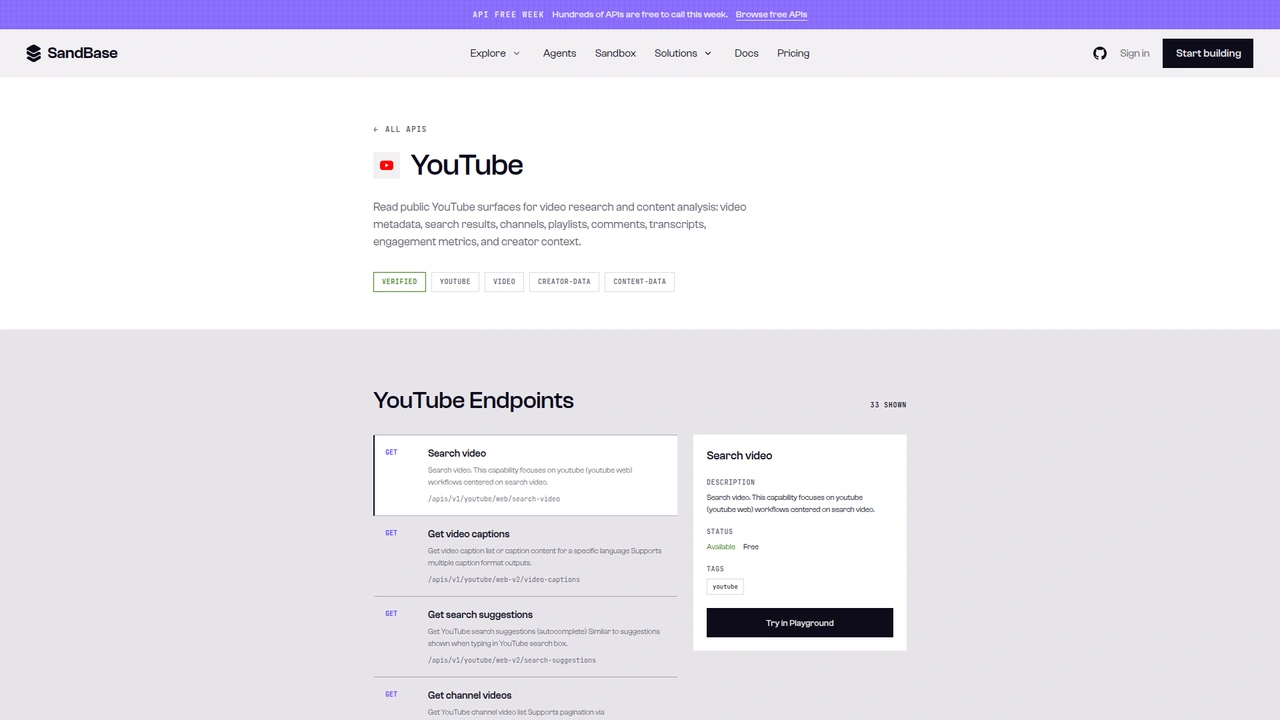 The YouTube catalog on SandBase. It shows 33 endpoints as
 GET /apis/v1/youtube/..., with the selected Search video endpoint marked Available, Free. This tutorial calls the Model API POST /v1/api/youtube/... routes instead.
A note on surfaces before the code. The catalog page shows each operation as GET /apis/v1/youtube/<path>. This tutorial uses the Model API surface from the endpoint reference: POST /v1/api/youtube/<path> with a JSON body that holds only that endpoint’s parameters. Keep the POST method and the /v1/api/ prefix when you copy the examples, and don’t mix them with the catalog GET paths.
Step 0: one helper for every call
import os
import re
import time
import requests

API = "https://api.sandbase.ai/v1/api"
HEADERS = {
    "Authorization": f"Bearer {os.environ['SANDBASE_API_KEY']}",
    "Content-Type": "application/json",
}

def call(path: str, payload: dict, retries: int = 2) -> dict:
    for attempt in range(retries + 1):
        resp = requests.post(f"{API}/{path}", headers=HEADERS, json=payload, timeout=90)
        if resp.status_code >= 500 and attempt < retries:
            time.sleep(2 * (attempt + 1))  # transient upstream error, try again
            continue
        resp.raise_for_status()
        body = resp.json()
        if body.get("status") != "completed":
            raise RuntimeError(body.get("error", {}).get("message", f"{path} did not complete"))
        # Reference documents outputs[0].data; some calls return a top-level `output`.
        output = body.get("output")
        if output is None and body.get("outputs"):
            output = body["outputs"][0].get("data", {})
        return output or {}
    return {}

def video_id_from_url(url: str) -> str:
    m = re.search(r"(?:v=|youtu\.be/|/shorts/|/embed/)([A-Za-z0-9_-]{11})", url)
    if not m:
        raise ValueError(f"no video id in {url}")
    return m.group(1)

def to_int(text) -> int:
    """'474' -> 474, '7.5K' -> 7500, '1.2M' -> 1200000, None/'' -> 0."""
    if text is None:
        return 0
    s = str(text).replace(",", "").strip().upper()
    mult = 1
    if s.endswith("K"):
        mult, s = 1_000, s[:-1]
    elif s.endswith("M"):
        mult, s = 1_000_000, s[:-1]
    try:
        return int(float(s) * mult)
    except ValueError:
        return 0
The reference documents completed responses as outputs[0].data. Every YouTube call in this test returned that shape. I have seen a top-level output on other SandBase platform endpoints, so the helper reads both and prefers output when it’s there. The retry branch is there because one of my first comment calls came back as HTTP 503 and the same request succeeded a moment later.
to_int exists because almost every count in these payloads is a string. Video view_count was a plain digit string, but comment like_count was abbreviated ("7.5K", "11K"), and with the default language it was localized too. More on that in step 2.
Step 1: read the video
def read_video(video_id: str) -> dict:
    v = call("youtube/web-v2/video-info", {"video_id": video_id, "language_code": "en"})
    return {
        "video_id": video_id,
        "title": v.get("title"),
        "channel": v.get("author"),
        "channel_id": v.get("channel_id"),
        "published": v.get("publish_date"),
        "views": to_int(v.get("view_count")),
        "likes": to_int(v.get("like_count")),
        "comment_count": v.get("comment_count"),  # string like "600", or None
    }
My test video was a public product film from the Made by Google channel, “Google Pixel 11 Pro | Meet 11” (GNuXueQ1BYc). Run 7cdb6ca7-c07e-40c6-bc60-737cfb399591 returned this, trimmed from outputs[0].data (a repeat call, a8bbc61e-d8d3-4d45-9167-dbce8db97779, matched):
{
  "title": "Google Pixel 11 Pro | Meet 11",
  "author": "Made by Google",
  "channel_id": "UCIG1k8umaCIIrujZPzZPIMA",
  "channel_handle": "@madebygoogle",
  "publish_date": "2026-08-10T09:18:13-07:00",
  "view_count": "394650",
  "like_count": "7009",
  "comment_count": "600",
  "category": "Science & Technology",
  "is_unlisted": false,
  "playability_status": "OK"
}
The payload is much larger than this. It also carried captions, chapters, thumbnails, available_countries, and a description. For comment analysis, comment_count is the useful one: it tells you whether 3 pages will cover the conversation or barely start it.
It can also be null. On OpenAI’s “Introducing GPT-4o” livestream (run 4659dbe8-0c6e-4cbb-a7af-8c4f44eb42b9), comment_count came back null, and video-comments for the same video returned an empty comments list with a null token (run ca8e3dd0-cbd7-4210-a14a-2805603a3bec). I can’t confirm from the API alone whether comments were turned off on that video or the upstream simply returned nothing. Either way, treat a null count as “check before you queue it”.
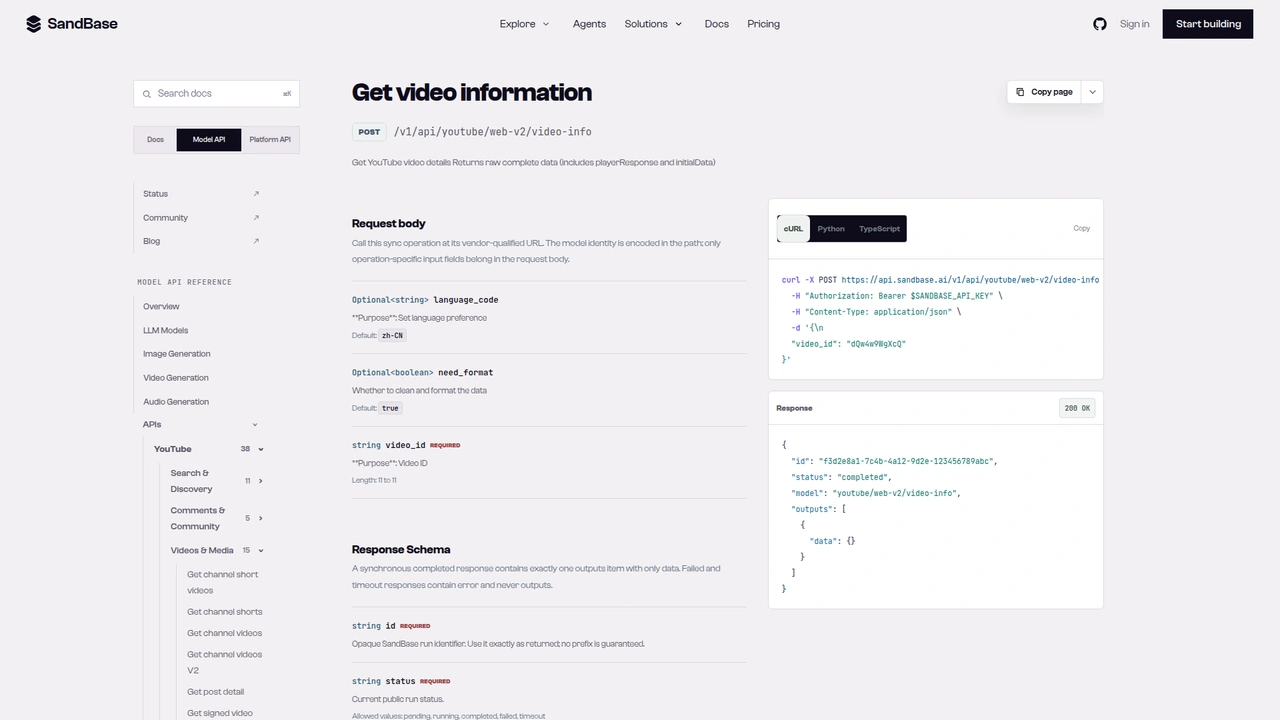 The
The youtube/web-v2/video-info reference: POST /v1/api/youtube/web-v2/video-info with a required 11-character video_id, optional language_code (default zh-CN) and need_format (default true). The documented response example leaves outputs[0].data empty.
Step 2: page through top-level comments
def top_level_comments(video_id: str, max_pages: int = 3, sort_by: str = "top") -> list[dict]:
    payload = {"video_id": video_id, "sort_by": sort_by, "language_code": "en"}
    out = []
    for _ in range(max_pages):
        page = call("youtube/web-v2/video-comments", payload)
        for c in page.get("comments") or []:
            out.append({
                "comment_id": c.get("comment_id"),
                "text": c.get("content", ""),
                "likes": to_int(c.get("like_count")),
                "replies": to_int(c.get("reply_count")),
                "reply_token": c.get("reply_continuation_token"),
                "when": c.get("published_time"),
            })
        token = page.get("continuation_token")
        if not token:
            break
        payload = {"video_id": video_id, "continuation_token": token, "language_code": "en"}
    return out
The first page of the Pixel video (run 6a15e813-0975-424e-a08a-07975dc706d5) returned 20 comments and a non-empty continuation_token. Here is one comment, with the author object removed:
{
  "comment_id": "UgyqM6dj...",
  "content": "If only the tensor was half as good as this marketing.",
  "like_count": "157",
  "like_count_a11y": "157 likes",
  "published_time": "1 month ago",
  "reply_count": "2",
  "reply_count_text": "2 replies",
  "reply_continuation_token": "Eg0SC0dOdVh1ZVExQlljGAYy...",
  "reply_level": 0
}
Each comment also had an author object with a display name, channel id, avatar, and verification flags. I drop it in the helper. For audience reaction you need what was said and how much it resonated, not who said it, and leaving it out keeps personal data out of your store.
Paging worked as the reference describes: send the returned continuation_token as the next request’s continuation_token, and stop when it comes back empty. On a separate high-traffic video, page two (run 21210ef3-0cdd-4ad9-9ad3-9e28a55155d1) returned 20 new comments with no comment_id overlap and another token. The helper still dedupes, because nothing documents that pages never overlap.
Three things surprised me here:
- The default language changes your numbers.
language_codedefaults tozh-CN. On an early run without it (a different, older video, runc12ba06d-d2ae-420f-bd99-d72b40069013), a like count came back as"32万"and a date as"1年前". Withlanguage_code: "en", the same fields on that video read like"7.5K"and"1 year ago". Always set it. topis not “sorted by likes”.sort_byacceptstopornewest. Page two of atoplisting (run82cafd48-fc3a-480c-ae50-03864d83d026) mixed a 17-like comment from 4 days earlier with 300K-like comments from years ago. It follows YouTube’s own ranking. If you want “most liked”, sort locally onlikes.- Comments without replies have no reply token. Only threads with
reply_countabove zero carriedreply_continuation_token. Check for it rather than for the count.
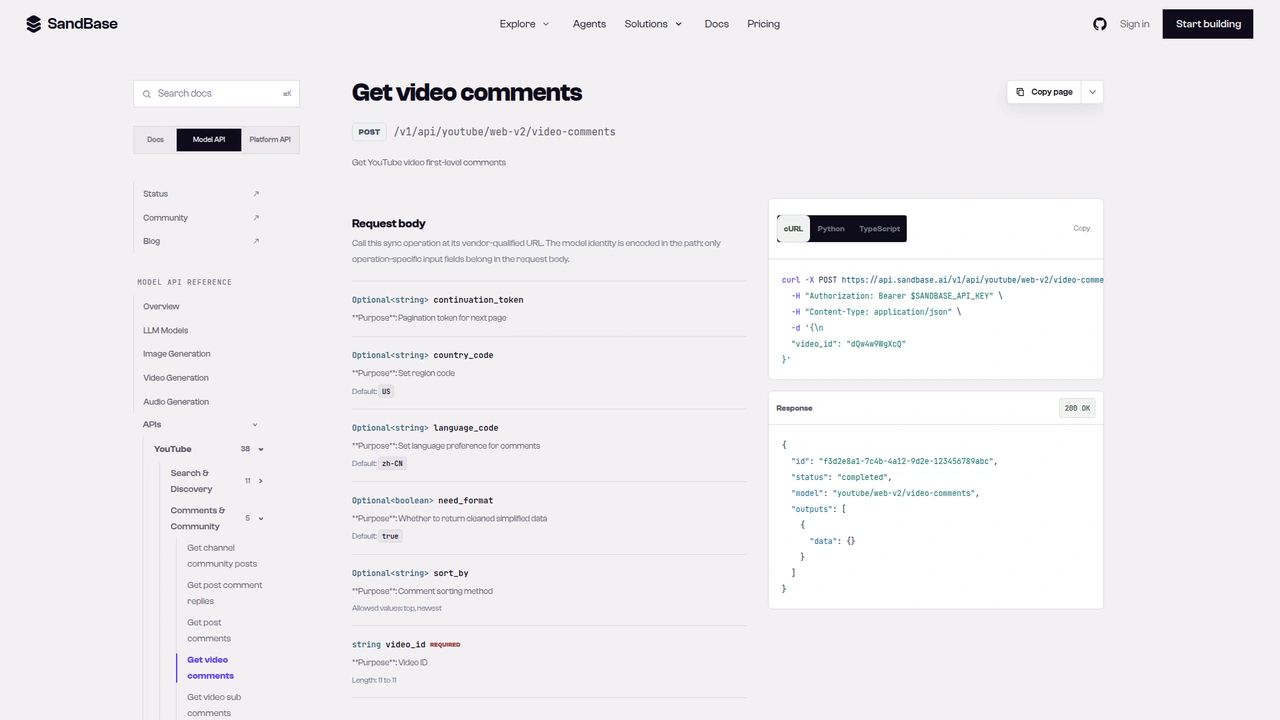 The
The youtube/web-v2/video-comments reference: optional continuation_token, country_code (default US), language_code (default zh-CN), need_format, and sort_by (top or newest), plus a required 11-character video_id.
Step 3: expand the busiest reply threads
def first_replies(reply_token: str) -> list[dict]:
    page = call("youtube/web-v2/video-comment-replies",
                {"continuation_token": reply_token, "language_code": "en"})
    return [{"text": r.get("content", ""), "likes": to_int(r.get("like_count"))}
            for r in page.get("comments") or []]
The replies endpoint takes only a token. You don’t pass the video id; the token already encodes the thread. The response used the same comments and continuation_token keys as top-level comments, and each reply had reply_level: 1 and a comment_id built from the parent id plus a suffix.
Here is the gotcha that shaped the design. The busiest thread on the Pixel video had reply_count: "36". The replies call (run 249fe9fe-4f7a-4ef9-b50e-90da4a17ff11) returned 8 replies and continuation_token: null. A retry with country_code: "US" (run d965b8af-9927-4708-8f13-4e8632841cb6) gave the same 8 and the same null. So in the cleaned format, a null token on replies does not mean the thread is finished.
I looked at the unformatted response with need_format: false (run f50e9fe6-96bc-42a3-8571-2af0e2c91c4c). It is a raw YouTube structure, but it did contain a “show more replies” continuation token. Feeding that token back into the same endpoint (run d1c96510-5c14-41a3-a094-31fc801721b7) returned the remaining 28 replies, so 8 + 28 matched the 36 count. If you need full threads, this works:
def raw_reply_tokens(node):
    """Walk an unformatted (need_format=False) replies payload for continuation tokens."""
    if isinstance(node, dict):
        cmd = node.get("continuationCommand")
        if isinstance(cmd, dict) and cmd.get("token"):
            yield cmd["token"]
        for v in node.values():
            yield from raw_reply_tokens(v)
    elif isinstance(node, list):
        for v in node:
            yield from raw_reply_tokens(v)

def next_reply_token(reply_token: str):
    raw = call("youtube/web-v2/video-comment-replies",
               {"continuation_token": reply_token, "language_code": "en", "need_format": False})
    tokens = list(raw_reply_tokens(raw))
    return tokens[-1] if tokens else None
I’d treat it as a fallback, not the main path. It costs an extra call per page, and it depends on the shape of a raw upstream payload that nothing documents. For sentiment work, the first page of replies on the five or ten busiest threads usually tells you where the argument is. That’s what the main pipeline does.
One more oddity: replies carried reply_count: "0" while reply_count_a11y on the same reply said "1 reply". Don’t use reply-level counts for anything.
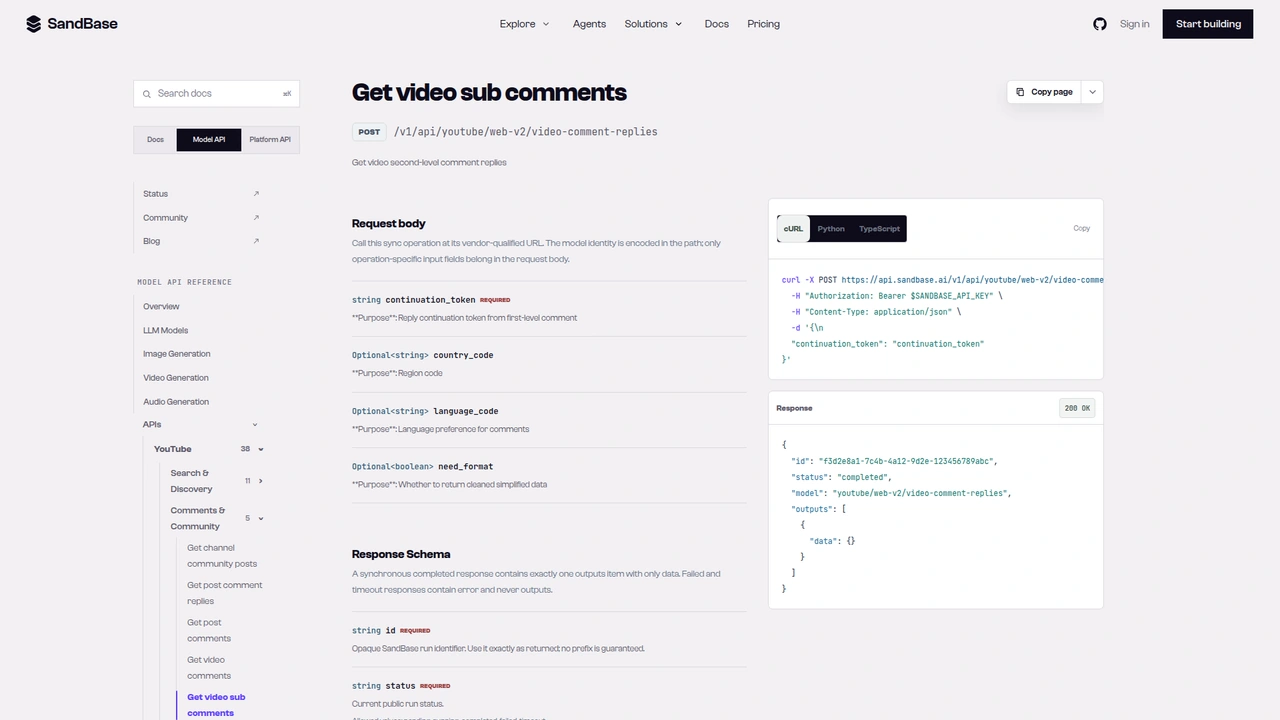 The
The youtube/web-v2/video-comment-replies reference, titled “Get video sub comments”: a required continuation_token described as the reply token from a first-level comment, plus optional country_code, language_code, and need_format.
Putting it together: one reaction record per video
def analyze_video(video_id: str, comment_pages: int = 2, threads_to_expand: int = 3) -> dict:
    video = read_video(video_id)
    comments = top_level_comments(video_id, comment_pages)
    # Dedupe by comment_id in case pages overlap.
    seen, unique = set(), []
    for c in comments:
        if c["comment_id"] not in seen:
            seen.add(c["comment_id"])
            unique.append(c)
    # Expand the busiest threads only: that's where the debate is.
    busiest = sorted((c for c in unique if c["reply_token"]), key=lambda c: c["replies"], reverse=True)
    for c in busiest[:threads_to_expand]:
        c["reply_sample"] = first_replies(c["reply_token"])
    questions = [c["text"] for c in unique if "?" in c["text"]]
    return {"video": video, "comments": unique, "questions": questions}

report = analyze_video(video_id_from_url("https://www.youtube.com/watch?v=GNuXueQ1BYc"))
I ran this end to end on the Pixel video. It made six calls: video-info (f2fd60da-9f2e-4bd7-a9ec-b3c5e381df31), two comment pages (807d5158-e110-47db-b790-8ba9ff74464c, 274438ca-9c43-466d-b44b-d4293d997537), and three reply calls (1299f8fc-c2a6-4b13-9c93-8d44573909c8, 9b827f63-e3b1-45fc-baf6-2564f12fe5e7, 3e086713-c5e7-4315-9c1a-ebc059c72cab). It collected 40 top-level comments out of the 600 the video reported, expanded threads with 36, 6, and 4 replies (8, 6, and 4 replies sampled), and found 6 comments containing a question mark.
That sample is small on purpose. It’s enough to see the shape of the reaction on this video: praise for the soundtrack and the ad itself, skepticism about the Tensor chip, battery life as the stated priority, and owners of older Pixels asking whether an upgrade is worth it. Those are my reading of 40 comments, not a measured distribution. For a real report, raise comment_pages, and pass the report dict to a model with a prompt like “group these comments into themes, label each theme positive, negative, or mixed, and list the distinct questions viewers asked”. Keep the like counts in the prompt so the model can weight a 797-like comment above a 0-like one.
Cost scales with pages: one call for the video, one per 20 top-level comments, one per expanded thread. A 600-comment video read in full is about 31 comment calls before replies. For many videos, run them with modest concurrency and cache by video_id.
Documented vs. observed
| Item | Status |
|---|---|
POST /v1/api/youtube/web-v2/video-info with video_id | Documented in the reference |
POST /v1/api/youtube/web-v2/video-comments with video_id, sort_by (top/newest), continuation_token | Documented in the reference |
POST /v1/api/youtube/web-v2/video-comment-replies with continuation_token | Documented in the reference |
language_code default zh-CN | Documented in the reference |
Envelope id / status / model / outputs[0].data | Documented in the reference |
Video title, author, view_count, like_count, comment_count | Observed only |
Comment content, like_count, reply_count, reply_continuation_token, published_time | Observed only |
Page-level comments and continuation_token keys | Observed only |
Reply pages returning continuation_token: null before the thread ends | Observed only |
”Show more replies” token inside the need_format: false payload | Observed only |
Common use cases
Launch reaction reviews
Run the pipeline on your own launch video and a competitor’s, a day and a week after release. Compare the themes and questions side by side. Input: two video ids. Output: two reaction records. Endpoints: video-info, video-comments, video-comment-replies.
FAQ mining for docs and support
Collect every comment with a question mark across a product’s tutorial videos. Cluster them, and you have a list of what your docs don’t answer. Input: a list of video ids. Output: deduplicated questions. Endpoint: video-comments.
Creator and sponsorship checks
Before a sponsorship, sample comments on a creator’s recent videos and look at how the audience talks: engaged and specific, or mostly emoji. Input: recent video ids from the channel. Output: comment samples with like counts. Endpoints: video-info, video-comments.
Controversy tracking
Use sort_by: "newest" on a schedule to watch how a thread develops after a news event. The busiest reply threads are where disagreement shows first. Input: one video id. Output: new comments since the last run. Endpoints: video-comments, video-comment-replies.
Practical notes
- Always send
language_code: "en"(or your target language). Thezh-CNdefault localizes counts and dates. - Parse counts as strings. Expect
"600","7.5K", andnull. Sort and weight on parsed numbers. - Check
comment_countfirst. Anullcount went with an empty comment list on one of my test videos. - Page top-level comments with the returned
continuation_token. Stop when it is empty, and dedupe bycomment_id. - Don’t trust a
nullreply token to mean “done”. Compare the number of replies you got with the parent’sreply_count. - Drop author fields. For reaction analysis you rarely need commenter identity, and it’s personal data.
- Retry 5xx responses. One call returned HTTP 503 and succeeded on retry.
- Public, read-only data only. No posting, liking, or moderation.
FAQ
Do I need a YouTube account or a Google Cloud project?
No. You authenticate to SandBase with SANDBASE_API_KEY. These read endpoints need no YouTube login or Google OAuth on your side.
Is it free? The three endpoints are currently listed as Free in the SandBase catalog. Check the catalog for the current status.
How many comments come back per page? In my runs, 20 top-level comments per page. That’s an observation, not a documented page size.
Can I get every reply in a long thread?
The cleaned response stopped at the first page of replies in my tests. The need_format: false fallback above found the next-page token and returned the rest of a 36-reply thread. It relies on an undocumented raw payload, so test it before you depend on it.
Does sort_by: "top" give me the most-liked comments first?
Not strictly. It follows YouTube’s ranking, which mixes recent and older comments. Sort locally by parsed like_count if you need a strict order.
Wrap up
One video id gets you the whole reaction loop on YouTube. video-info sizes the conversation, video-comments pages through it with a continuation token, and video-comment-replies opens the threads where people disagree. Set the language, parse the counts, and watch the reply token, and you have a clean record a model can summarize into themes and questions. For the rest of the YouTube endpoints, see the YouTube public data API hub. When you’re ready: