WorkBuddy MCP Setup: Connect Tools Without Handing an Agent the Whole Machine
A practical WorkBuddy MCP guide covering user and project configuration, permissions, credentials, testing, and failure recovery.
Key takeaway
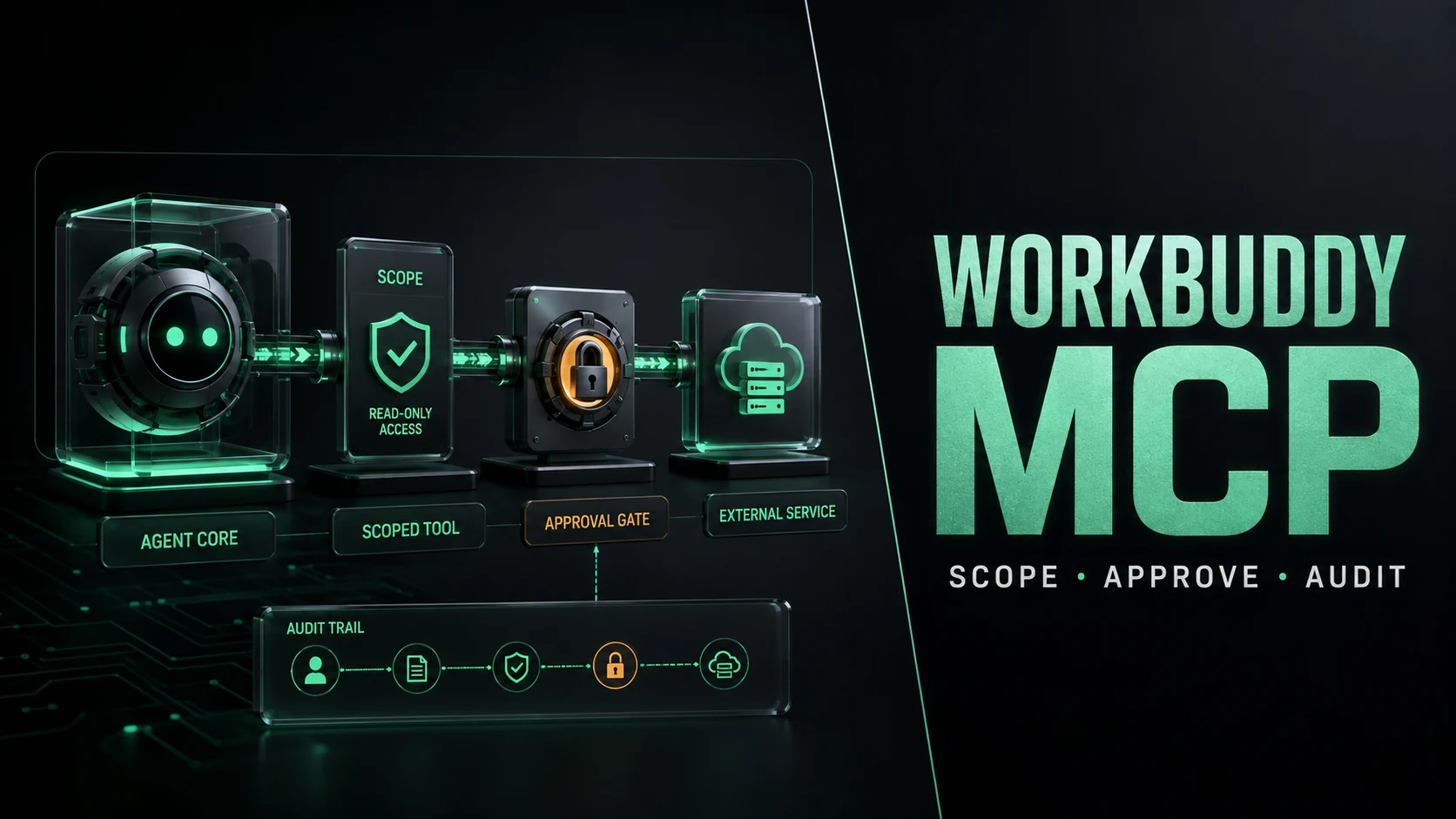
MCP makes WorkBuddy useful because it turns external services into callable tools. It also expands the consequence boundary. Start with read-only, project-scoped tools, test denial behavior, and add write access only behind an approval step.
WorkBuddy’s official MCP guide describes MCP as a way to connect external tools and data sources, and says configuration is available through the UI. It also documents two configuration levels: a user-level ~/.workbuddy/mcp.json for reusable tools and a project-level <project>/.workbuddy/mcp.json for project-specific capability.
User scope versus project scope
The choice is simple:
| Scope | File | Use it for | Main risk |
|---|---|---|---|
| User | ~/.workbuddy/mcp.json | Common read-only services and notifications | Every project can discover the tool |
| Project | <project>/.workbuddy/mcp.json | A database, repository, or workflow unique to one project | The project can inherit powerful tools |
Prefer project scope for anything that can read customer data, modify records, send messages, or spend money. A configuration that works in one folder should not silently become available to every task on the laptop.
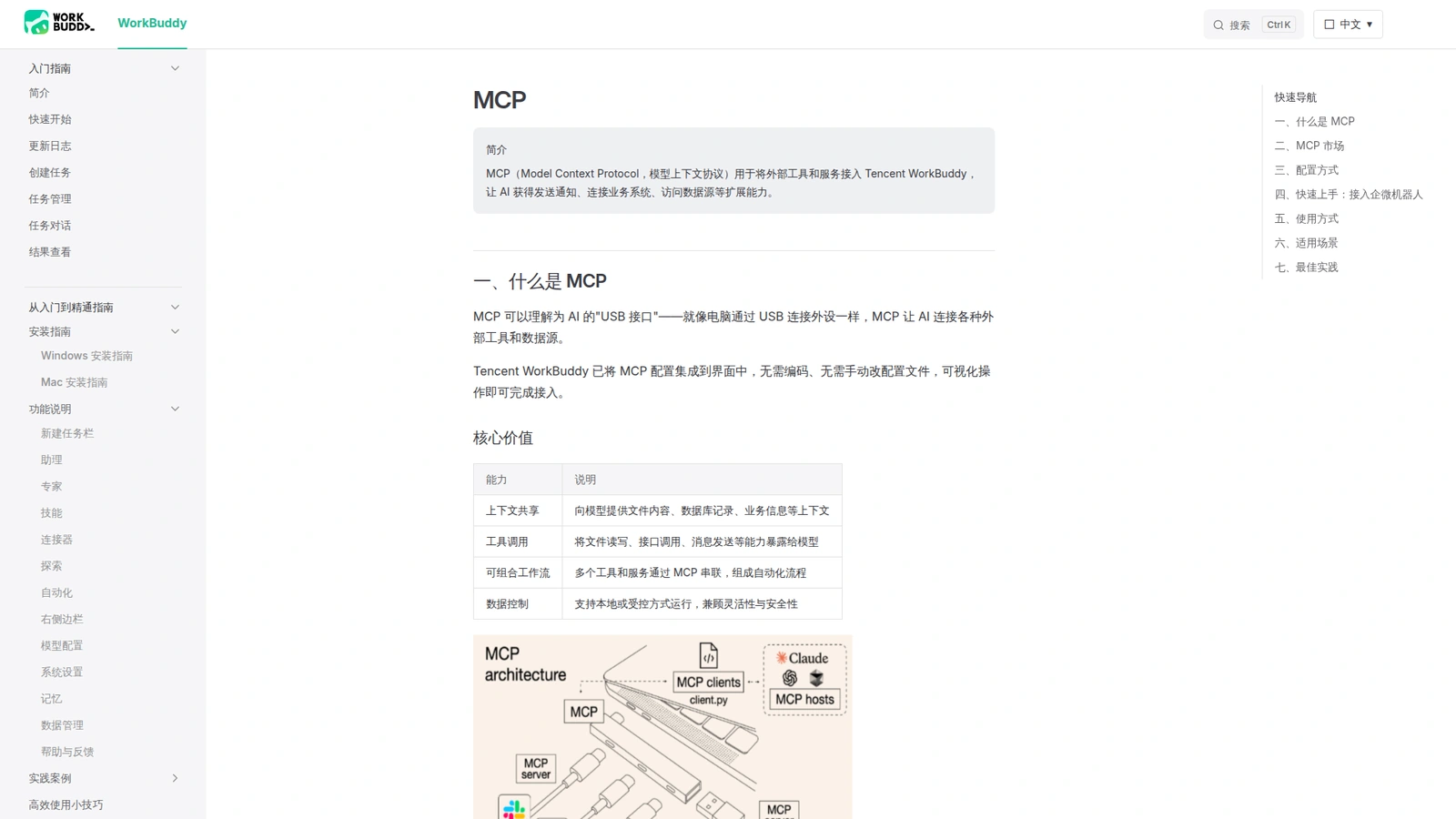 The MCP guide is the source of truth for the protocol and configuration workflow.
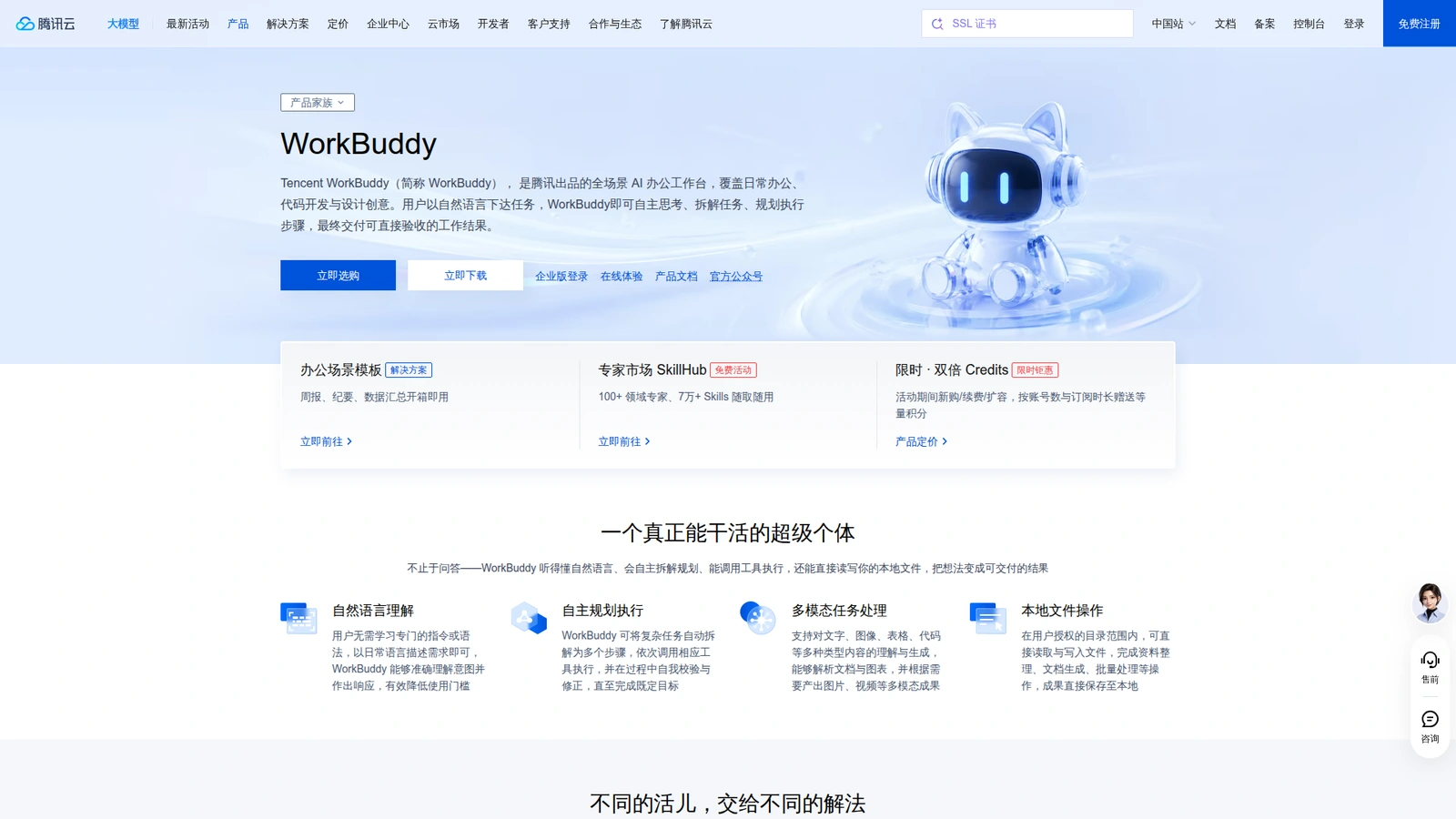 The product page anchors the distinction between a general workspace and an enterprise connector.
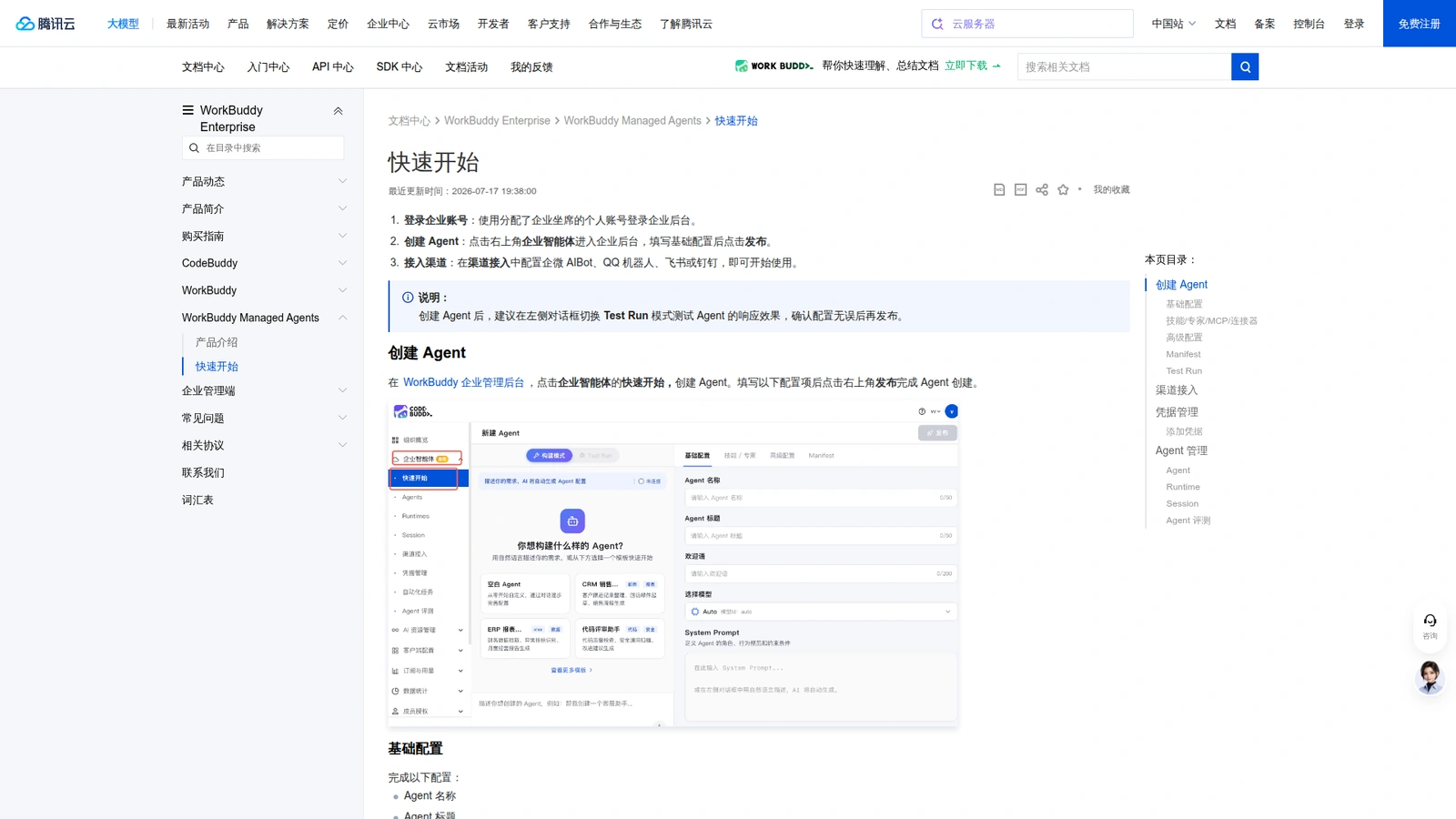 The quick-start page supports the connector, workspace, and credential-management discussion.
A safe connector rollout
Use this sequence for a new connector:
- Add one read-only tool.
- Confirm the server name, input schema, and timeout.
- Run a task that should succeed and one that should be denied.
- Inspect the tool trace and returned data for secrets.
- Add a narrowly scoped write action with explicit approval.
- Save a rollback snapshot and document the owner.
For a WeCom notification example, keep the webhook in a secret store or managed credential field. Never paste it into a prompt, commit it to .workbuddy/mcp.json, or include it in screenshots. The agent should receive a capability, not the credential itself.
MCP is not a permission system by itself
MCP standardizes how a tool is described and called. It does not decide whether a person is authorized to delete a record, export a customer list, or send a company-wide message. Your host still needs identity, scopes, approval, rate limits, and an audit trail.
user identity -> WorkBuddy policy -> MCP tool -> external system
                       |                 |
                    approval          audit event
Record the requested action, validated arguments, effective identity, approval decision, result, and retry. Redact payloads where necessary, but preserve enough metadata to reconstruct a failure.
Comparison: built-in feature, MCP, or custom API?
| Option | Setup | Flexibility | Best use |
|---|---|---|---|
| Built-in WorkBuddy tool | Lowest | Limited to shipped capability | Common productivity tasks |
| MCP server | Moderate | Composable and reusable | Connecting controlled systems |
| Custom API integration | Highest | Full product control | A customer-facing workflow with strict contracts |
MCP is a good middle layer when the tool needs to be discoverable by an agent but must remain independently permissioned. It is not a reason to expose an entire internal API.
A concrete configuration and test plan
Keep the server definition narrow. A project configuration should name one service, pass credentials through the host’s supported secret mechanism, and expose only the methods needed for the acceptance test. Do not paste tokens into prompts or commit them beside the JSON. Before enabling writes, make a small matrix:
| Action | Expected result | Approval | Evidence to retain |
|---|---|---|---|
| List project records | Allowed | No | Request and response schema |
| Read one known record | Allowed | No | Record identifier, redacted payload |
| Update a test record | Paused or denied | Yes | Approval event and diff |
| Read a parent directory | Denied | No | Policy error |
| Send an external message | Paused | Yes | Recipient, body hash, decision |
Run the matrix with a disposable project and a test identity. Repeat it after a WorkBuddy, MCP server, or credential change. This catches a common mistake: a connector appears to be read-only in the natural-language instruction while its underlying tool still accepts a write-shaped argument.
For incident recovery, disable the project-level server first, preserve the failed request and tool trace, rotate the affected credential, and replay only a read-only reproduction. A restart may clear a stale process, but it does not explain what the agent attempted.
What to inspect before production
Review the server’s declared tools, input schemas, default timeouts, retry behavior, and transitive dependencies. Ask whether a “read” operation can trigger a side effect through a webhook, whether returned content can contain instructions that redirect the agent, and whether logs capture the effective identity. These questions are more useful than treating MCP as a security badge.
A production connector should have a named owner, a test account, a documented data boundary, a revocation path, and a versioned change process. Pin the server version where possible. When the schema changes, rerun both positive and negative tests and review the diff before reopening write access. For sensitive systems, put an application policy layer in front of the MCP server so business rules are enforced outside the model’s judgment.
The final acceptance artifact should show the configuration location, redacted environment assumptions, permission matrix, test results, known failure classes, and rollback command. That package lets a teammate reproduce the setup without receiving the original operator’s secrets.
Do not confuse a successful connection test with a safe deployment. A connection test proves that the server can answer; it does not prove that the agent will choose the right tool, that returned content is trustworthy, or that a retry cannot duplicate a side effect. Add idempotency keys to write operations where the downstream service supports them, and make duplicate-message or duplicate-update behavior part of the test matrix.
The safest first production use is usually a read-only lookup that ends in a human-reviewed artifact. Once the team understands the trace and denial behavior, promote one narrow write action with an explicit approval prompt. Keep a separate service identity for the connector, set an expiration or rotation schedule, and document who can disable it. These controls turn MCP from a convenient demo integration into an owned operational component.
Finally, separate configuration review from prompt review. A well-written instruction cannot compensate for a server that exposes broad filesystem or messaging operations, and a narrow server can still be misused if the host gives the agent no approval boundary. Review both layers during onboarding and whenever the tool list changes.
This small separation keeps policy review visible instead of burying it inside a prompt that is difficult to audit.
FAQ
Where should I configure an MCP server?
Use user scope for safe, reusable capabilities. Use project scope for tools tied to one repository, dataset, or team workflow. The official guide documents both paths.
Can an MCP server read local files?
It can if the host and server grant that capability. Treat file scope as a permission decision: use an explicit workspace, deny parent directories, and test path traversal and symlink behavior.
How do I debug a failed tool call?
Separate schema errors, authentication failures, network timeouts, policy denials, and downstream application errors. Preserve the original error and retry only when the failure class is retryable.
Is MCP safer than a direct API call?
Not automatically. MCP improves discoverability and composition. Safety comes from least privilege, validation, approval, credential isolation, and logging around the call.
Sources: WorkBuddy MCP guide, WorkBuddy product page, and Tencent Cloud enterprise quick start.