WorkBuddy + Hy4: A Practical Game-Prototyping Workflow
How to evaluate WorkBuddy and Hy4 for game prototypes across engine state, MCP actions, visual quality, testing, and clean hand-off.
Key takeaway
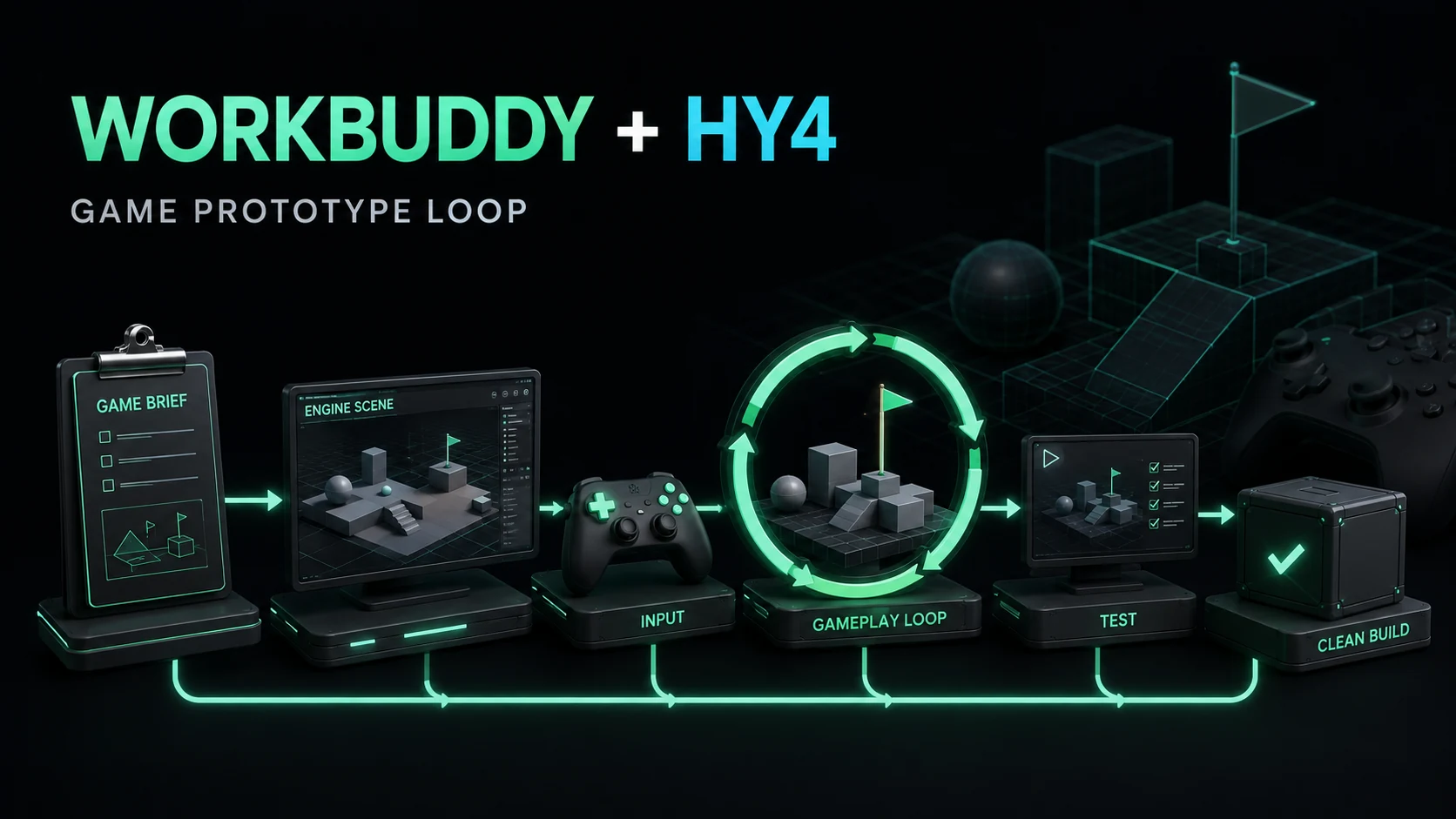
WorkBuddy can be a useful control surface for an Hy4 game-prototyping workflow, but a playable screenshot is not a reproducible project. Evaluate the saved engine state, tool trace, failure recovery, performance, and clean-checkout build.
The WorkBuddy angle is not “AI makes a game with one sentence.” It is the coordination problem around a stateful tool: an engine has scenes, assets, scripts, references, input mappings, and platform constraints. A productive workflow must preserve state while changing one milestone at a time.
The workflow
Start with a bounded brief: target engine, platform, core loop, art constraints, allowed tools, and acceptance checks. Then divide the task:
brief -> scene plan -> engine setup -> input -> gameplay -> UI/audio -> buildWorkBuddy supplies task planning and artifact coordination. Hy4 supplies the model capability used inside the game-development loop. MCP or an equivalent connector exposes editor actions and feedback. Each layer has a different failure mode.
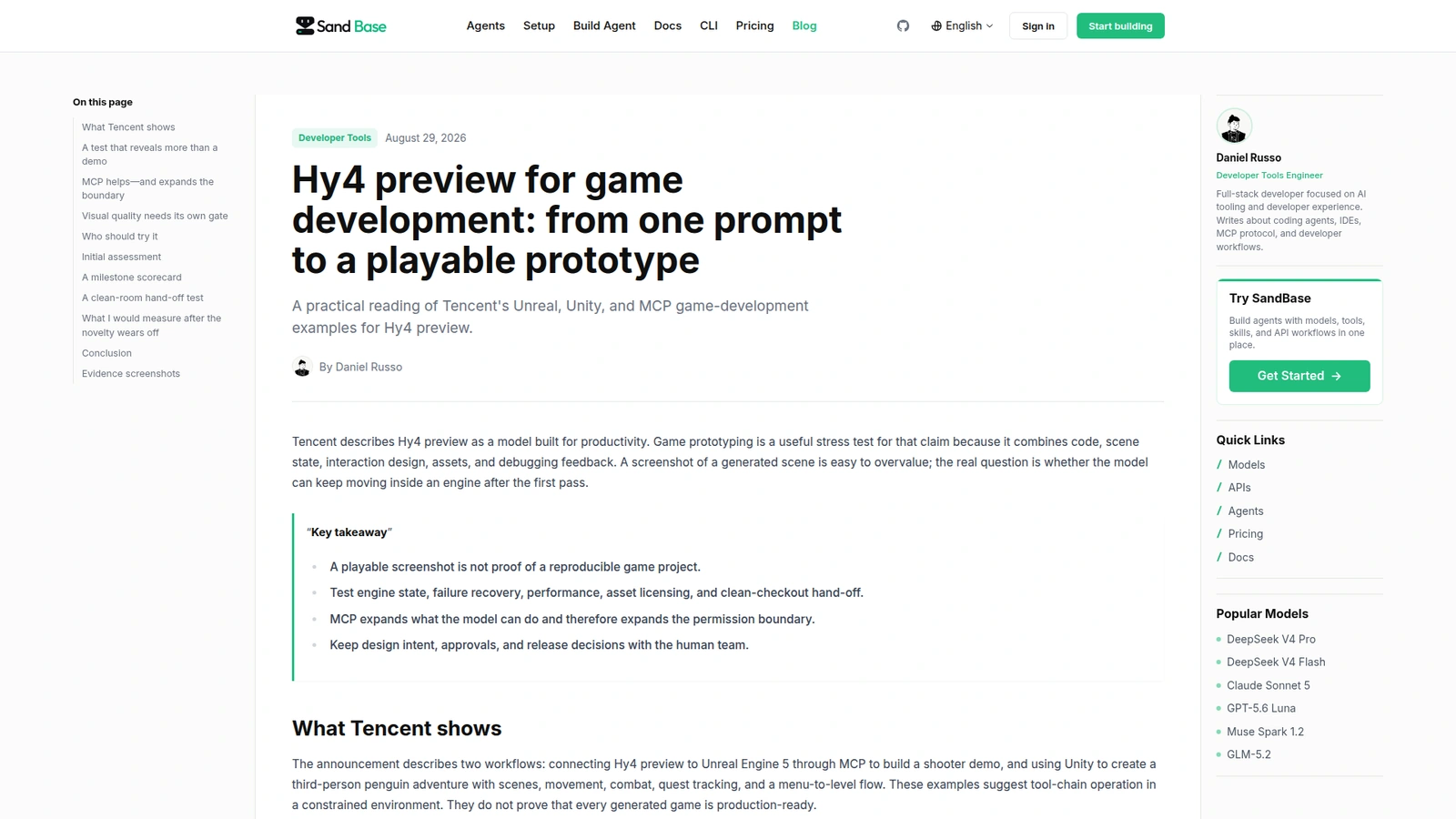 WorkBuddy provides a hosted surface for trying the productivity workflow; the saved project remains the artifact that must be tested.
 The official page supports the broader workstation context around the game-development task.
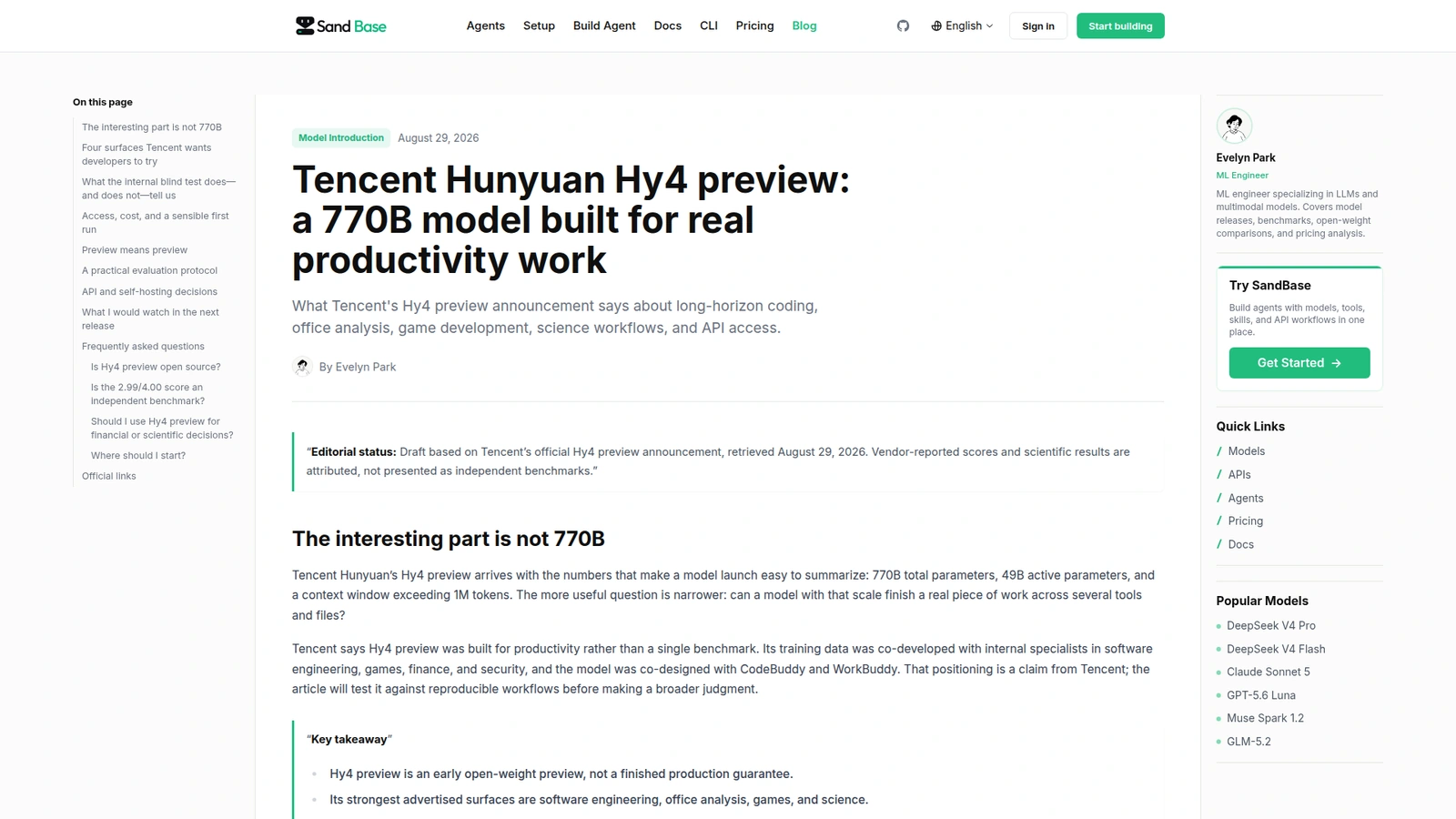 The launch article is evidence for the Hy4 workflow context, not proof that every generated project is production-ready.
Milestones reveal more than a demo
Ask WorkBuddy to save a snapshot after an empty scene boots, after input works, after collisions and enemies work, and after the menu-to-level flow is connected. At each milestone, require a screenshot, a short change log, and a test result.
Then inject one controlled failure: remove a scene reference or change an asset path. The useful signal is whether the agent reads the engine error, identifies the smallest necessary edit, and avoids damaging a working subsystem. A model that only generates the first scene is a content generator; one that can recover from a broken reference is a workflow assistant.
Visual quality is a separate gate
The supplied Hy4 examples emphasize scene generation and interaction quality. Check visual and functional quality separately:
- camera framing and occlusion;
- UI readability at target resolution;
- frame time and memory on the target device;
- input consistency and controller support;
- asset provenance and licensing;
- reload behavior after a scene transition.
Do not allow a polished screenshot to stand in for a clean build. A second person should open the project from a fresh checkout without the original conversation or an undocumented editor click path.
Add a failure-injection pass
The fastest way to separate a useful game workflow from a demo is to break it deliberately. After the core loop works, rename one asset, remove one input binding, and introduce a known collision or packaging error—one at a time. Ask the agent to diagnose the error, state its hypothesis, make the smallest repair, and rerun the relevant check. Keep the original snapshot so a bad repair can be reverted.
The hand-off should include the engine and plugin versions, target platform, launch command, project directory, generated-versus-human-authored files, asset licenses, input map, test checklist, and known limitations. For a multiplayer prototype, add the authority model and a note about which actions were simulated locally. These details prevent the “works only in the author’s session” failure later.
Treat visuals and performance as separate acceptance gates. A scene can look convincing while producing unstable frame time, unreadable UI, or a memory spike on the target device. Measure a representative play path from a clean build, then compare the result with the same path after each generated change.
A repeatable prototype brief
Write the brief so that an engineer can tell whether the agent actually completed it. Include the camera perspective, player verb, win and lose conditions, number of interactable objects, input bindings, target resolution, and the exact command that should launch the level. Also state what is deliberately out of scope: multiplayer, monetization, procedural generation, or production art. A smaller contract gives Hy4 fewer ways to hide an incomplete loop behind attractive output.
For each milestone, ask for four files or records: a change summary, the relevant engine log, a screenshot or short capture, and a reproducible test command. The summary should name changed assets and scripts rather than saying “improved gameplay.” The log should make failures visible. The capture is useful for visual review, but the command and project snapshot are what make the result transferable.
This workflow also clarifies where WorkBuddy adds value. It can keep the brief, engine state, tool calls, and hand-off package in one task boundary. It does not remove the need for an engine specialist to review frame pacing, collision behavior, input edge cases, or platform packaging. The best outcome is a faster first loop with a smaller, legible review surface.
For a two-hour evaluation, reserve the first twenty minutes for the brief and baseline project, the next hour for the core loop, and the final forty minutes for recovery and hand-off. Do not spend the entire budget polishing materials. A prototype that has one clear interaction, one reset path, and a clean project archive teaches the team more than a larger scene that cannot be rebuilt. Record the moment each milestone becomes playable and the number of manual editor actions required.
The same discipline works across Unreal and Unity even though the tools differ. The engine-specific details belong in the connector and test commands; the acceptance contract belongs in the project record. That separation prevents a successful experiment from becoming a collection of undocumented clicks.
If the prototype will be shown publicly, add a final review for attribution, third-party assets, generated audio, and screenshots that expose private project data. Public polish should come after reproducibility and licensing checks, not before them.
Keep the prototype small enough to archive, inspect, and rebuild. The goal of this loop is learning speed with evidence, not pretending that generated content has already passed production review.
Comparison: WorkBuddy, CodeBuddy, or a manual engine loop?
| Workflow | Strength | Weakness | Choose it when |
|---|---|---|---|
| WorkBuddy + Hy4 | Brief-to-milestone coordination | Depends on connector and engine state | You need rapid prototype exploration |
| CodeBuddy + engine tools | Developer-centric code iteration | Less broad office/task orchestration | The bottleneck is scripts and debugging |
| Manual engine workflow | Maximum control | Slowest first pass | The project is already production-critical |
FAQ
Can WorkBuddy ship a complete game?
It can help create a prototype, but shipping requires review of code, assets, performance, platform behavior, accessibility, and legal rights. Treat generated output as a candidate build.
Does MCP make engine automation safe?
No. It makes editor actions callable and observable. Use a disposable project, minimum filesystem scope, denied network by default, and approval for exports or writes outside the project.
What should the final hand-off contain?
Engine version, platform target, setup commands, project snapshot, known limitations, asset licenses, tool trace, and the exact input needed to reach the core loop.
How should I compare Hy4 with another model?
Freeze the same brief, engine version, tools, time budget, and acceptance checks. Measure clean-build success, recovery after injected failure, human edits, frame time, and total task cost—not only the first screenshot.
Sources: WorkBuddy official page, WorkBuddy game-workflow evidence, and Hy4 preview launch article.