WorkBuddy vs CodeBuddy vs Claude Code: Which AI Work Surface Fits the Job?
WorkBuddy, CodeBuddy, and Claude Code overlap, but they optimize for different work surfaces. Compare scope, tools, control, and hand-off before choosing.
Key takeaway
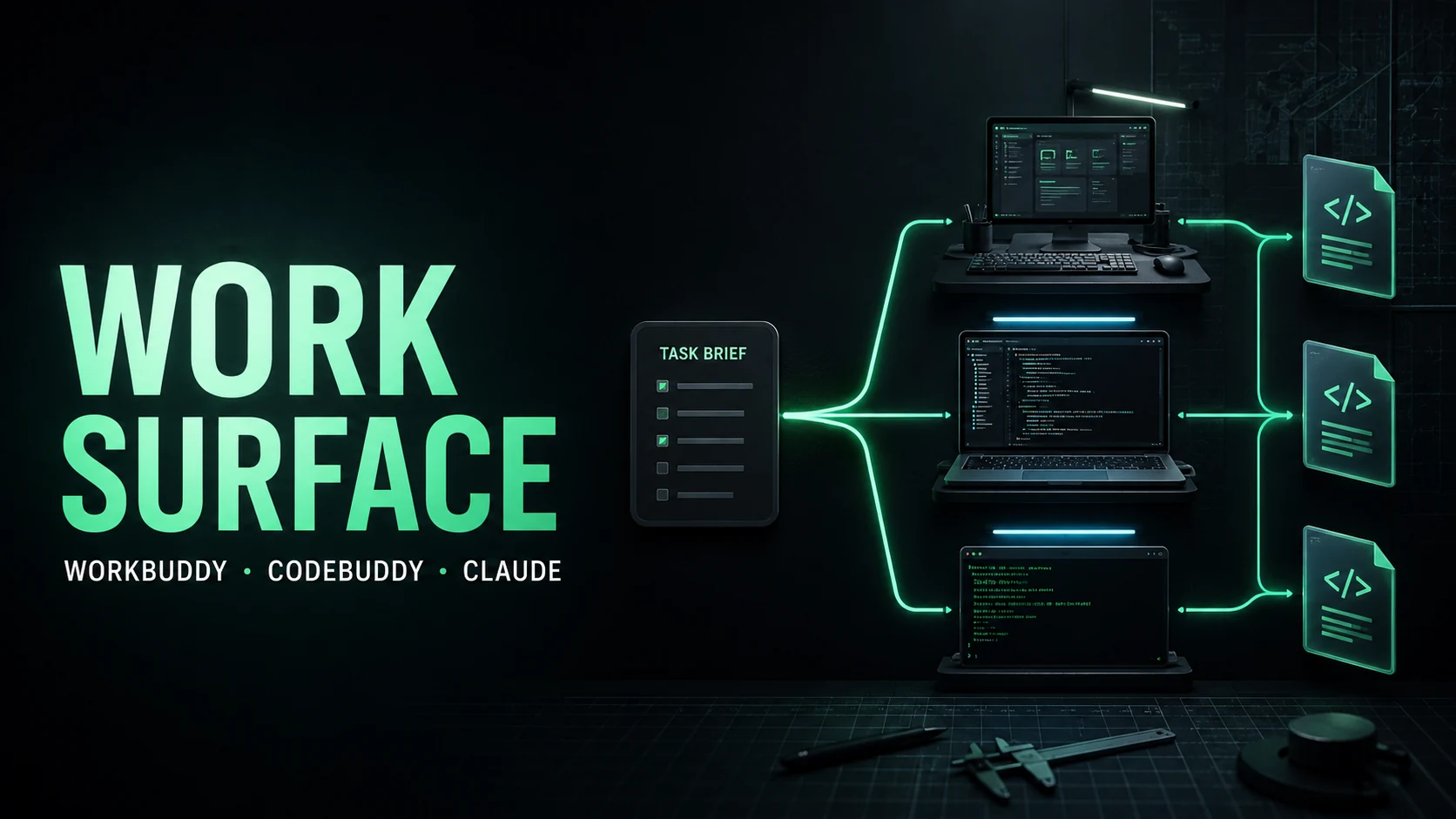
WorkBuddy is the broadest task workspace, CodeBuddy is the Tencent developer/IDE surface, and Claude Code is a terminal-centered coding agent. Choose by the artifact and control boundary you need, not by which product claims to be a “super agent.”
These products overlap in natural-language task execution, file access, tool calls, and coding assistance. Their center of gravity is different. WorkBuddy starts from a cross-role deliverable. CodeBuddy starts from a codebase and editor workflow. Claude Code starts from a repository in a terminal and emphasizes composable tool use.
Comparison at a glance
| Dimension | WorkBuddy | CodeBuddy | Claude Code |
|---|---|---|---|
| Primary surface | Desktop/workstation and messaging | IDE and Tencent development workflow | Terminal and repository |
| Best artifact | Reports, spreadsheets, slides, code, workflows | Code changes, tests, reviews, mini-programs | Repository changes, scripts, test results |
| Tool connection | MCP, Skills, connectors | MCP and IDE integrations | Tools, plugins, MCP depending on host |
| Main strength | Cross-role task orchestration | Editor-aware development | Transparent terminal loop |
| Main risk | Broad permissions and unclear handoffs | IDE state and generated changes | Shell/filesystem side effects |
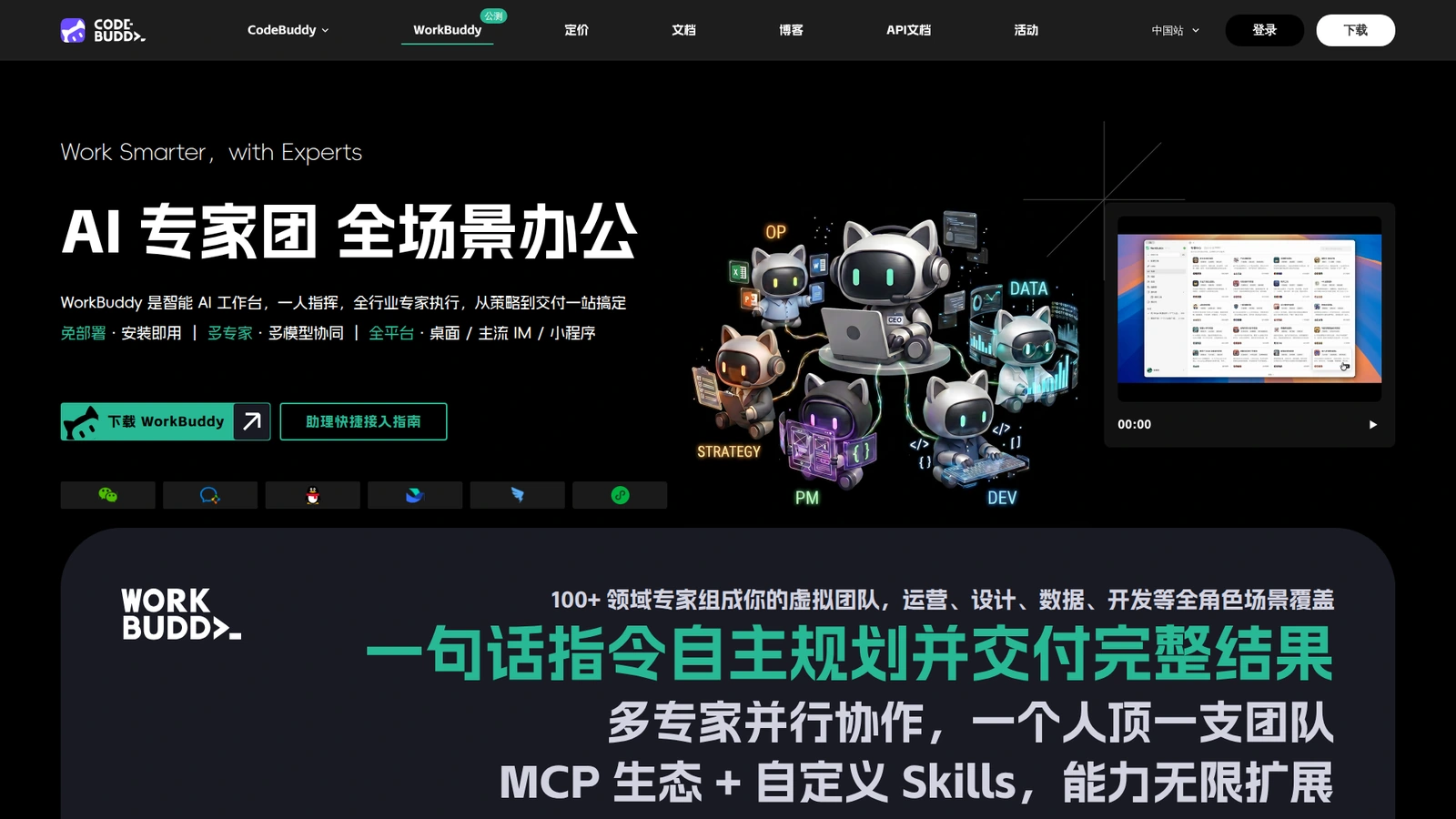 WorkBuddy’s official page shows the broader workstation positioning rather than a code-only surface.
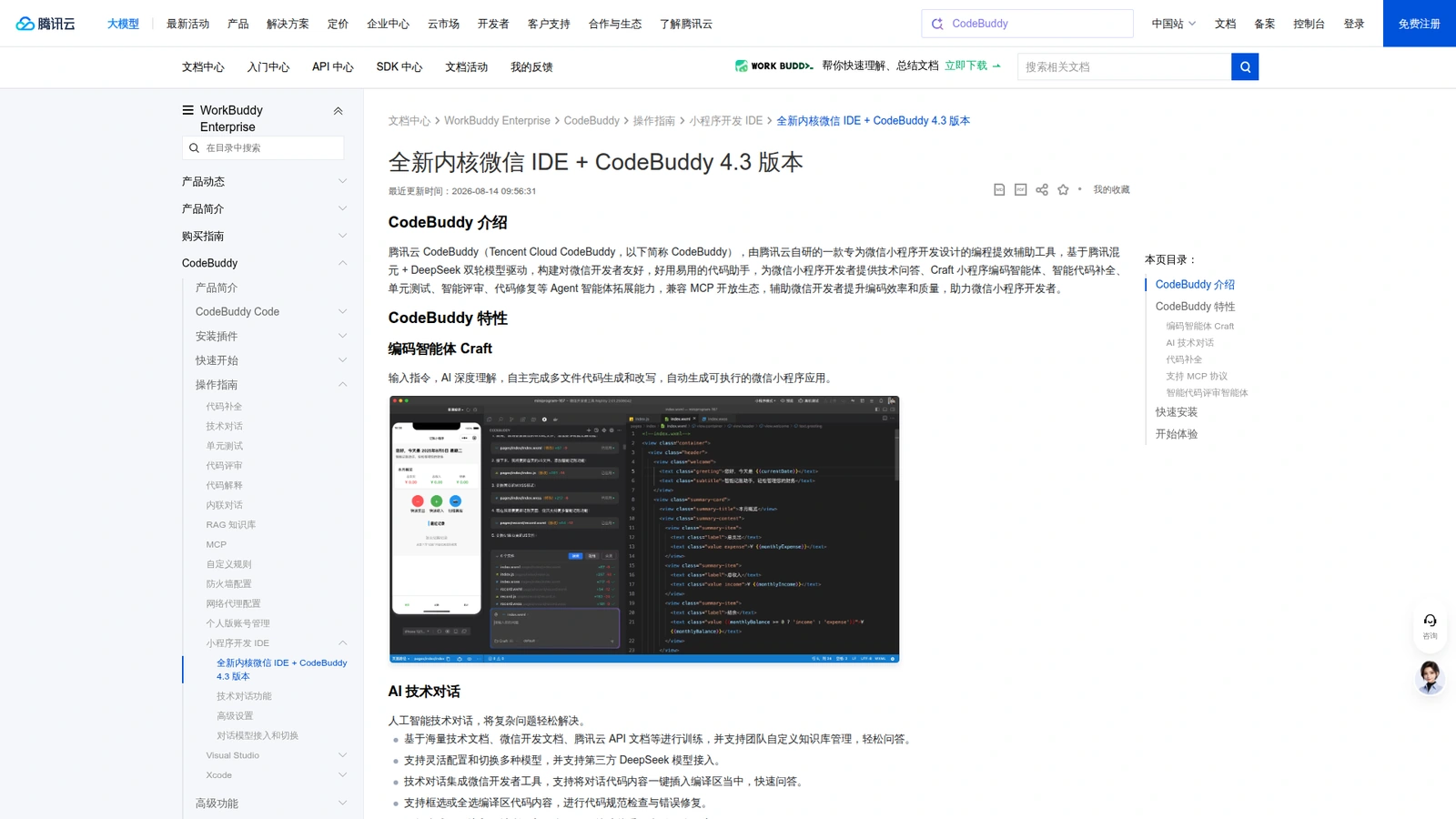 CodeBuddy documentation supports the IDE, MCP, and intelligent review comparison.
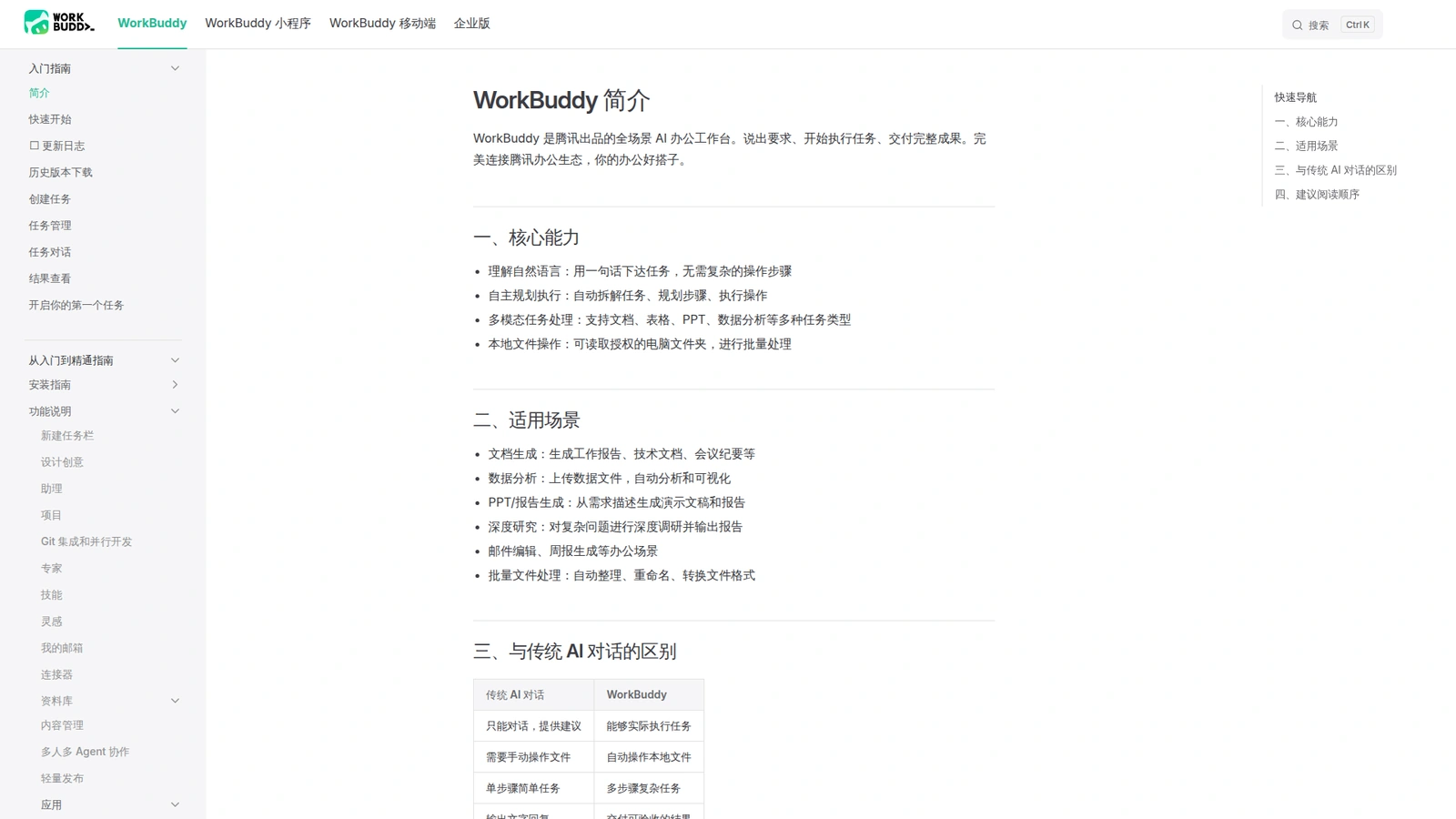 WorkBuddy documentation provides the product-side feature boundary for the comparison.
Pick WorkBuddy for the deliverable
Choose WorkBuddy when the work begins with an ambiguous business request and ends in a file or decision package. Examples include analyzing a spreadsheet, producing a research deck, organizing local documents, or coordinating a mixed writing/data workflow.
Its broad surface is an advantage when the task crosses departments. It is also the reason to be careful with connectors, file scope, and approval. A system that can read a folder, call a CRM tool, and send a message needs a visible authorization boundary.
Pick CodeBuddy for the editor loop
CodeBuddy is the more natural choice when the main state lives inside an IDE: code navigation, completion, review, unit tests, and Tencent or WeChat mini-program development. Tencent’s documentation describes an MCP-compatible coding workflow and an intelligent review agent.
The trade-off is scope. A developer tool can be excellent at code while being the wrong surface for a finance report or a multi-team research package. Keep the artifact boundary clear.
Pick Claude Code for terminal control
Claude Code fits teams that want a terminal-centered loop around an existing repository, shell, tests, and Git workflow. It gives the operator a direct view of commands and outputs, which is valuable for engineers who already have a secure development environment.
That control is not the same as safety. Restrict network access, use disposable worktrees, protect credentials, and require approval for destructive commands. The best surface is the one whose permissions your team can actually observe and govern.
A decision rule
Ask three questions:
- What is the final artifact?
- Where does the authoritative state live?
- Which side effects require approval?
If the artifact is a cross-role package, start with WorkBuddy. If authoritative state is an IDE project, start with CodeBuddy. If it is a repository and terminal workflow, start with Claude Code. You can combine them later, but define one system as the owner of each artifact.
Compare them on the same task
Use a fixed evaluation rather than a feature checklist. Give each surface the same repository or input folder, the same acceptance tests, the same time budget, and the same permission ceiling. Score clean-start success, useful tool calls, test quality, recovery after one injected failure, human edits, final artifact quality, and total cost. Run at least three repetitions because a single polished result hides variance.
The ownership question matters when combining tools. WorkBuddy can coordinate a brief and package; CodeBuddy can own editor-native changes; Claude Code can own a terminal repair. Define a hand-off file and a verification command between them. Never let two agents edit the same authoritative file without a lock, diff review, or explicit ownership transfer.
The practical migration path is incremental: start with read-only inspection, then allow changes in a disposable branch, then add approved writes. Keep credentials, network access, and destructive commands governed by the host where they execute.
Choose by the cost of being wrong
For a report or cross-functional package, the main risk is an unsupported claim or an untraceable edit, so WorkBuddy’s artifact and review boundary matters most. For an IDE change, the risk is breaking a dependency or missing a test, so CodeBuddy’s editor context and development loop matter more. For a terminal repair, the risk is an unreviewed command changing the environment, so Claude Code’s visible shell history and worktree discipline matter more.
The comparison should include operational friction. How quickly can a new teammate understand the run? Can the team revoke one connector without disabling every project? Does the tool produce a diff, test output, and clean hand-off? What happens when the model is wrong? These answers often outweigh a small difference in first-pass completion rate.
If the products are used together, make the boundaries explicit: WorkBuddy owns the brief and delivery package; CodeBuddy owns editor changes; Claude Code owns terminal commands. Pass artifacts, not vague summaries. A good hand-off includes the exact files changed, the verification command, expected output, and the remaining risk.
An evaluation sheet can make the choice concrete. Give each tool a small task such as “find the failing test, change the minimum code, run the focused suite, and explain the diff.” Then run a second task that starts with a folder of mixed documents and ends with a decision memo. The first task tests coding depth; the second tests breadth, file handling, and artifact delivery. A third task with one unavailable dependency tests whether the surface reports uncertainty instead of inventing success.
Consider team topology too. A solo developer may prefer the directness of a terminal or IDE loop. A product team that needs a reviewed report and a code change may benefit from WorkBuddy as the intake and hand-off layer, with a coding surface delegated for implementation. Procurement should compare data residency, account administration, auditability, and support—not just model names or demo quality.
The result does not have to be one global standard. Teams can standardize the artifact contract, repository policy, and approval rules while allowing different surfaces for different jobs. That preserves operator choice without creating an ungoverned collection of agents.
The durable standard is therefore the hand-off and approval contract, while the preferred interface can remain task-specific.
FAQ
Is WorkBuddy better than CodeBuddy?
Neither is universally better. WorkBuddy is broader; CodeBuddy is more development-focused. Compare them on your actual task, files, tools, and acceptance checks.
Can I use WorkBuddy for serious coding?
Yes, especially for task planning, repository-wide coordination, and mixed code/document work. For editor-native navigation and tight test loops, CodeBuddy or a terminal coding agent may be a better primary surface.
Can these products share MCP tools?
Potentially, when the host and server support the same protocol and schemas. Recheck authentication, tool names, permission scope, and failure behavior for each host; protocol compatibility does not imply policy compatibility.
What should a team standardize first?
Standardize workspace boundaries, credential handling, approval rules, artifact naming, test commands, and run logs before standardizing the model brand.
Sources: WorkBuddy, Tencent CodeBuddy documentation, and Claude Code guide.