SandBase CLI: One MCP Bridge for 25 AI Client Targets
Install the open-source SandBase CLI, connect Codex, Claude Code, Cursor, Gemini CLI, and other AI clients, and expose six MCP tools for a catalog of 2,000+ models and APIs.
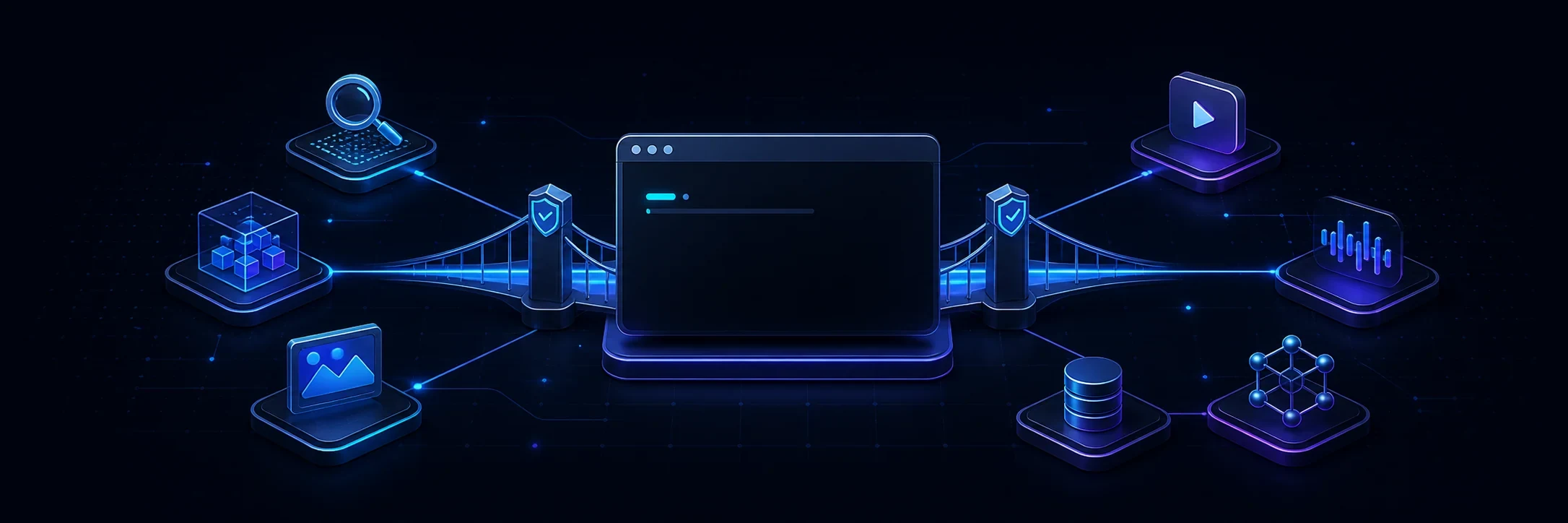
AI clients increasingly support the Model Context Protocol, but each client still has its own configuration file, command, and lifecycle. Connecting the same tool surface to Codex, Claude Code, Cursor, Gemini CLI, or Windsurf can turn into a collection of one-off setup instructions.
SandBase CLI is an open-source TypeScript CLI and local MCP bridge that makes that setup repeatable. It detects supported clients, uses an OAuth device flow with PKCE, stores the resulting credential with restricted local permissions, and adds only the configuration owned by SandBase.
The current catalog covers 25 client targets and the MCP bridge exposes six focused tools for discovering, inspecting, and running items from a catalog of 2,000+ AI models and APIs.
Connect a detected client
Run the normal setup command:
npx -y https://github.com/sandbaseai/cli/releases/download/v0.1.17/sandbaseai-cli-0.1.17.tgz connectThe CLI detects compatible clients and guides the setup for the clients it can configure safely. You can also select one target explicitly:
npx -y https://github.com/sandbaseai/cli/releases/download/v0.1.17/sandbaseai-cli-0.1.17.tgz connect --client cursorBefore signing in or changing a local configuration file, inspect the complete compatibility catalog:
npx -y https://github.com/sandbaseai/cli/releases/download/v0.1.17/sandbaseai-cli-0.1.17.tgz catalog --jsonThat command is useful in CI, support scripts, and security reviews because it returns machine-readable capability and verification metadata without writing to the machine.
Supported client families
The catalog includes auto-configured, guided, and manual integration paths for clients such as:
- Codex
- Claude Code and Claude Desktop
- Cursor and Cursor CLI
- Gemini CLI
- Windsurf
- OpenCode, Qwen Code, and Kimi CLI
- Kiro IDE and Kiro CLI
- Warp, Amp, Hermes, and OpenClaw
- ChatGPT and Cowork workflows that require workspace-level review
The distinction between automatic and guided setup is deliberate. If a client does not expose a stable configuration interface, the CLI prepares an owned artifact or prints the exact MCP launcher instead of pretending it completed a change it cannot verify.
Six MCP tools instead of a giant static catalog
After connection, the agent receives a compact workflow:
| Tool | Purpose |
|---|---|
sandbase_discover | Search the model and API catalog |
sandbase_inspect | Read the input schema, pricing, and request template |
sandbase_run | Execute a selected model or API |
sandbase_run_get | Poll an asynchronous run such as video generation |
sandbase_runs | Inspect recent calls and cost information |
sandbase_account | Check account balance without starting a paid run |
The intended sequence is:
discover -> inspect -> runThat sequence matters. Agents should inspect a tool’s current schema and price before executing it rather than guessing parameters from a name.
Local ownership and rollback
Agent configuration is security-sensitive, so the CLI uses ownership-aware updates:
- credentials are not passed through command-line arguments or URLs;
- stored credentials use restricted file permissions;
- existing JSONC comments and unrelated MCP entries are preserved;
- failed setup rolls back SandBase-owned changes;
unregisterremoves only configuration owned by SandBase;doctorreads the installed state and reports what still requires a real client confirmation.
Run a health check at any time:
npx -y https://github.com/sandbaseai/cli/releases/download/v0.1.17/sandbaseai-cli-0.1.17.tgz doctorInspect the project
The repository is licensed under Apache-2.0 and includes its release workflow,
tests, client capability registry, issue templates, security policy, and the
installable sandbase Agent Skill.
If the CLI saves you from maintaining another set of client-specific MCP instructions, star SandBase CLI on GitHub. That signal helps other agent builders find and evaluate the project.