Hy4 preview for game development: from one prompt to a playable prototype
A practical reading of Tencent's Unreal, Unity, and MCP game-development examples for Hy4 preview.
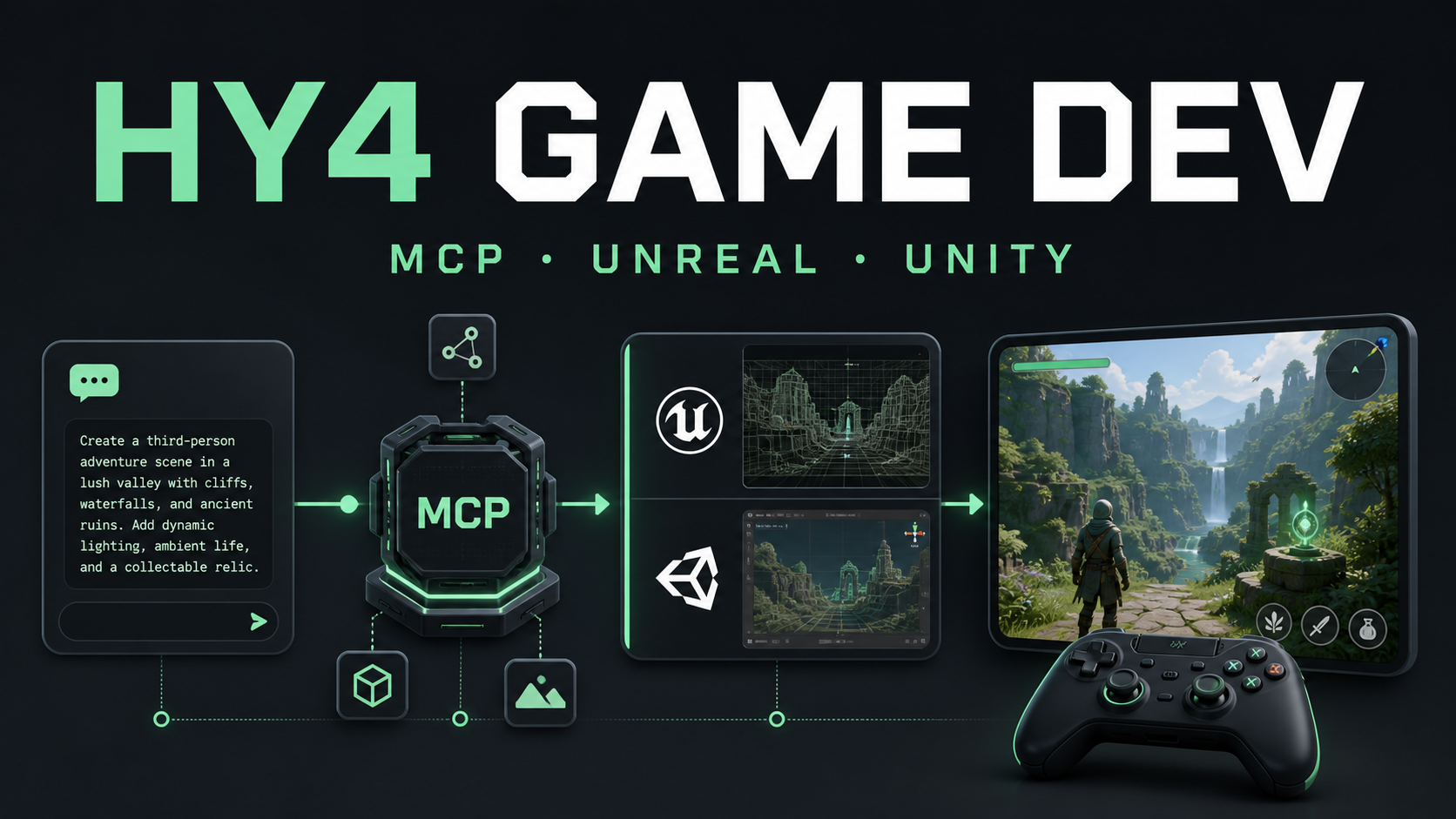
Tencent describes Hy4 preview as a model built for productivity. Game prototyping is a useful stress test for that claim because it combines code, scene state, interaction design, assets, and debugging feedback. A screenshot of a generated scene is easy to overvalue; the real question is whether the model can keep moving inside an engine after the first pass.
Key takeaway
- A playable screenshot is not proof of a reproducible game project.
- Test engine state, failure recovery, performance, asset licensing, and clean-checkout hand-off.
- MCP expands what the model can do and therefore expands the permission boundary.
- Keep design intent, approvals, and release decisions with the human team.
What Tencent shows
The announcement describes two workflows: connecting Hy4 preview to Unreal Engine 5 through MCP to build a shooter demo, and using Unity to create a third-person penguin adventure with scenes, movement, combat, quest tracking, and a menu-to-level flow. These examples suggest tool-chain operation in a constrained environment. They do not prove that every generated game is production-ready.
A test that reveals more than a demo
Start with a bounded requirement and record the engine version, target platform, allowed tools, and acceptance criteria. Ask the model to build a small playable loop, then require it to save the project, run a check, and explain any failure. Next, split the work into milestones: boot an empty scene, add input, add collisions and enemies, then add UI and audio. This shows whether the model preserves working state while extending the project.
Finally, inject a controlled failure by removing a reference or changing an asset path. The useful signal is not whether the first implementation is perfect; it is whether the model reads the error, identifies the smallest necessary change, and avoids creating a second regression.
MCP helps—and expands the boundary
Without MCP, a model can write scripts but a developer still has to open the editor, create objects, attach components, and run tests. MCP places those actions inside an auditable tool chain so the model can observe feedback and choose the next step. It also increases risk: file writes, shell commands, network access, and exports all have side effects. Grant the minimum permissions, record request IDs, and keep a rollback snapshot for every milestone.
Visual quality needs its own gate
Tencent highlights better visual taste and interaction quality. That should be checked separately from code correctness: camera framing, UI obstruction, low-resolution behavior, asset licensing, frame rate, and input consistency. Ask for a screenshot at each milestone and require the model to list failed checks rather than simply claim completion.
Who should try it
Hy4 preview is a good candidate for rapid gameplay experiments, internal demos, and early interaction design. It is not a substitute for review, permission isolation, performance profiling, or release engineering. Tencent calls it an early version and notes overthinking and excessive self-verification on complex tasks, issues that can become more expensive in stateful game projects.
Initial assessment
The important story is not that Hy4 preview “makes games.” It is that the model is being tested against a real engine and real feedback loop. Measure tool calls, recovery from failure, and a clean playable build before deciding whether the prototype is a useful engineering starting point.
A milestone scorecard
For each milestone, record whether the project opens from a clean checkout, whether the target scene loads without missing references, and whether the core loop can be completed with keyboard or controller input. Add a reproducible capture of the build and a short tool trace. This exposes a common failure mode in generated projects: the editor view looks convincing, but the saved project cannot be rebuilt by someone else.
Measure frame time and memory on the target device, not only on the development machine. Check that network and filesystem tools are disabled unless the task explicitly needs them. Generated assets should have a clear license or be marked as placeholders. For an internal prototype, these gates may be light; for a shipped title, they become release criteria owned by the engineering and art teams.
The best use of Hy4 preview here is iterative collaboration. Let it propose a scene plan, implement one small change, run the engine, and summarize the observed error. Keep the human in charge of design intent and permissions. That makes the model’s long-horizon ability measurable without turning a prototype into an unreviewed automation script.
A clean-room hand-off test
Before calling the prototype successful, export it and ask a second person to open it from a clean checkout without the original conversation. The hand-off should include the engine version, platform target, setup commands, known limitations, and the exact input needed to reach the core loop. If the recipient needs undocumented editor clicks or a missing local asset, the result is a demo artifact rather than a reproducible project.
I would also keep a small decision log for every tool action: what the model intended to change, which file or scene it touched, what the engine reported, and whether a person approved the change. This log makes it possible to distinguish a model failure from an environment failure. It also gives the team a safe way to revert one milestone instead of deleting the entire project when a later experiment goes wrong.
The boundary matters most when the model can call shell, filesystem, or network tools. A game prototype does not need unrestricted access to a developer laptop. Use a disposable workspace, deny outbound network by default, and require explicit approval for exports or writes outside the project directory. These controls add a little friction, but they preserve the useful part of the experiment: fast, observable iteration.
What I would measure after the novelty wears off
The first playable loop is a poor stopping point because generated projects often hide their costs in the next ten minutes of use. I would run the same build through a small matrix: a fresh launch, a reload after a scene transition, a failed asset import, a second player input device, and a low-resolution window. For each case, record whether the model can diagnose the issue from the engine output or needs the human to translate an error into a new prompt.
The scorecard should separate four kinds of quality. Functional quality asks whether movement, combat, collision, and progression work. Structural quality asks whether scenes and scripts have clear ownership and whether a new developer can locate the state that controls them. Runtime quality asks about frame time, memory, loading stalls, and input latency on the target device. Product quality asks whether the visual language, difficulty, accessibility, and audio choices match the brief. A prototype can pass the first category and fail the other three without being useless; the point is to know which category the model actually improved.
For MCP-driven work, save the tool trace beside the project snapshot. The trace should show the request, tool name, validated arguments, approval decision, result, and any retry. Redact secrets and user data, but keep enough detail to replay a failure. If a tool call writes outside the project directory, fail the step and ask for an explicit approval instead of silently widening the sandbox.
I would also ask the model to produce a short “not done” list at the end of every milestone. It should name missing assets, untested platforms, known performance risks, and assumptions about the engine. This is a simple way to counter the tendency of a polished first pass to sound more complete than it is. The list becomes part of the hand-off document and gives the next session a bounded starting point.
That workflow is where Hy4 preview can be genuinely useful: not as an autonomous game studio, but as a fast collaborator that can turn a design constraint into an observable sequence of changes. The human team still decides which experiments are worth keeping, which assets can ship, and when the project has earned a release candidate label.
Conclusion
Hy4 preview is most useful as a fast, observable collaborator for game experiments. Keep permissions, design intent, asset licensing, and release approval with the human team, and require a reproducible build before treating a generated prototype as an engineering deliverable.
Evidence screenshots
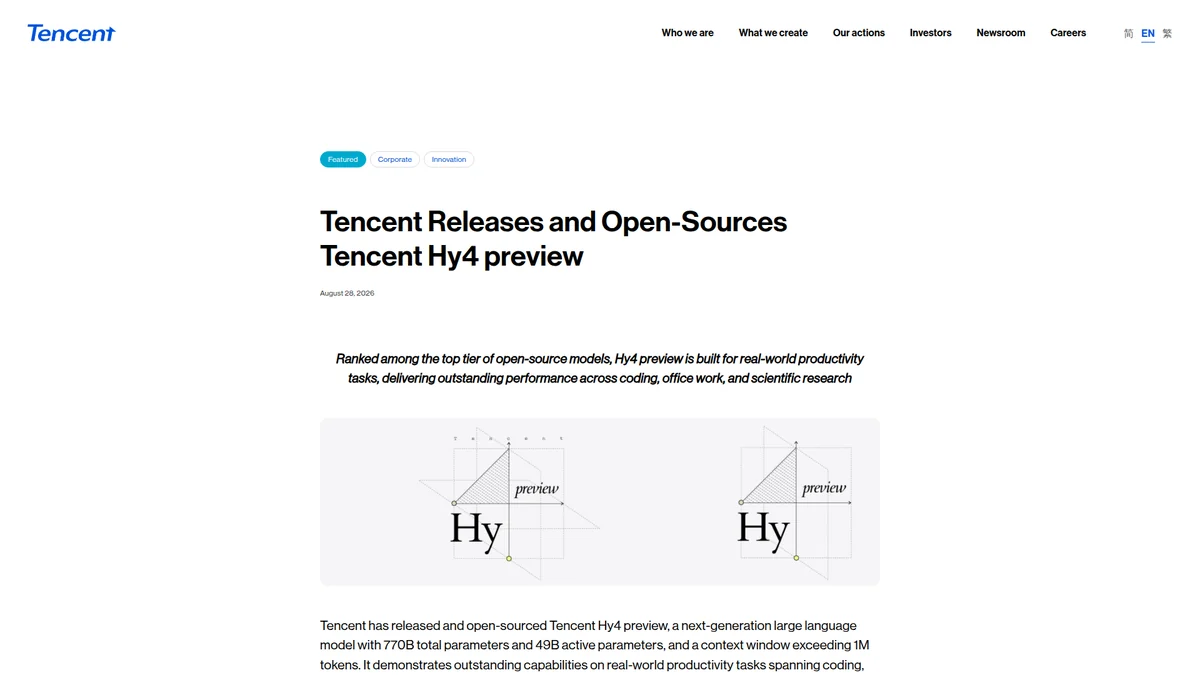
Figure 1. Tencent’s announcement frames game development as a productivity workflow.
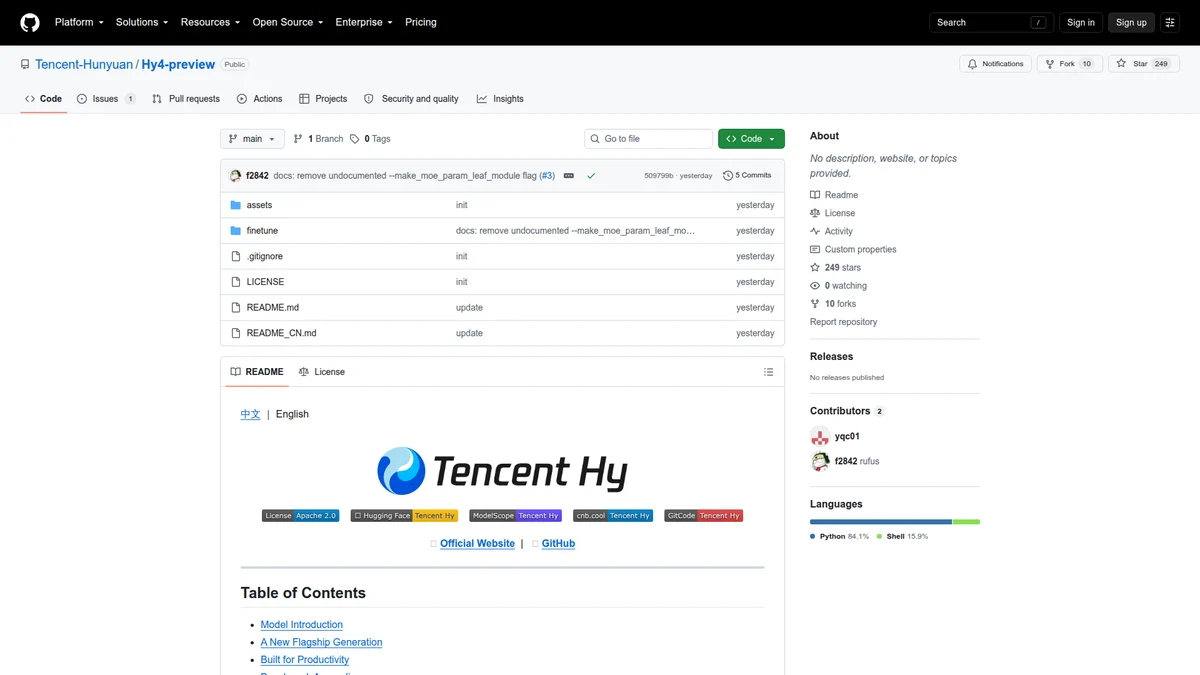
Figure 2. The official repository is the place to inspect released implementation artifacts.
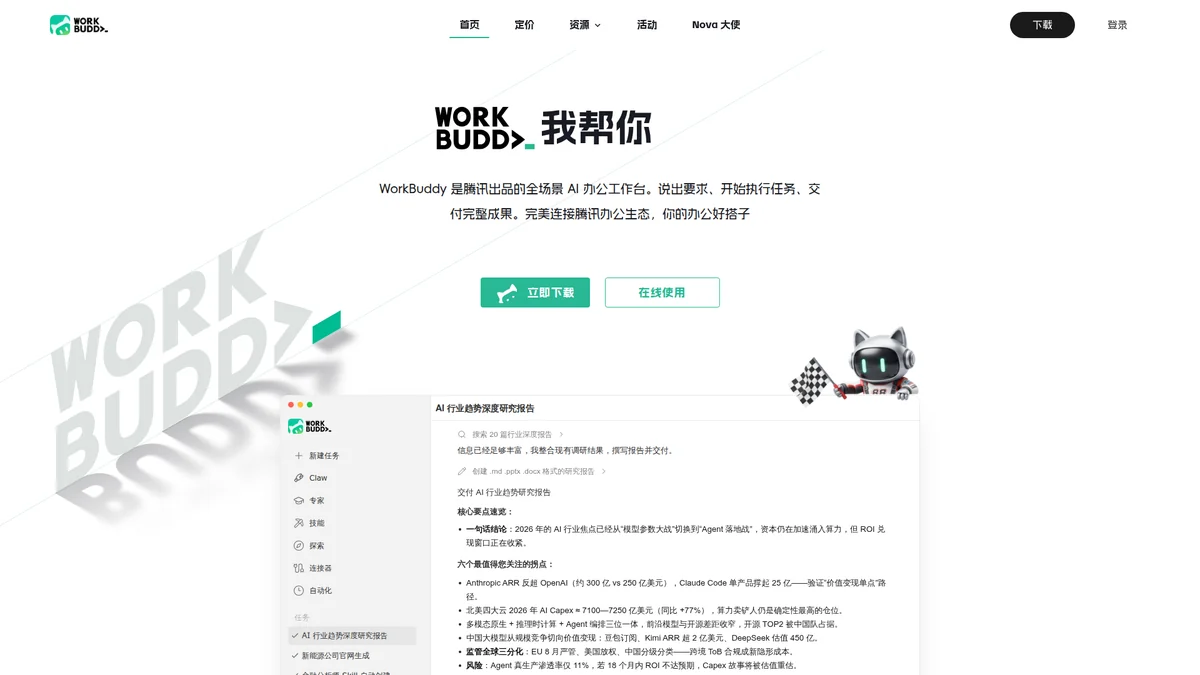
Figure 3. WorkBuddy is the hosted surface for trying the productivity workflow.