Instagram User ID API: Username Lookup Guide
Learn how to convert Instagram usernames to user IDs and vice versa using SandBase's unified API. Practical code examples in curl and Python for automation, analytics, and AI agent workflows.

Instagram User ID API: Username Lookup Guide
If you’ve ever tried to build Instagram automation — whether it’s a follower tracker, an analytics dashboard, or a social monitoring agent — you’ve probably hit the same wall: Instagram’s APIs work with numeric user IDs, not usernames. That means before you can do anything useful, you need a reliable way to convert between usernames and IDs.
In this tutorial, I’ll show you how to do exactly that using SandBase’s unified social media API. We’ll cover both directions (username → ID and ID → username), walk through real code examples, and discuss practical use cases for AI agents and automation workflows.
Why You Need Instagram User ID Lookup
Most Instagram automation tasks require a numeric user ID rather than the human-readable username. Here’s why this matters:
- Follower tracking: To monitor follower changes over time, you need the target account’s user ID to query follower lists consistently.
- Content scheduling: Automation tools reference accounts by ID internally, even if users input a username.
- Analytics dashboards: Aggregating metrics across accounts requires stable identifiers — usernames can change, but IDs don’t.
- Cross-platform matching: When building unified social profiles (Instagram + TikTok + YouTube), user IDs provide the stable anchor for each platform.
- AI agent workflows: Agents that monitor competitors or track influencers need programmatic ID resolution as a first step.
The problem? Instagram doesn’t offer a straightforward public endpoint for this conversion. That’s where SandBase comes in.
What SandBase Provides
SandBase offers a unified API layer for social media data, covering Instagram, TikTok, Douyin, YouTube, and more. For Instagram user ID lookups, you get two clean endpoints:
| Direction | Endpoint | Description |
|---|---|---|
| Username → ID | instagram/v3/user-id-by-username | Get user ID and profile info from a username |
| ID → Username | instagram/v1/user-id-to-username | Get username from a numeric user ID |
Both endpoints return structured JSON with consistent response formats, proper error handling, and fast response times.
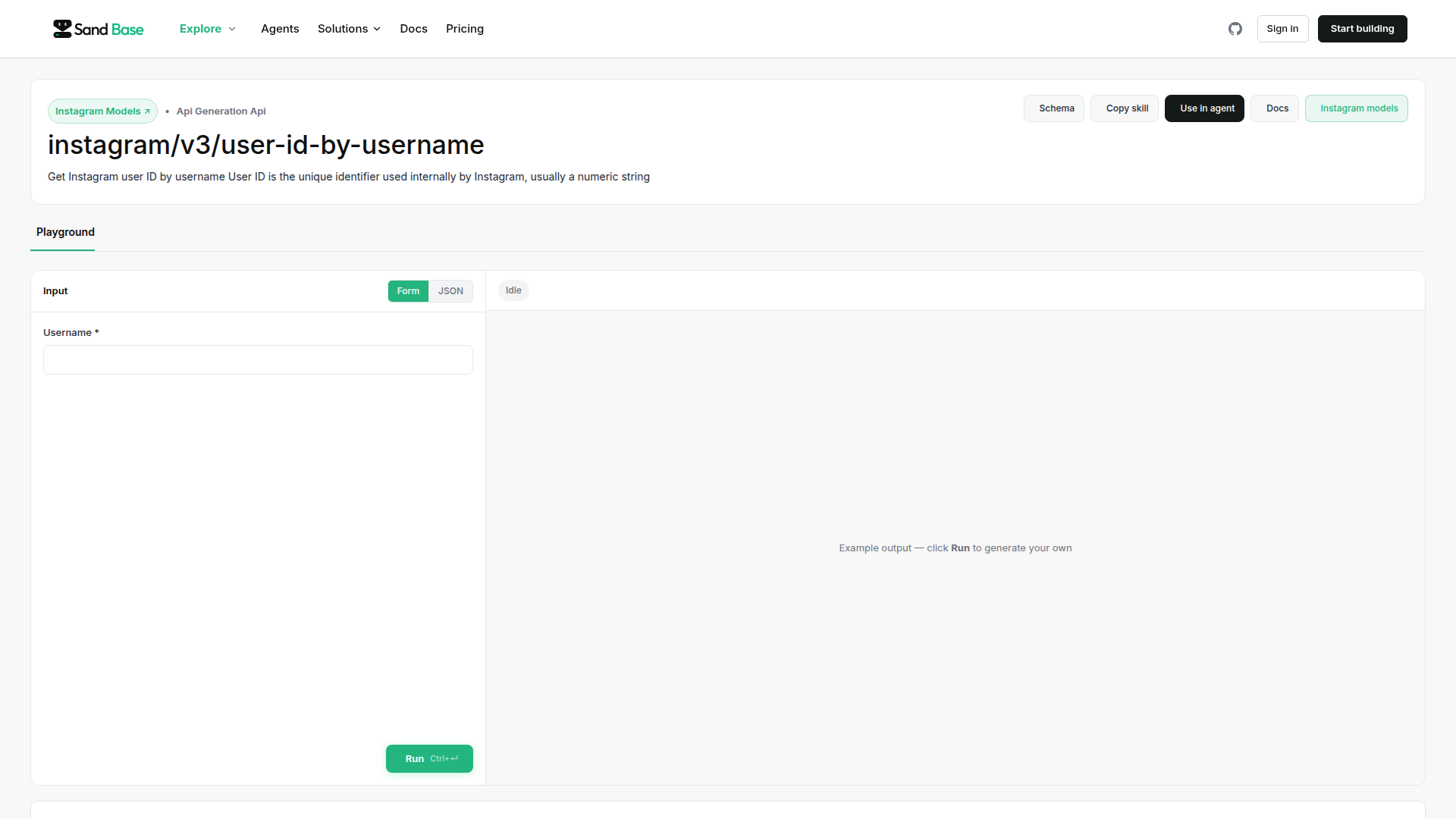
Getting Started
Prerequisites
- A SandBase account (sign up at sandbase.ai)
- An API key from your dashboard
- curl or Python (3.7+) installed
Authentication
All SandBase API calls use a simple API key header:
X-API-Key: your_api_key_hereEndpoint 1: Username to User ID
This is the most common use case. You have an Instagram username (like natgeo or nike) and need the corresponding numeric user ID.
curl Example
curl -X GET "https://api.sandbase.ai/instagram/v3/user-id-by-username?username=natgeo" \
  -H "X-API-Key: your_api_key_here" \
  -H "Content-Type: application/json"
Response
{
  "status": "success",
  "data": {
    "user_id": "787132",
    "username": "natgeo",
    "full_name": "National Geographic",
    "is_verified": true,
    "is_private": false,
    "profile_pic_url": "https://...",
    "follower_count": 284000000,
    "following_count": 134,
    "media_count": 27500
  }
}
You get more than just the ID — the response includes profile metadata that’s useful for dashboards and agent context.
Python Example
import requests

API_KEY = "your_api_key_here"
BASE_URL = "https://api.sandbase.ai"

def get_user_id_by_username(username: str) -> dict:
    """Convert an Instagram username to a user ID."""
    url = f"{BASE_URL}/instagram/v3/user-id-by-username"
    headers = {
        "X-API-Key": API_KEY,
        "Content-Type": "application/json"
    }
    params = {"username": username}

    response = requests.get(url, headers=headers, params=params)
    response.raise_for_status()
    return response.json()


# Usage
result = get_user_id_by_username("natgeo")
print(f"User ID: {result['data']['user_id']}")
print(f"Followers: {result['data']['follower_count']}")
Endpoint 2: User ID to Username
The reverse lookup is useful when you have stored user IDs (from webhooks, databases, or other API responses) and need to resolve them back to human-readable usernames.
curl Example
curl -X GET "https://api.sandbase.ai/instagram/v1/user-id-to-username?user_id=787132" \
  -H "X-API-Key: your_api_key_here" \
  -H "Content-Type: application/json"
Response
{
  "status": "success",
  "data": {
    "user_id": "787132",
    "username": "natgeo",
    "full_name": "National Geographic",
    "is_verified": true,
    "profile_pic_url": "https://..."
  }
}
Python Example
def get_username_by_id(user_id: str) -> dict:
    """Convert a numeric user ID back to a username."""
    url = f"{BASE_URL}/instagram/v1/user-id-to-username"
    headers = {
        "X-API-Key": API_KEY,
        "Content-Type": "application/json"
    }
    params = {"user_id": user_id}

    response = requests.get(url, headers=headers, params=params)
    response.raise_for_status()
    return response.json()


# Usage
result = get_username_by_id("787132")
print(f"Username: {result['data']['username']}")
Practical Use Case: Building a Follower Tracking Agent
Let’s put this together in a more realistic scenario. Say you’re building an AI agent that monitors follower counts for a list of competitor accounts and alerts you when significant changes happen.
import requests
import json
from datetime import datetime

API_KEY = "your_api_key_here"
BASE_URL = "https://api.sandbase.ai"

TRACKED_ACCOUNTS = ["nike", "adidas", "puma", "newbalance"]


def get_user_id_by_username(username: str) -> dict:
    """Convert an Instagram username to a user ID with profile info."""
    url = f"{BASE_URL}/instagram/v3/user-id-by-username"
    headers = {"X-API-Key": API_KEY}
    params = {"username": username}
    response = requests.get(url, headers=headers, params=params)
    response.raise_for_status()
    return response.json()["data"]


def collect_follower_data(usernames: list) -> list:
    """Collect follower counts for a list of usernames."""
    results = []
    for username in usernames:
        try:
            data = get_user_id_by_username(username)
            results.append({
                "username": data["username"],
                "user_id": data["user_id"],
                "follower_count": data["follower_count"],
                "timestamp": datetime.utcnow().isoformat()
            })
        except requests.HTTPError as e:
            print(f"Error fetching {username}: {e}")
    return results


def detect_changes(current: list, previous: list, threshold: float = 0.01) -> list:
    """Detect significant follower count changes (default: 1% threshold)."""
    alerts = []
    prev_map = {item["username"]: item["follower_count"] for item in previous}

    for item in current:
        username = item["username"]
        if username in prev_map:
            old_count = prev_map[username]
            new_count = item["follower_count"]
            change_pct = (new_count - old_count) / old_count if old_count > 0 else 0

            if abs(change_pct) >= threshold:
                alerts.append({
                    "username": username,
                    "old_count": old_count,
                    "new_count": new_count,
                    "change_pct": round(change_pct * 100, 2)
                })
    return alerts


# Run the tracker
if __name__ == "__main__":
    current_data = collect_follower_data(TRACKED_ACCOUNTS)

    # In production, load previous data from your database
    # previous_data = load_from_db()
    # alerts = detect_changes(current_data, previous_data)

    print(json.dumps(current_data, indent=2))
This pattern works perfectly as a scheduled task or as part of a larger social monitoring agent built with the OpenAI SDK.
Batch Processing: Multiple Usernames
When resolving many usernames at once, add basic rate limiting and error handling:
import time

def batch_resolve_usernames(usernames: list, delay: float = 0.5) -> dict:
    """Resolve a batch of usernames to user IDs with rate limiting."""
    results = {}
    for username in usernames:
        try:
            data = get_user_id_by_username(username)
            results[username] = {
                "user_id": data["user_id"],
                "full_name": data["full_name"],
                "follower_count": data["follower_count"]
            }
        except requests.HTTPError as e:
            results[username] = {"error": str(e)}
        time.sleep(delay)  # Respect rate limits
    return results


# Resolve 10 accounts
accounts = ["nike", "adidas", "puma", "newbalance", "underarmour",
            "reebok", "asics", "fila", "converse", "vans"]
resolved = batch_resolve_usernames(accounts)

for username, info in resolved.items():
    if "error" not in info:
        print(f"@{username} → ID: {info['user_id']} ({info['follower_count']:,} followers)")
Combining with Other Social APIs
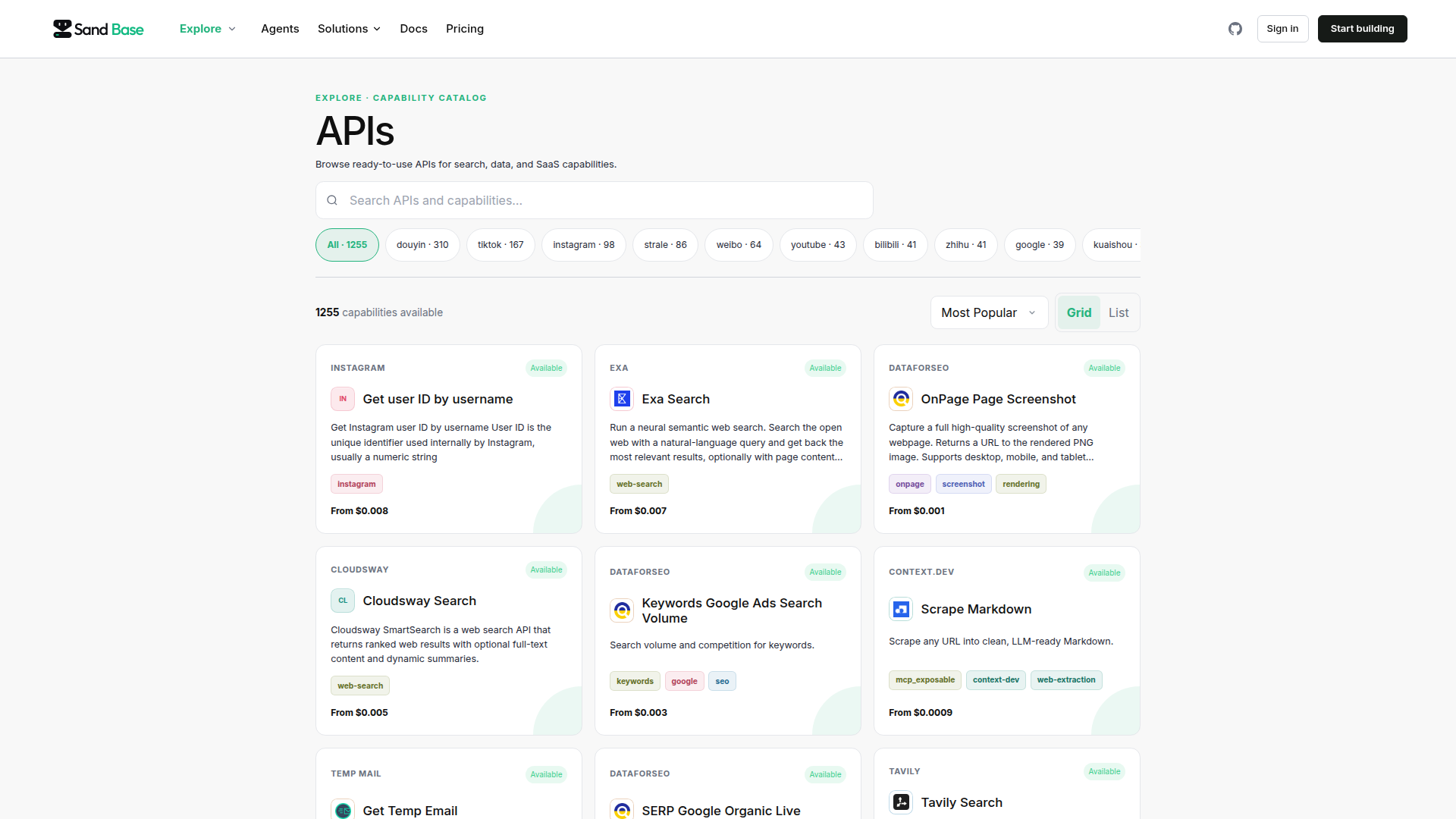
One of SandBase’s strengths is its unified approach to social media data. You can combine Instagram user ID lookups with APIs for other platforms to build cross-platform profiles.
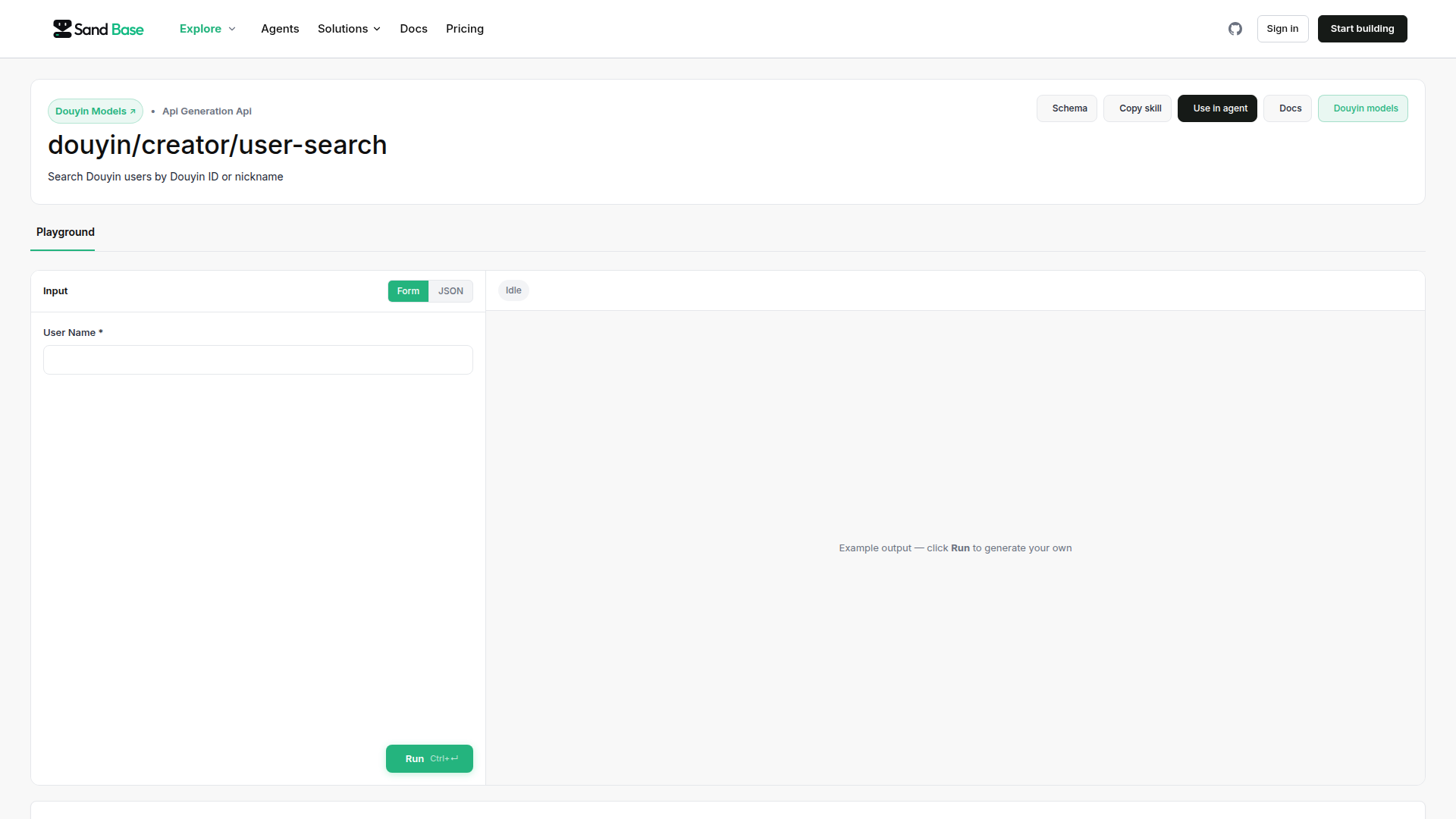
For example, if you’re building a multi-platform influencer database, you might:
- Resolve Instagram username → user ID via
instagram/v3/user-id-by-username - Query Douyin user search to find the same creator on the Chinese platform
- Pull TikTok profile data for the global short-video presence
- Merge all data into a unified profile with stable IDs from each platform
This cross-platform approach is especially powerful for AI agents working with social media data, where the agent needs a consistent identity layer across multiple data sources.
Error Handling Best Practices
Here are the common error responses and how to handle them:
def safe_lookup(username: str) -> dict | None:
    """Robust username lookup with proper error handling."""
    try:
        result = get_user_id_by_username(username)
        return result
    except requests.HTTPError as e:
        if e.response.status_code == 404:
            print(f"User @{username} not found — may be deleted or misspelled")
        elif e.response.status_code == 429:
            print("Rate limit hit — back off and retry")
            time.sleep(60)
            return safe_lookup(username)  # Retry once
        elif e.response.status_code == 401:
            print("Invalid API key — check your credentials")
        else:
            print(f"Unexpected error: {e}")
    return None
Key error codes:
- 404: Username doesn’t exist or account is deleted
- 429: Rate limit exceeded — implement exponential backoff
- 401: Invalid or expired API key
- 500: Server error — retry after a short delay
Tips for Production Use
- Cache aggressively: User IDs don’t change. Once you’ve resolved a username → ID mapping, store it locally.
- Handle username changes: Usernames can change, but IDs are permanent. Store the ID as your primary key.
- Batch during off-peak: If resolving hundreds of accounts, run batch jobs during low-traffic hours.
- Monitor your usage: SandBase provides usage analytics in your dashboard — keep an eye on your quota.
- Use webhooks when available: For real-time monitoring, combine periodic polling with webhook-based triggers.
Summary
Converting between Instagram usernames and user IDs is a foundational step for almost any Instagram automation workflow. SandBase makes this simple with two focused endpoints:
instagram/v3/user-id-by-username— resolve username to ID + profile infoinstagram/v1/user-id-to-username— resolve ID back to username
Whether you’re building a follower tracking agent, a social media dashboard, or a cross-platform influencer database, these endpoints give you the stable identifiers you need to build reliable automation.
Ready to get started? Sign up for a SandBase API key and try the examples above. For more advanced workflows, check out our guide on building a social monitoring agent with the OpenAI SDK.