Douyin User Search API with Python & cURL: Creator Search Guide (2026)
Douyin User Search API tutorial with Python and cURL: search creators by keyword via SandBase /v1/run for KOL discovery, competitor monitoring, and social-data agents.

Douyin User Search API: Find Creators by Keyword
Need to find Douyin creators in a specific niche? Whether you’re building a KOL discovery tool, monitoring competitors, or automating social media research, the Douyin User Search API through SandBase gives you programmatic access to search Douyin’s creator database by keyword.
In this tutorial, you’ll learn how to call the API, parse the response, and integrate it into real workflows — with working curl and Python examples you can run in minutes.
Why Search Douyin Users by API?
Douyin (the Chinese version of TikTok) has over 700 million daily active users and millions of content creators. Manually searching for creators through the app is tedious and doesn’t scale. An API-based approach lets you:
- Discover KOLs (Key Opinion Leaders): Find influencers in any niche — beauty, tech, food, fitness — by searching relevant keywords.
- Monitor competitors: Track when new competitor accounts appear or when existing ones change their profiles.
- Build social listening tools: Automate the discovery of creators talking about your brand or industry.
- Power marketing automation: Feed creator data into your CRM or outreach tools for partnership campaigns.
- Conduct market research: Understand who the top voices are in any category on China’s largest short-video platform.
What is SandBase?
SandBase is a unified API gateway that aggregates dozens of social media and data APIs under one consistent interface. Instead of dealing with different authentication methods, rate limits, and response formats for each platform, you call one endpoint with one API key.
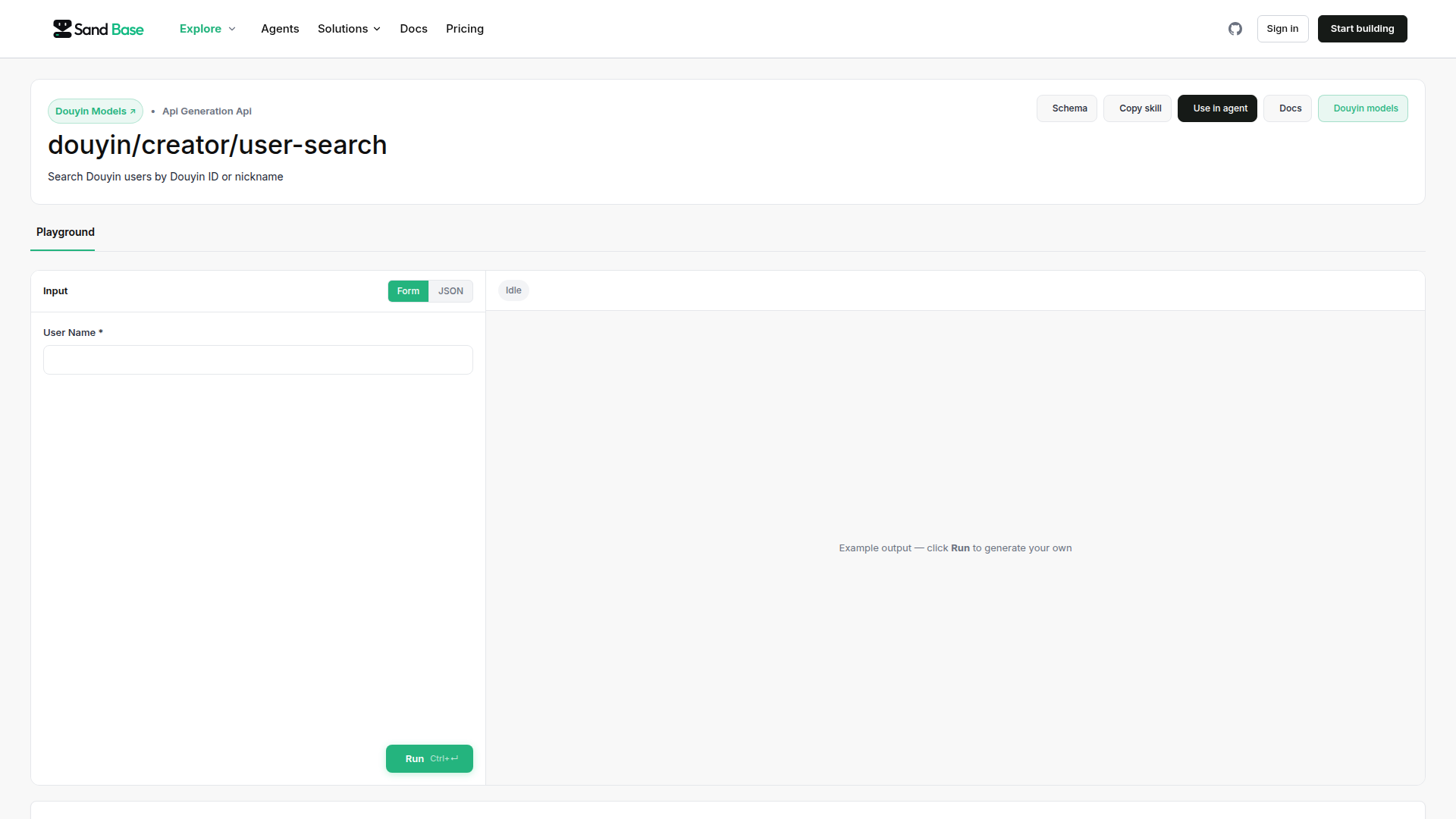
For Douyin specifically, SandBase provides access to user search, video search, creator profiles, and more — all through the same https://api.sandbase.ai/v1/run endpoint.
Prerequisites
Before you start, you’ll need:
- A SandBase account — Sign up at sandbase.ai
- An API key — Generate one from your SandBase dashboard
- Credits — SandBase uses a pay-per-call credit system. The Douyin user search API costs a few credits per request.
That’s it. No Douyin developer account needed, no OAuth flow to implement, no Chinese business license required.
API Overview
Here’s the key information for the Douyin User Search API:
| Parameter | Value |
|---|---|
| Endpoint | https://api.sandbase.ai/v1/run |
| Method | POST |
| Model | douyin/creator/user-search |
| Authentication | Bearer token (your SandBase API key) |
| Input | Search keyword |
| Output | List of matching user profiles |
The response includes rich creator data:
- Username and nickname
- Follower count
- Total video count
- Bio/description
- Avatar URL
- Verification status
- Unique user ID (for further API calls)
Step 1: Your First API Call (curl)
Let’s search for Douyin creators related to “咖啡” (coffee):
curl -X POST https://api.sandbase.ai/v1/run \
  -H "Content-Type: application/json" \
  -H "Authorization: Bearer YOUR_SANDBASE_API_KEY" \
  -d '{
    "model": "douyin/creator/user-search",
    "input": {
      "keyword": "咖啡",
      "count": 10
    }
  }'
This searches for creators whose profiles or content relate to “coffee” and returns up to 10 results.
Understanding the Response
The API returns a JSON response like this:
{
  "status": "success",
  "data": {
    "users": [
      {
        "uid": "MS4wLjABAAAA...",
        "nickname": "咖啡师小王",
        "signature": "专注精品咖啡 | 每日分享拉花技巧",
        "avatar_url": "https://p3.douyinpic.com/aweme/...",
        "follower_count": 528000,
        "video_count": 342,
        "is_verified": true,
        "custom_verify": "咖啡领域创作者"
      },
      {
        "uid": "MS4wLjABAAAA...",
        "nickname": "每日咖啡日记",
        "signature": "探店 | 家庭咖啡 | 器具评测",
        "avatar_url": "https://p3.douyinpic.com/aweme/...",
        "follower_count": 215000,
        "video_count": 189,
        "is_verified": false,
        "custom_verify": ""
      }
    ],
    "total": 2,
    "has_more": true
  }
}
Each user object gives you everything you need to evaluate whether a creator is relevant to your use case.
Step 2: Python Integration
For production use, here’s a clean Python implementation:
import requests
import json

class DouyinUserSearch:
    """Search Douyin creators through SandBase API."""

    def __init__(self, api_key: str):
        self.api_key = api_key
        self.endpoint = "https://api.sandbase.ai/v1/run"

    def search(self, keyword: str, count: int = 10) -> dict:
        """
        Search for Douyin users by keyword.

        Args:
            keyword: Search term (Chinese or English)
            count: Number of results to return (default 10)

        Returns:
            dict with user profiles matching the keyword
        """
        headers = {
            "Content-Type": "application/json",
            "Authorization": f"Bearer {self.api_key}"
        }

        payload = {
            "model": "douyin/creator/user-search",
            "input": {
                "keyword": keyword,
                "count": count
            }
        }

        response = requests.post(
            self.endpoint,
            headers=headers,
            json=payload
        )
        response.raise_for_status()
        return response.json()


# Usage
api_key = "your_sandbase_api_key_here"
client = DouyinUserSearch(api_key)

# Search for coffee-related creators
results = client.search("咖啡", count=10)

# Process results
for user in results["data"]["users"]:
    print(f"Name: {user['nickname']}")
    print(f"Followers: {user['follower_count']:,}")
    print(f"Videos: {user['video_count']}")
    print(f"Bio: {user['signature']}")
    print("---")
Adding Error Handling
For production systems, add retry logic and proper error handling:
import time
from typing import Optional

def search_with_retry(
    client: DouyinUserSearch,
    keyword: str,
    count: int = 10,
    max_retries: int = 3
) -> Optional[dict]:
    """Search with exponential backoff retry."""
    for attempt in range(max_retries):
        try:
            return client.search(keyword, count)
        except requests.exceptions.HTTPError as e:
            if e.response.status_code == 429:
                wait_time = 2 ** attempt
                print(f"Rate limited. Retrying in {wait_time}s...")
                time.sleep(wait_time)
            else:
                raise
        except requests.exceptions.RequestException as e:
            print(f"Request failed: {e}")
            if attempt < max_retries - 1:
                time.sleep(2 ** attempt)
    return None
Step 3: Practical Use Cases
Use Case 1: KOL Discovery for Marketing Campaigns
Find top creators in the skincare niche and filter by follower count:
results = client.search("护肤", count=20)

# Filter for mid-tier influencers (100K-500K followers)
mid_tier_kols = [
    user for user in results["data"]["users"]
    if 100_000 <= user["follower_count"] <= 500_000
]

print(f"Found {len(mid_tier_kols)} mid-tier skincare KOLs")
for kol in mid_tier_kols:
    print(f"  {kol['nickname']} — {kol['follower_count']:,} followers")
Use Case 2: Competitor Monitoring
Track accounts related to your brand or competitors:
competitors = ["品牌A", "品牌B", "品牌C"]

for brand in competitors:
    results = client.search(brand, count=5)
    users = results["data"]["users"]
    print(f"\n{brand}: Found {len(users)} related accounts")
    for user in users:
        print(f"  @{user['nickname']} ({user['follower_count']:,} followers)")
Use Case 3: Building a Social Monitoring Agent
Combine the Douyin user search with an AI agent framework to build automated social intelligence:
# Pseudocode for an AI agent workflow
keywords = ["你的品牌名", "行业关键词", "竞品名称"]

for keyword in keywords:
    creators = client.search(keyword, count=10)

    # Store results in your database
    for creator in creators["data"]["users"]:
        save_to_db(creator)

    # Alert if new high-follower accounts appear
    new_accounts = filter_new_accounts(creators["data"]["users"])
    if new_accounts:
        send_alert(f"New accounts found for '{keyword}': {new_accounts}")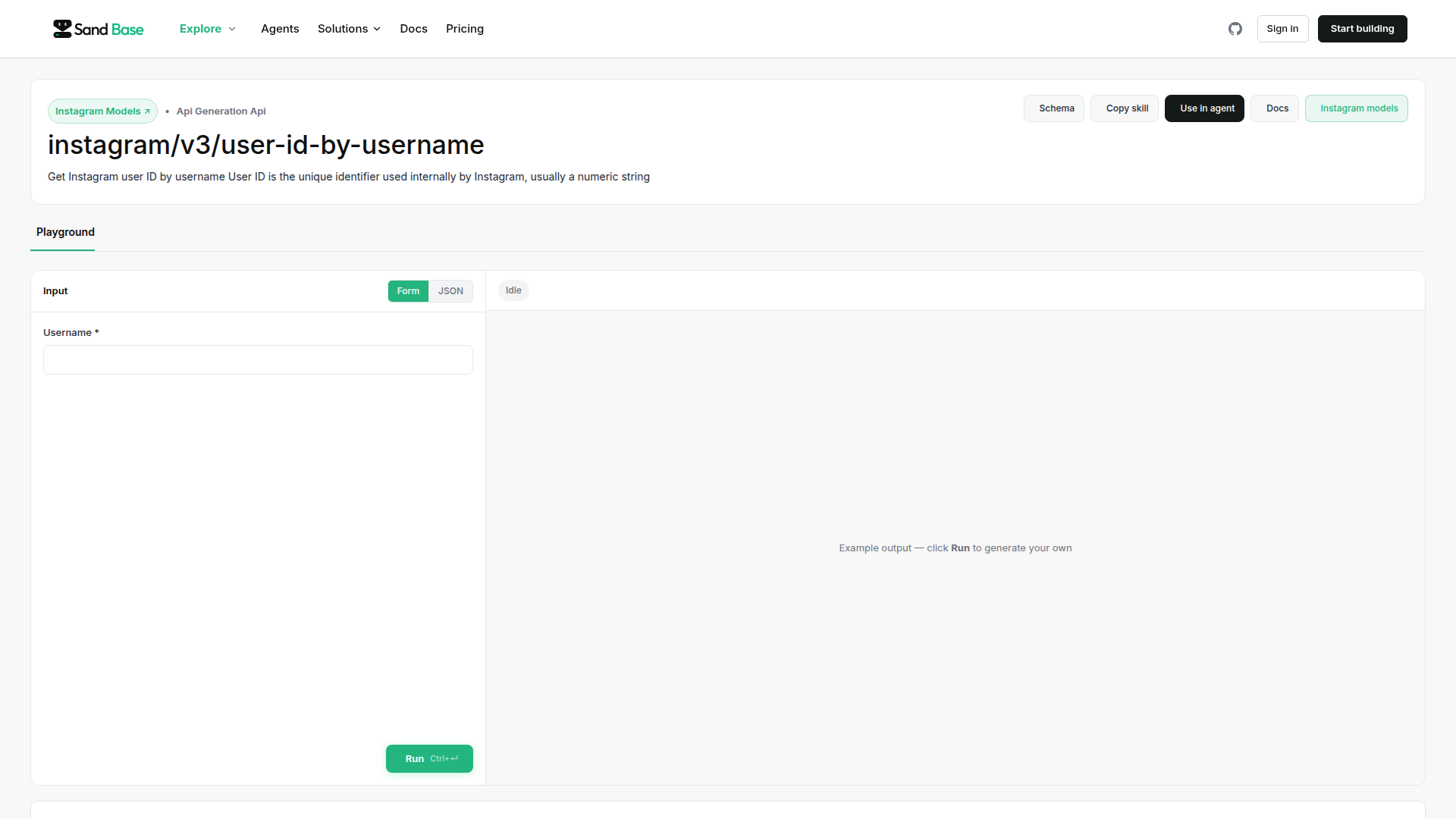
Combining with Other SandBase APIs
The real power comes from combining multiple APIs for comprehensive social intelligence. SandBase offers APIs across Chinese social platforms:
| Platform | API Model | Use Case |
|---|---|---|
| Douyin User Search | douyin/creator/user-search | Find creators |
| Douyin Video Search | douyin/video/search | Find trending content |
| Xiaohongshu | xiaohongshu/note/search | Cross-platform research |
weibo/user/search | Track discussions |
By combining these, you can build a full-spectrum social monitoring system that covers China’s major platforms from a single API gateway.
For more details on Douyin data APIs, check out our guide on Douyin Data API on SandBase. If you’re building AI agents that consume social data, read Social Media Data APIs for AI Agents in 2026.
Pricing and Rate Limits
SandBase uses a credit-based pricing model:
- Pay per call — You only pay for what you use
- No monthly minimums — Great for testing and small projects
- Volume discounts — Available for high-volume users
- Transparent pricing — Check your credit usage in the dashboard
The Douyin user search API typically costs a few credits per request. Check the SandBase pricing page for current rates.
Tips for Best Results
- Use Chinese keywords — Douyin is a Chinese platform. Searching in Chinese yields better results than English.
- Be specific — “精品咖啡” (specialty coffee) returns more targeted results than just “咖啡” (coffee).
- Combine searches — Run multiple searches with related keywords to build a comprehensive list.
- Cache results — User profiles don’t change frequently. Cache results to save credits.
- Respect rate limits — Implement backoff logic to handle 429 responses gracefully.
Summary
The Douyin User Search API through SandBase gives you a simple, unified way to search for creators on China’s largest short-video platform. With just a single API call, you can:
- Find relevant KOLs for marketing campaigns
- Monitor competitor accounts and new entrants
- Build automated social listening tools
- Power AI agents with real-time social data
The combination of SandBase’s unified interface, pay-per-call pricing, and rich response data makes it practical for everything from quick research scripts to production-grade social intelligence platforms.
Get started by signing up for SandBase and making your first API call today.