TikTok Engagement Rate Calculator: Audit Creators Before You Pay
Use the free TikTok engagement rate calculator to audit creator reach, posting cadence, fake-view risk and follower growth, then scale the workflow with four APIs.

A creator sends a media kit with 800,000 followers and a screenshot of one video that reached 2 million views. The tempting move is to divide likes by followers and call the account healthy. On TikTok, that can be badly misleading: much of a video’s distribution comes from the For You feed, not the follower base, and one viral post can hide a weak recent run.
The free TikTok Engagement Rate Calculator turns a public username, profile URL, video URL or vm.tiktok.com link into a creator audit. It reads recent public videos, calculates engagement by views and followers, shows reach and posting cadence, checks the latest videos for fake-view signals, and plots available follower milestones. It is useful for brands, agencies, MCNs and creators who need a quick screening report before they spend money or build a shortlist.
Key takeaway
- The calculator reads 12 recent videos, excludes pinned posts from its averages, and calculates
(likes + comments + shares) ÷ views × 100for each eligible video.- It shows both average and median views, views per follower, posting frequency and the interaction mix, so one viral post is less likely to dominate the decision.
- The latest three videos receive a 14-day view trend and a fake-view risk check; the score is an estimate based on public signals, not proof that views were purchased.
- Account audits require a free SandBase sign-in. The manual single-video calculator on the same page works without signing in and keeps the typed numbers in the browser.
- Developers can reproduce or extend the workflow with four linked SandBase TikTok APIs listed below.
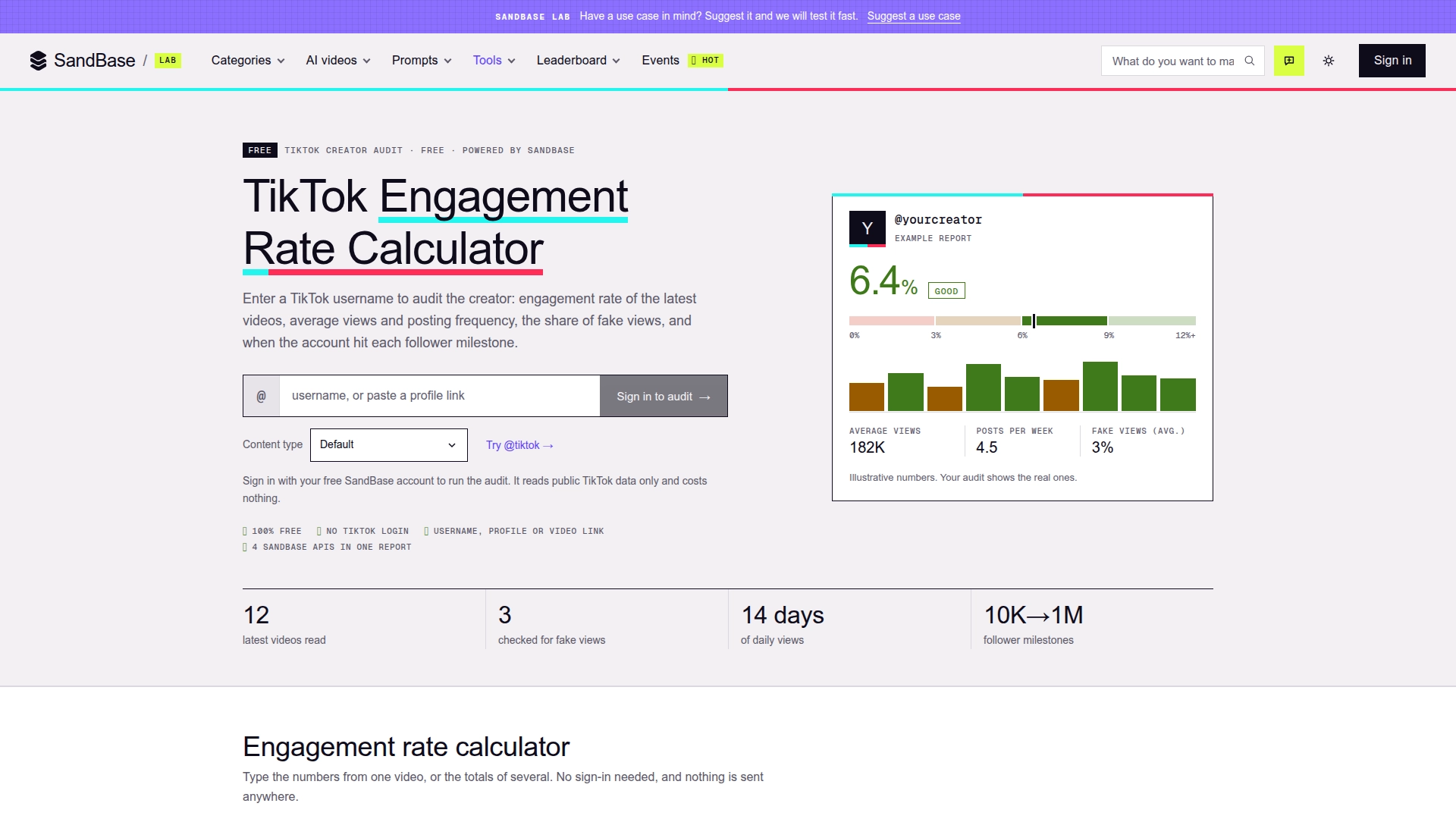
The calculator’s landing view, captured on 2026-10-30. The example card is explicitly illustrative; a signed-in audit replaces it with public data for the requested creator.
What the calculator actually measures
The headline percentage is engagement by views. For every non-pinned video in the recent sample, the tool adds likes, comments and shares, divides that total by views, and then averages the per-video rates. Pinned posts remain visible in the report but do not enter the average. That detail matters: pinned posts are often selected because they performed unusually well or represent an older campaign.
The report does more than produce one percentage:
| Signal | What the report shows | Why it helps |
|---|---|---|
| Engagement | Average and median engagement, plus per-video rates | Median exposes whether the average is being pulled up by one outlier |
| Interaction mix | Likes, comments, shares and saves as shares of recent views | A creator with many likes but almost no comments or shares may not drive conversation or distribution |
| Reach | Average views, median views and views divided by followers | Separates account size from the actual distribution recent videos received |
| Cadence | Posts per week and latest post date | Reveals whether the account is active enough for a campaign window |
| Authenticity screen | Fake-view score and estimated fake-view share for the latest three videos | Flags accounts that need a deeper request for first-party analytics |
| Growth | Available 10K, 100K, 500K and 1M follower milestones | Adds historical context instead of judging the creator from one current snapshot |
I paused at the median metrics because they are the most practical defense against a flashy media kit. An average answers “how much reach did this set produce?” A median answers “what does a typical recent post look like?” You need both before pricing a sponsorship.
Engagement by views versus engagement by followers
For TikTok-only decisions, engagement by views is usually the more informative denominator:
engagement by views = (likes + comments + shares) / views × 100The page also calculates engagement by followers when a follower count is available:
engagement by followers = average interactions per video / followers × 100The second figure is still useful when a team uses a cross-platform scorecard for TikTok, Instagram and YouTube. It should not replace the view-based number. A large TikTok creator can have a small follower-based rate while consistently reaching viewers outside the follower base; a smaller creator can show the opposite pattern.
The calculator’s view-based bands are a rule of thumb: below 3% is low, 3–6% average, 6–9% good, and 9% or more excellent. Do not use those bands as a universal price list. Account size, niche, geography, video age and campaign format all change the baseline. Compare creators of similar size and subject, then inspect the underlying videos.
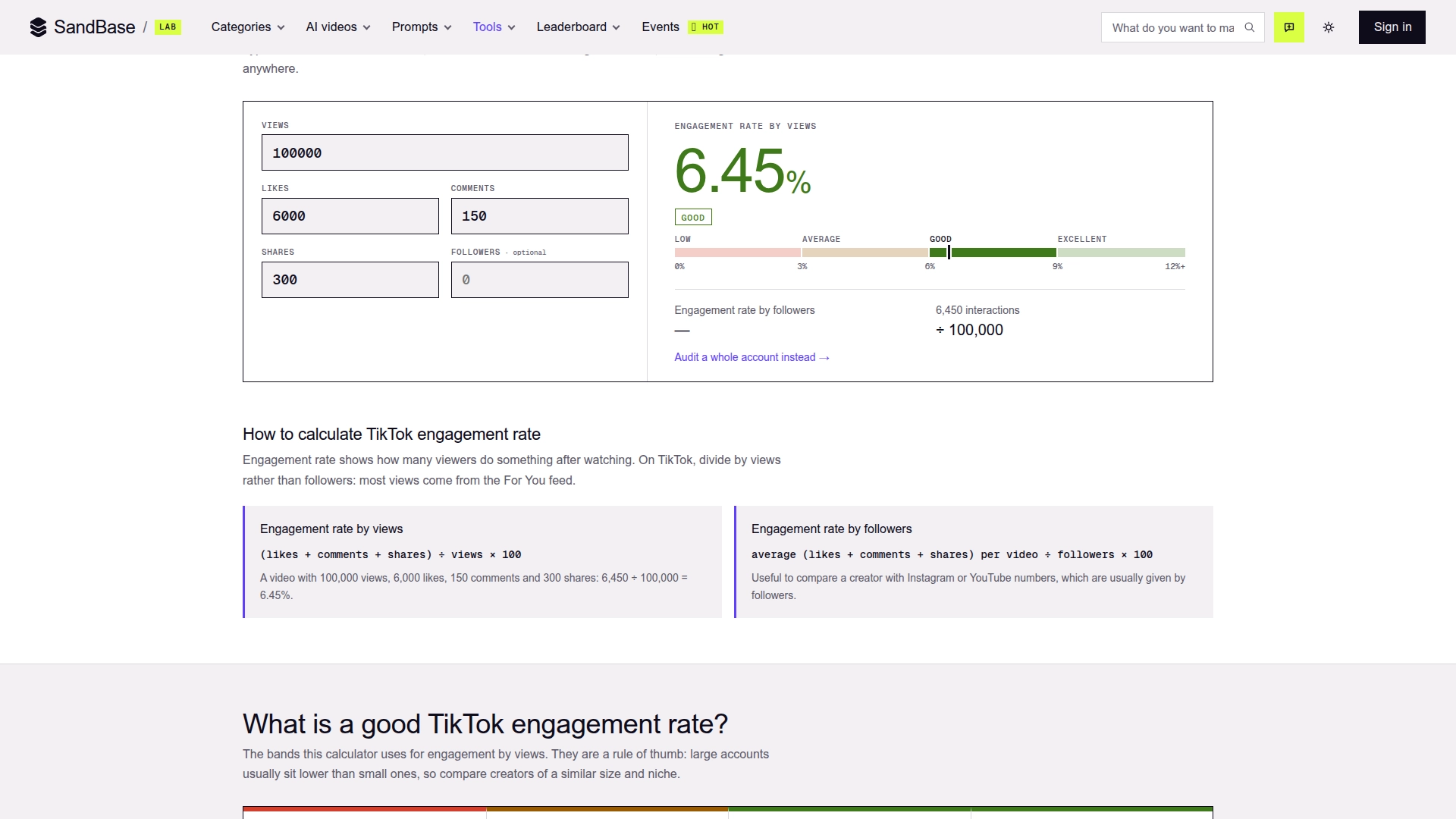
The manual calculator, captured on 2026-10-30, makes the denominator visible. The 6.45% result comes from 6,000 likes, 150 comments and 300 shares divided by 100,000 views.
Four useful creator-audit scenarios
1. Brand deal pre-screening
Start with every creator on a campaign shortlist and capture the same fields: median views, median engagement, posting cadence and worst fake-view result. The goal is not to auto-reject someone at a threshold. It is to make the follow-up questions consistent.
If a creator has strong average views but a much lower median, inspect which post caused the gap. If fake-view risk is elevated, ask for TikTok Studio screenshots showing traffic sources, watch time and audience geography. A public-data score is a screening signal; the creator’s first-party analytics are better evidence for a purchase decision.
2. Agency and MCN roster reviews
Agencies often need to sort dozens of creators before a human review. The calculator gives each profile a shareable report and keeps recent audits in that browser. Use it for an initial queue, then move to the APIs when the roster is too large for manual entry.
A sensible ordering is not “highest engagement wins.” First remove inactive profiles, then group creators by niche and follower band, and only then compare engagement, reach and authenticity signals. Otherwise a 20,000-follower specialist and a 2-million-follower entertainer end up in a meaningless race.
3. Creator health checks
Creators can use the same report to see whether posting frequency has fallen, whether recent reach is concentrated in one video, and whether interactions are moving from passive likes toward comments and shares. Repeating the audit on a schedule turns a snapshot into a trend, but the public tool itself should not be treated as an analytics warehouse.
4. Competitive and category research
Audit several public accounts in one niche using the same content category. Compare medians, not just averages, and record the audit date because public counters keep changing. This is useful for forming a campaign hypothesis—such as “tutorial creators earn more shares than entertainment accounts”—but it does not establish causation or audience quality by itself.
The fake-view check needs careful wording
The tool runs the fake-view detector on the latest three videos. It compares public engagement ratios, follower-growth patterns, creator credibility signals and the traffic-pool tier reached by a video, then returns a 0–100 score, an estimated fake-view share and a risk level.
Those outputs are estimates. The detector does not have TikTok’s internal view logs, and neither SandBase nor a public counter can identify individual fake viewers. Treat a high score as “request stronger evidence,” not “accuse this creator.” Our deeper TikTok fake views API test found that the estimated count is arithmetic built from a percentage bucket, which is another reason not to quote it as a detected number.
The audit also depends on public availability. Private accounts and accounts without public videos return no useful report. Milestone data is optional and does not exist for every account. Parts of a report can therefore be empty even when the creator lookup succeeds.
The four API dependencies behind the audit
The calculator is a convenient UI over four public-data endpoints. The SandBase TikTok API catalog currently groups the creator, video, search, comment, follower, analytics and shop surfaces in one place. The audit uses these specific dependencies:
| Dependency | Role in the calculator | When to call it directly |
|---|---|---|
tiktok/app-v3/user-post-videos | Reads recent videos and their public counters; supplies the sample used for engagement, reach and cadence | Building a creator monitor, changing the sample size, or paging through more than the UI’s recent set |
tiktok/analytics/creator-info-and-milestones | Returns creator details and available follower milestone history from a user ID | Comparing growth stages or adding milestone context to a creator CRM |
tiktok/analytics/video-metrics | Supplies the daily view history used for the 14-day trend on recent videos | Monitoring how quickly a campaign video accumulates views after publishing |
tiktok/analytics/detect-fake-views | Produces the fake-view score, estimated share and risk detail for recent videos | Screening individual videos or ranking which profiles need first-party verification |
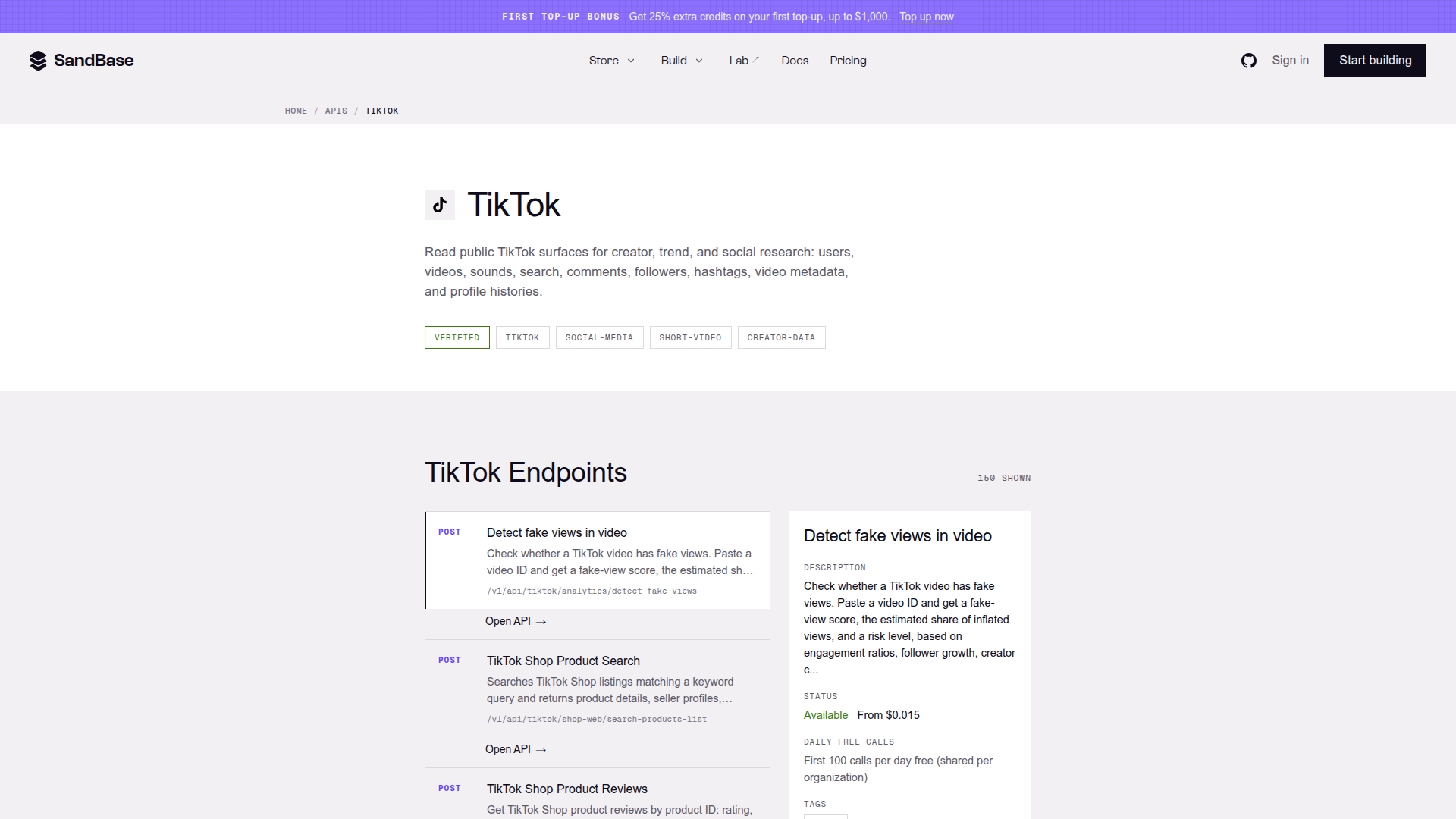
The TikTok API catalog, captured on 2026-10-30. It links each endpoint to its own model page, where developers can inspect the current request schema, availability and price before integrating.
These are SandBase Model API routes: call POST /v1/api/tiktok/<path> and put only that endpoint’s parameters in the JSON body. A completed response uses the documented outputs[0].data envelope. Business fields inside data can change with the upstream source, so production code should read them defensively and log missing optional sections instead of turning them into zeroes.
The browser tool is the better starting point when one person is checking a handful of creators. Direct API use starts paying off when you need scheduled audits, a reproducible cohort, custom thresholds, internal approval notes, or joins with campaign cost and conversion data. For a broader creator-discovery workflow—including account search and post ranking—see the TikTok Creator Research API tutorial.
A practical decision workflow
- Open the calculator and enter a public username or link.
- Choose the closest content category so the authenticity screen uses the intended comparison context.
- Check median views, median engagement and posts per week before looking at the verdict label.
- Inspect the recent-video table for outliers, pinned posts and the interaction mix.
- Treat fake-view warnings as a request for first-party evidence, not as a final judgment.
- Compare only with creators in a similar follower band, niche and market.
- Save the audit date and repeat the check if the campaign decision happens later.
This order prevents the most common mistake: letting one green or red badge replace the underlying evidence. The report is strongest as a structured conversation starter.
FAQ
Is the TikTok engagement rate calculator free?
Yes. The manual number calculator needs no sign-in. A full public creator audit requires a free SandBase account and is presented as free on the page as of 2026-10-30. API calls have their own current quotas and per-call prices, shown on each linked API page.
Does the tool need a TikTok login?
No. It reads public TikTok data. It cannot audit private profiles, access direct messages or read the private TikTok Studio analytics available to the account owner.
Which engagement rate should I use?
Use engagement by views for TikTok campaign screening, because distribution often extends beyond followers. Keep engagement by followers for cross-platform comparisons, but do not mix the two formulas in one ranking.
Can the fake-view score prove fraud?
No. It is a heuristic estimate based on public signals. Use it to prioritize verification and ask for first-party analytics.
When should I switch from the web tool to the API?
Use the web tool for quick, individual checks. Use the four APIs when you need batch processing, scheduled monitoring, a custom scoring policy or integration with campaign and CRM data.
Bottom line
The calculator’s best feature is not the headline percentage. It puts recent engagement, typical reach, cadence, authenticity signals and growth history in one report, while showing enough of the underlying videos to challenge the summary. Use it to narrow a creator list and decide what evidence to request next. When that process becomes repetitive, the four linked TikTok APIs let you keep the same building blocks and automate the workflow without pretending the public signals are more certain than they are.