DeepSeek Harness (2026): Setup, Plugins & Production Limits
DeepSeek Harness setup and review: npx install, plugin architecture, API limits, and what is safe to test before production.
TL;DR: DeepSeek Harness is a v0.1 developer preview whose repository describes an MIT-licensed, plugin-oriented agent runtime. The core idea is that model adapters, tools, sessions, sandboxes, storage, scheduling, and UI can be composed as plugins. Expect breaking changes; use it for evaluation before production.
Key takeaway
- DeepSeek Harness remains a developer preview, so plugin APIs may change.
- Profiles and bundles make the agent loop, tools, sessions, and sandbox replaceable.
- SandBase Harness v0.3.8 provides a documented third-party runtime integration over MCP.
- Local execution is not the same isolation boundary as Docker or Kubernetes deployment.
The canonical source is the deepseek-ai/deepseek-harness repository. Its README and package metadata are the source of truth for release tags, license, commands, and current star counts; those values change over time. The documented quick start is:
npx @deepseek-ai/dsh webThat spins up a Web UI at localhost:3080. From there you get an agent environment where the model, every tool it calls, the session store, the sandbox, even the UI itself are all independent plugins that can be replaced at the config level.
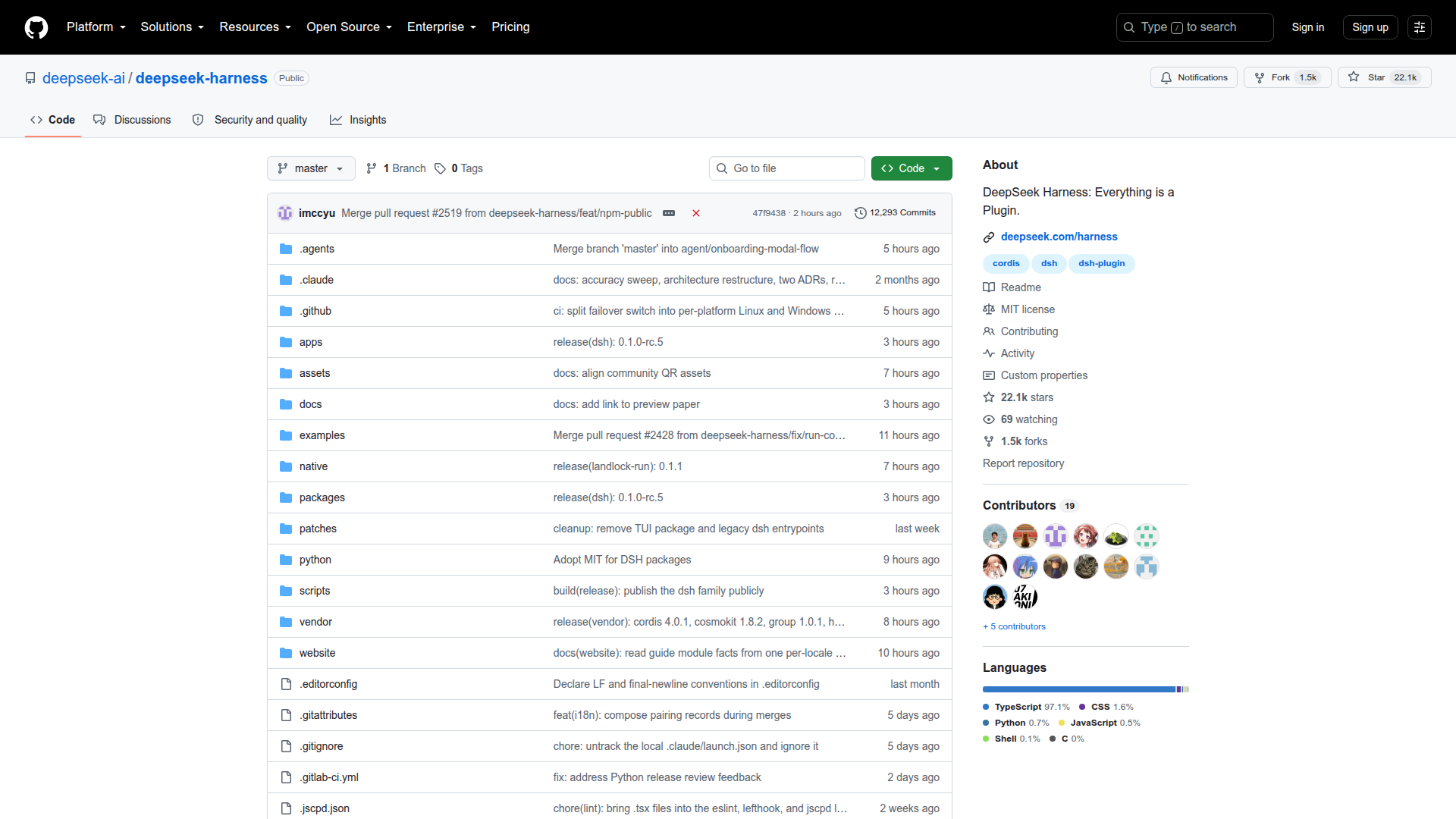 The deepseek-ai/deepseek-harness repository. Check the live page for current stars, commits, license, and release metadata.
Why This Matters
Most agent frameworks hardcode their loop: prompt → tool call → result → prompt. If you want to change how sessions persist, or swap the sandbox runtime, or replace the scheduling logic, you’re deep in the framework internals.
DeepSeek Harness takes a different approach. The core is Cordis — a plugin framework where plugins contribute services, typed events, and reversible effects to a shared context. Every part of the product is a plugin: the model adapter, the tool registry, the session log, the agent loop itself. There is no privileged core to patch — you extend DSH by mounting a plugin beside the others.
The key architectural concept is capability seams: each capability has three roles — a Service Definition declaring the interface, a Service Provider implementing it, and a Consumer using it. Swap one provider and the whole stack follows. Point the filesystem and subprocess providers at a remote sandbox and bash, PTY, and LSP all move with them, no fork needed.
Architecture Overview
DSH boots from profiles (named compositions of bundles). A profile lists which bundles it stacks, plus any user patches. Two ship by default: web (full browser UI) and headless (one-shot runner, no server).
Each bundle contributes config rows to the Cordis plugin tree. The base bundle (dsh-base) provides model adapters, tools, persistence, sandbox policy, settings, credentials, and telemetry. Additional bundles add surfaces: dsh-web-app for the browser application, dsh-headless for CLI-only execution.
Layers compose in order: bundles → profile patch → home-level patch → --patch overlay. Any row can be replaced by a patch of your own without touching source.
| Component | Role | ctx Key |
|---|---|---|
| Agent Loop | The default driver: steps, turns, model calls | ctx.agentLoop |
| Session | Append-only event log, in-memory store | ctx.sessions |
| System Prompt | Prompt-section and tool-schema assembly | ctx.systemPrompt |
| Tools | Scoped tool registry + guarded execution pipeline | ctx.tools |
| LLM | Message/stream vocabulary + adapter seam | ctx.llm |
| Shell | Bash/PowerShell execution via subprocess | ctx.shell |
| Filesystem | Read/write/edit with policy events | ctx.fs |
| Sandbox | Process confinement (local, Docker, remote) | ctx.sandbox |
| Terminals | Persistent PTY sessions | ctx.terminals |
| Jobs | Background work (bash, subagent, terminal) | ctx.jobs |
| Subagents | Child agent delegation (fork, fresh, remote) | ctx.subagents |
| Schedule | Cron-style future execution | via ctx.sessions |
Every component is registered via Cordis services. Swap any provider — the consumers don’t change.
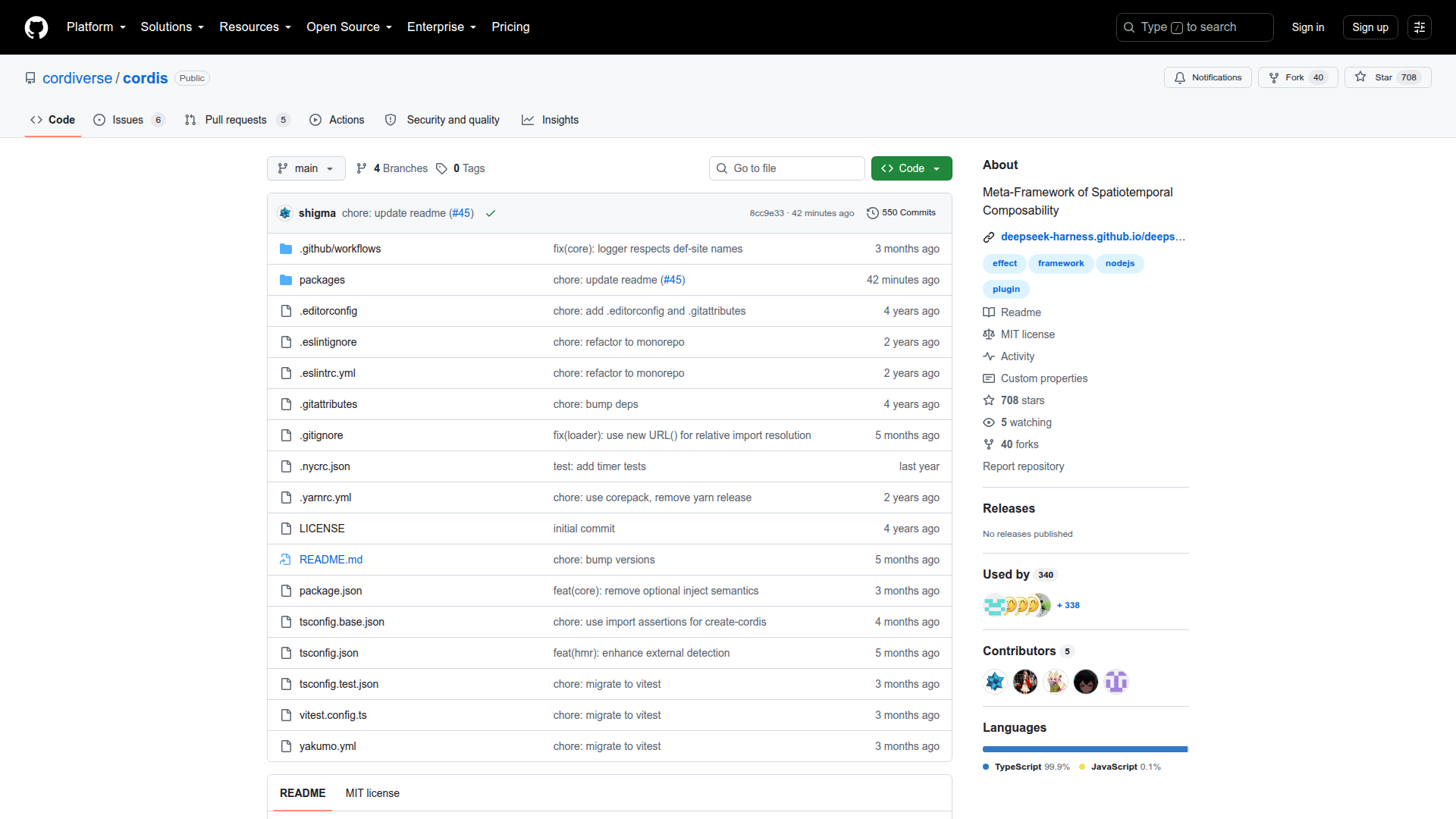 Cordis: “A Meta-Framework of Spatiotemporal Composability” — the plugin kernel that DSH runs on.
Profiles and Modes
DSH ships with multiple runtime profiles, each composing a different set of bundles and tool packages:
| Profile | Stack | Use Case |
|---|---|---|
| web | dsh-base + dsh-web-app | Full browser UI, daily development |
| headless | dsh-base + dsh-headless | One-shot CLI runner, CI integration |
| PTC | Code mode enabled | Model generates programs that compose multi-step tool calls |
| Minimal | Shell + file edit only | Benchmarking (SWE-bench, Terminal-Bench) |
| Creative | Cordis toolset loaded | Runtime introspection, dynamic plugin experimentation |
The Minimal mode strips the tool registry down to just bash and str_replace_editor — exactly what coding benchmarks expect. Creative mode loads the cordis_* toolset (cordis_define, cordis_run, cordis_inspect_*), letting the agent inspect its own runtime and define new packages in-memory.
Profiles are user-creatable. You can compose your own by listing bundles and applying patches:
dsh --profile web --dump-config # see what your machine actually bootsAppend-Only Session Log
The session log is the source of truth for everything the model sees. deriveMessages() projects model history from it. Raw assistant/chunk events preserve replay and UI fidelity. Fork, resume, transcripts, telemetry, and persistence all derive from this single stream.
The design rule is strict: model-visible means logged. Anything that reaches a model request must be reconstructable from the log. This is enforced by a runtime invariant.
The agent loop operates in turns (zero or more steps). A step is one model request plus the tools it calls. A turn opens before its first input is claimed and closes once nothing is owed. The flow:
turn/start → claim input → assemble prompt + tool schemas →
  step/start → model request → assistant/message → tool/call* → tool/result* → step/end
  → more input? → next step
turn/end
Key events (agent/pre-step, agent/request, llm/stream, tools/pre-execute) are waterfalls — listeners must call next() to delegate. This means any plugin can intercept, transform, or short-circuit at any point in the pipeline without patching the loop.
Tech Stack
| Layer | Technology |
|---|---|
| Runtime | TypeScript / Node.js |
| Package manager | pnpm workspace (monorepo) |
| Build | tsdown |
| Tests | Vitest (unit + e2e + snapshot + stress) |
| Python support | pytest, separate python/ directory |
| Linting | oxlint |
| Git hooks | lefthook |
| CI | GitHub Actions + GitLab CI |
The repo has 12,293 commits at launch — this isn’t a weekend project. The monorepo structure under packages/ suggests significant internal decomposition. There’s a native/ directory (likely desktop/Electron), apps/ (probably the web UI), and website/ (docs site).
What’s Missing (It’s a Preview)
Let’s be direct about limitations:
- Breaking changes guaranteed. The README says it in bold. Plugin APIs will shift.
- Documentation is sparse. There’s an architecture doc and a development guide, but no plugin authoring tutorial yet.
- Ecosystem is still early. Third-party plugins now cover runtime operations, portable Skills, and plugin discovery, but compatibility still needs to be checked against a specific DSH release.
- No hosted version. You run it locally. There’s no cloud offering.
- Model support is unclear. The repo mentions “model provider” as a plugin but doesn’t enumerate which LLMs are supported out of the box beyond DeepSeek’s own models.
How It Compares
| DeepSeek Harness | OpenHands | Claude Code | Cursor Agent | |
|---|---|---|---|---|
| Architecture | Plugin-based (Cordis) | Monolithic runtime | Closed source | Closed source |
| Extensibility | Everything replaceable | Fork to customize | Not extensible | Not extensible |
| License | MIT | MIT | Proprietary | Proprietary |
| Maturity | Developer preview | Production | Production | Production |
| Model lock-in | None (plugin) | None | Anthropic only | Multi-model |
| Session transparency | Full append-only log | Partial | Limited | Limited |
The closest comparison in terms of architecture philosophy is probably the best open-source agent frameworks ecosystem — but DSH differentiates by making the framework itself nearly empty. The framework is just Cordis + conventions; all substance lives in plugins.
For those interested in how other production agent runtimes handle plugin architectures, see our analysis of agent plugin portability standards.
Getting Started
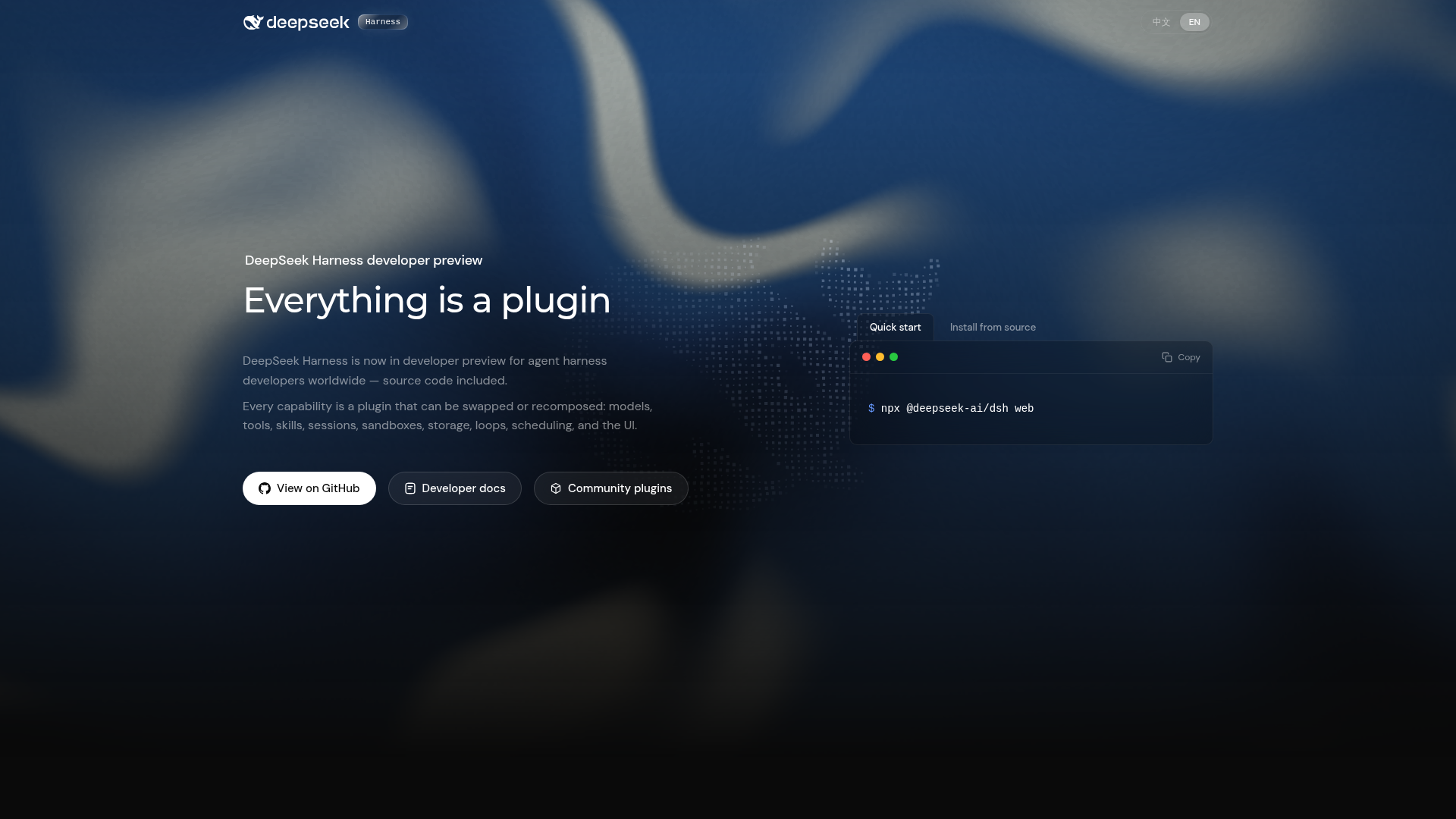 The official DeepSeek Harness landing page — links to docs, Discord, and quick-start guides.
Quick start (npx)
npx @deepseek-ai/dsh webRequires Node.js. Opens the Web UI at http://127.0.0.1:3080.
From source
git clone https://github.com/deepseek-ai/deepseek-harness.git
cd deepseek-harness
pnpm install
pnpm run build
pnpm dsh web
Add a real third-party runtime plugin
SandBase Harness is an Apache-2.0, local-first agent runtime with a native DSH bundle. Its v0.3.8 bridge exposes six managed-agent operations as MCP tools: list agents, create a session, run a turn, inspect a session, list artifacts, and stop work.
Build the immutable tagged source rather than installing the unrelated unscoped
managed-agents package from npm:
git clone --branch v0.3.8 --depth 1 \
  https://github.com/sandbaseai/sandbase-harness.git
cd sandbase-harness
npm ci
npm run build:runtime
npm link

mkdir ../my-agents && cd ../my-agents
managed-agents init
managed-agents start
In another terminal, add the bundle to the DSH Web profile:
export MANAGED_AGENTS_URL=http://127.0.0.1:3000
# Set MANAGED_AGENTS_API_KEY only when runtime authentication is enabled.
dsh plugin --profile web add managed-agents
dsh web
DSH receives the tools under the stable mcp__sandbase__* namespace. The bridge
connects only to MANAGED_AGENTS_URL; session data and artifacts stay in the
configured Harness workspace. The default local sandbox runs commands as your OS
user, so choose the Docker or Kubernetes backend when you need a stronger isolation
boundary.
You can inspect the pinned integration guide and the official MCP Registry entry before installing anything. If this integration solves a real runtime problem, star the SandBase Harness repository so other DSH builders can find it.
Community
- GitHub Discussions: deepseek-ai/deepseek-harness/discussions
- Discord: DeepSeek Harness community
- Plugin topic: tag your repo with
dsh-pluginfor discoverability
If you are evaluating which self-hosted model to pair with an agent runtime, compare the best open-weight LLMs for agents in August 2026 before choosing a provider plugin.
FAQ
Is DeepSeek Harness production-ready?
No. It’s a v0.1 developer preview. The team explicitly warns about breaking changes. Use it for experimentation and evaluation, not production workloads.
Can I use models other than DeepSeek?
Yes, in principle. The model provider is a plugin. However, the current documentation doesn’t detail which providers ship built-in versus requiring community plugins.
How does DSH differ from LangChain or CrewAI?
LangChain and CrewAI provide opinionated orchestration with fixed loop patterns. DSH provides no built-in orchestration — everything (including the loop itself) is a plugin. The trade-off: more flexibility, more assembly required.
Is there a hosted/cloud version?
No. DSH runs locally. There’s no managed offering from DeepSeek at this time.
What’s the relationship between DSH and Cordis?
Cordis is the plugin system — think of it as the kernel. DSH is the agent harness built on top of that kernel. Cordis handles plugin lifecycle, dependency resolution, and hot-reload. DSH defines what “agent” means in terms of Cordis plugins.