Warp Agent CLI Becomes Oz (2026)
Warp Agent CLI has become Oz CLI. Learn local and cloud runs, profiles, MCP, skills, orchestration, and how it compares with Claude Code and Codex.
Warp Agent CLI Becomes Oz (2026)
Warp launched its standalone Agent CLI on August 4, 2026. Less than three weeks later, the current reference documentation calls the command oz, says warp-cli is deprecated, and describes a wider job than “coding agent in any terminal.” Oz now dispatches local and cloud agents, loads skills and MCP servers, selects environments, and exposes runs to scripts and services.
That naming change is not cosmetic. The original launch pitch was about bringing Warp’s agent to Ghostty, iTerm, VS Code, and ordinary system terminals. Oz is becoming the control plane for Warp’s agent platform.
TL;DR
- The product introduced as Warp Agent CLI is documented today as Oz CLI.
- Use
oz agent runwhen the agent needs your current files and immediate supervision.- Use
oz agent run-cloudfor background work in a standardized remote environment.- Profiles, skills, and MCP configuration solve different problems; do not pack all policy into the prompt.
- Warp’s advantage is session multiplexing and local/cloud continuity. Claude Code or Codex remains simpler if one local agent loop is all you need.
First, resolve the naming mess
The launch page still offers a one-line Warp Agent CLI installer:
curl -fsSL https://app.warp.dev/download/agent-cli | bashThe latest CLI reference uses oz as the executable. It also says installations of warp-cli will auto-update and existing scripts should replace warp-cli with oz. On macOS, Warp recommends its Homebrew tap; on Linux, it publishes packages for apt, yum, and pacman. Windows currently gets Oz through the Warp desktop app rather than a separate package.
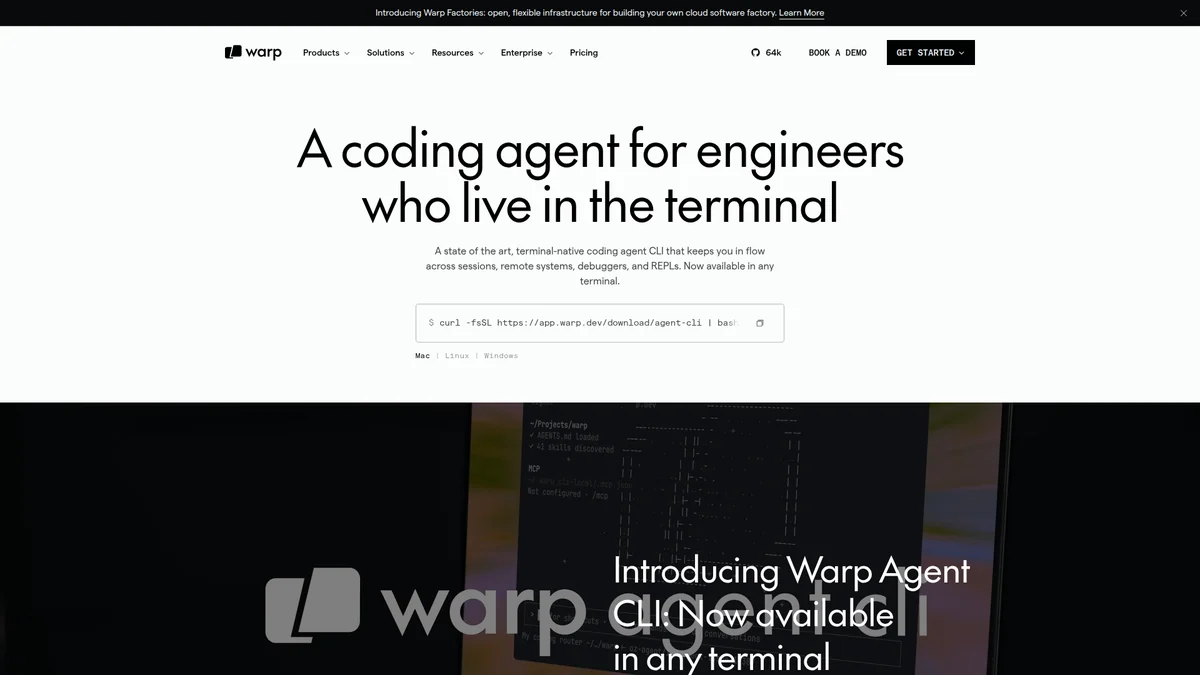 Warp’s launch page still presents the standalone product as Warp Agent CLI. Source: Warp Agent CLI.
This split branding is annoying, but the safe rule is simple: use the current documentation and the oz command in new automation. Keep “Warp Agent CLI” in search terms and migration notes because that is what the launch announcement and many existing links call it.
Local and cloud runs are different trust decisions
Oz exposes two primary execution paths.
oz agent run --cwd ./service \
  --name fix-pagination \
  "Fix the cursor pagination bug and run the focused tests"
oz agent run works in a local directory. It is the right default while exploring a bug, reviewing tool calls, or changing a repository that already exists on your machine.
oz agent run-cloud \
  --environment "$WARP_ENVIRONMENT_ID" \
  --name fix-pagination \
  "Fix the cursor pagination bug, run tests, and prepare a pull request"
oz agent run-cloud dispatches work to a remote environment. It suits CI triggers, long jobs, standardized dependencies, and work that should survive a laptop closing.
| Decision | Local agent run | Cloud agent run-cloud |
|---|---|---|
| Reads current working tree | Directly | Only what the environment receives |
| Human feedback loop | Immediate | Usually asynchronous |
| Environment consistency | Depends on developer machine | Defined cloud environment |
| Suitable for CI | Awkward | Yes |
| Secret scope | Local credentials | Remote environment credentials |
| Best use | Debugging and supervised edits | Background tasks and automation |
The mistake is treating cloud mode as “local mode, but faster.” Moving execution changes where source code, credentials, build artifacts, and network access live. That deserves an explicit environment and secret policy.
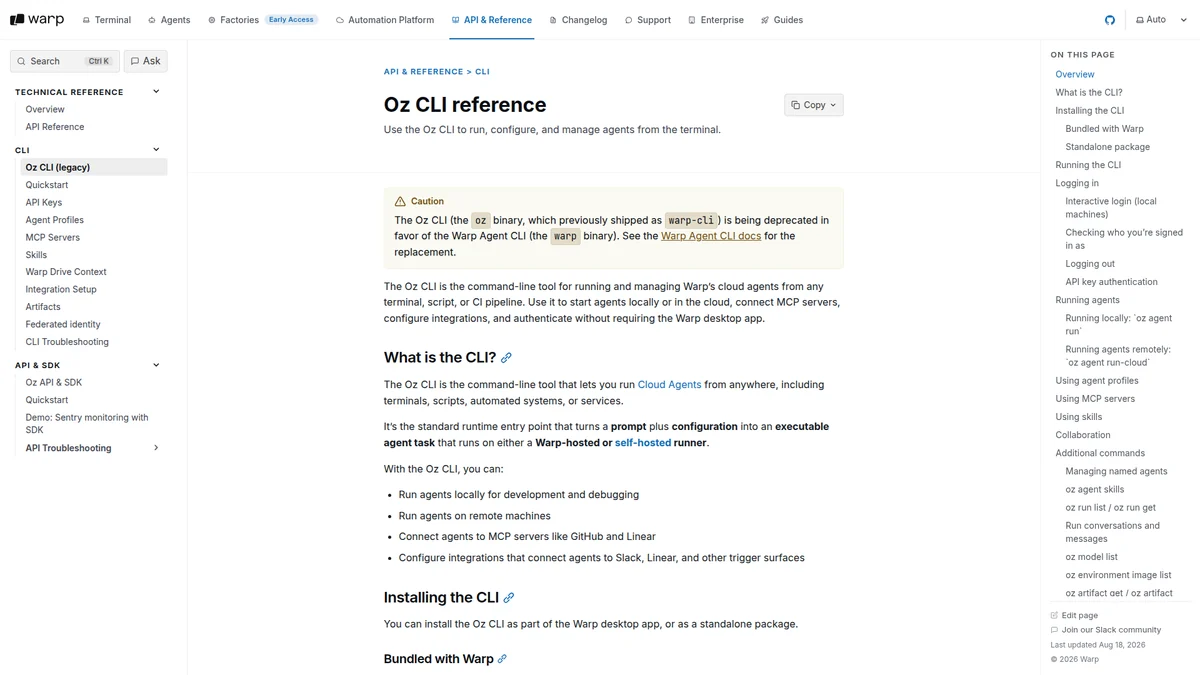 The current Oz reference separates supervised local work from remote, asynchronous runs. Source: Oz CLI reference.
Profiles, skills, and MCP are three separate layers
Oz accepts --profile, --skill, and --mcp. They look like three ways to add context, but mixing them creates hard-to-audit agents.
- Profile: selects behavior, model, and permission defaults for a class of run.
- Skill: supplies reusable task instructions, such as a release or review workflow.
- MCP server: gives the agent tools that reach systems such as GitHub, Linear, or Sentry.
A focused local run can combine them:
oz agent run \
  --profile "$REVIEW_PROFILE_ID" \
  --skill ./skills/security-review \
  --mcp ./config/github-mcp.json \
  --name auth-review \
  "Review the authentication changes in this branch"
The values are deliberately externalized. A checked-in skill can be reviewed like code. An MCP config can be rotated without rewriting task instructions. A profile can reduce permissions across a whole team.
Do not pass inline MCP JSON containing secrets in shell history. Use a config file with environment-variable references or a team-managed MCP entry, then scope the credential to the smallest repository and action set possible.
The multiplexer is the actual differentiator
Most comparisons ask which model writes better code. Warp is making a different bet: when several agents run at once, session management becomes a product problem.
Warp’s agent interface groups sessions, surfaces notifications, supports remote work, and can open code review rather than leaving every agent in an anonymous terminal tab. The /orchestrate command breaks work into subtasks and runs multiple agents in parallel. Warp also supports popular external CLIs, including Claude Code, Codex, Gemini CLI, and OpenCode, inside the same workbench.
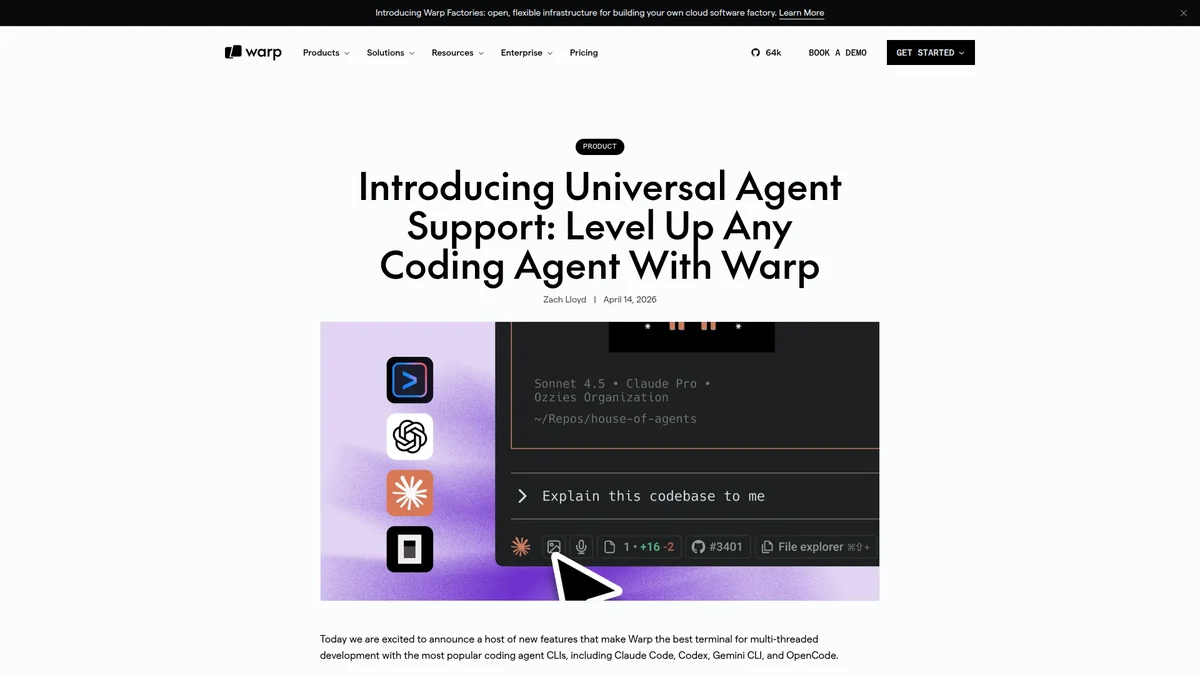 Warp explicitly supports Claude Code, Codex, Gemini CLI, and OpenCode in the same workbench. Source: Warp Universal Agent Support.
Parallelism helps only when tasks are independent. Running three agents that edit the same migration file is conflict generation, not orchestration. Split work by ownership boundary: implementation, tests, documentation, or separate packages. Give one agent responsibility for integration.
Warp/Oz vs Claude Code vs Codex
| Need | Warp/Oz | Claude Code | Codex CLI |
|---|---|---|---|
| Run in any conventional terminal | Yes | Yes | Yes |
| First-party local and cloud modes | Yes | Product-dependent | Yes, depending on Codex surface |
| Visual multi-session workbench | Strongest fit | Terminal-oriented | Terminal/app surfaces |
| Built-in multi-agent orchestration | Yes | Subagents/workflows vary | Parallel agent workflows vary |
| Bring another agent CLI into same UI | Yes | No | No |
| Minimal local setup | More platform concepts | Simpler | Simpler |
Choose Warp/Oz when the bottleneck is coordinating runs across terminals, machines, and teammates. Choose Claude Code when its model behavior and terminal loop match your repository and you do not need a broader workbench. Choose Codex when you want OpenAI’s coding workflow and its local/cloud task surfaces.
For a wider tool comparison, see Claude Code vs Codex vs OpenClaw and our AI coding assistants guide.
Production checks before automating Oz
Pin the execution environment
Cloud runs should not install a random dependency graph on every task. Build a versioned environment image, record its ID with the run, and update it intentionally.
Separate read and write credentials
A review agent needs repository read access; a pull-request agent may need a branch push. Giving both the same broad token makes the harmless workflow as dangerous as the mutating one.
Name every automated run
--name looks optional until an incident produces 40 indistinguishable sessions. Include the workflow, repository, and triggering identifier in the name or attached metadata.
Put a budget around orchestration
Subtasks multiply model calls and environment minutes. Set maximum children, maximum elapsed time, and a clear completion condition. “Keep improving the code” is not one.
SandBase can complement this setup where agents need isolated code execution or access to model and external APIs. The useful boundary is the same: Oz coordinates the run; the sandbox constrains what generated code can touch.
Verdict
Warp Agent CLI was a narrow, understandable launch name. Oz is a more accurate name for what the tool is becoming: a runtime entry point for local agents, cloud agents, integrations, MCP, skills, and shared sessions.
The extra platform concepts are justified for teams running several agents or moving work off laptops. For a developer who wants one agent in one repository, they are overhead. Start with oz agent run; add a profile when permissions repeat, add skills when workflows repeat, and move to run-cloud only when the environment and ownership model are ready.
FAQ
Is Warp Agent CLI discontinued?
No. The current product is documented as Oz CLI, while the original Warp Agent CLI name remains on launch pages and older material.
What happened to warp-cli?
Warp marks warp-cli as deprecated and says it auto-updates to oz. New scripts should call oz.
Can Oz run locally without a cloud environment?
Yes. oz agent run operates in a local working directory; oz agent run-cloud is the remote path.
Can Oz connect to MCP servers?
Yes. The repeatable --mcp flag accepts a team server UUID, an inline JSON configuration, or a JSON file path.
Is multi-agent orchestration always faster?
No. It helps when subtasks are independent. Shared files, serial dependencies, and unclear ownership can make parallel agents slower than one agent.