Tavily Search API | SandBase
Run Tavily web search, page extraction, and site mapping through one REST API. No separate SDK — one SandBase key, built for agent and RAG workflows.
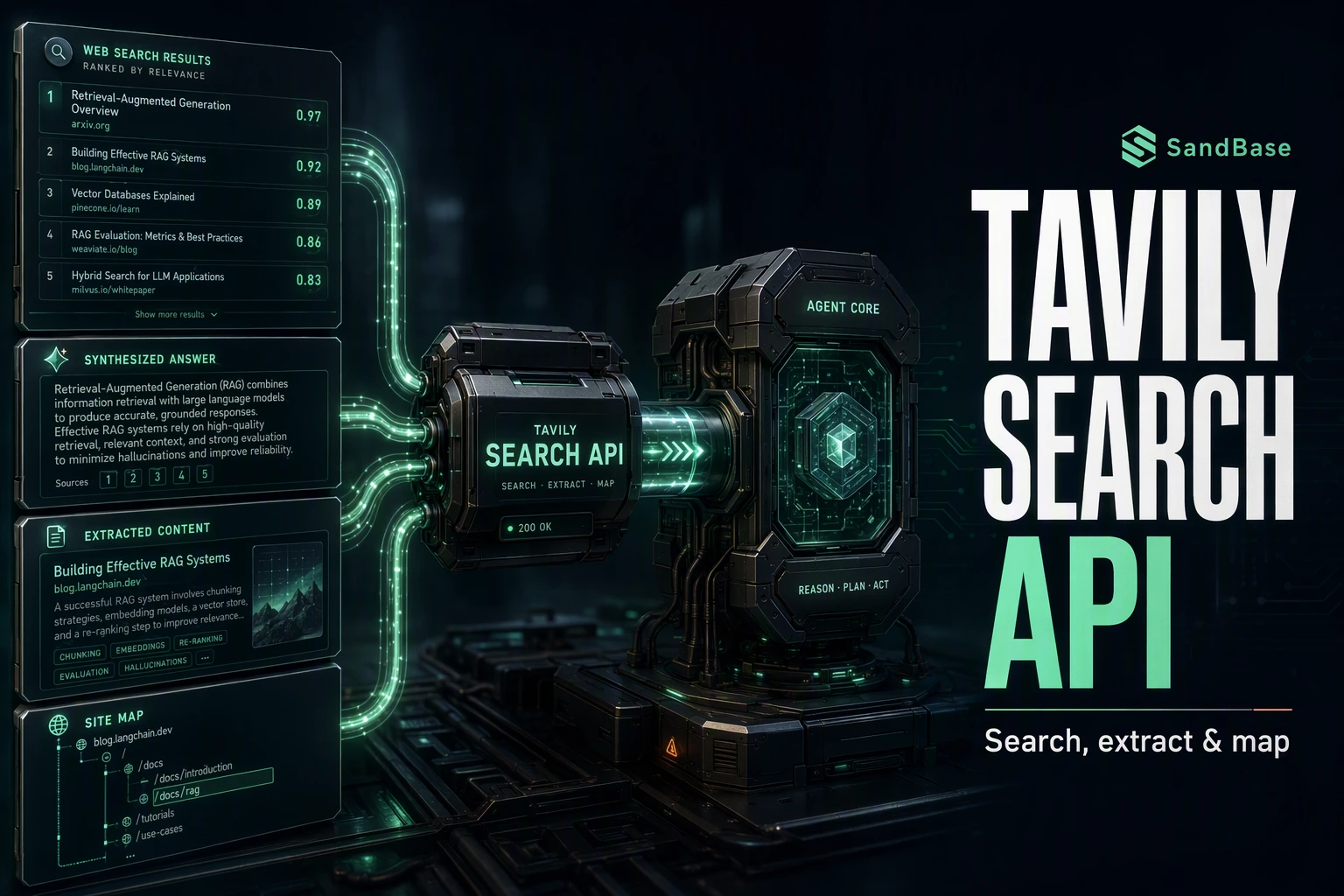
Tavily is a search API built for LLMs and agents — instead of a page of links for a human, it returns ranked results with content and an optional synthesized answer, so a model can ground its output in real sources. It also extracts page text and maps a site’s structure. That makes it a common building block for retrieval-augmented generation (RAG) and research agents. Wiring it up yourself still means another API client and its auth to manage.
The SandBase Tavily Search API puts that behind one convention. It runs Tavily’s search, extract, and map capabilities through plain REST — one SandBase API key, no separate SDK. The endpoint API reference is the source of truth for each parameter and the response envelope; the field names below come from calls I ran (tested on 2026-09-27, UTC) and are observed-only — not documented guarantees — so confirm them against a live response, since payloads change over time. Ready to try it? Get a SandBase API key and browse the Tavily endpoints.
Key takeaway
- Three endpoints cover the loop:
search(find + optional answer),extract(pull page text), andmap(discover a site’s structure).- Each call is
POST /v1/api/tavily/<path>— pass only that endpoint’s params, no SDK, oneSANDBASE_API_KEY.- The envelope can vary: the reference documents
outputs[0].data, but in my calls the payload often arrived under a top-leveloutputobject — read either shape.- Built for RAG and agents: search returns results plus a synthesized
answer; extract and map takeurls/url.
A note on this endpoint’s response shape
SandBase endpoints normally return an outputs array whose first item carries the payload under data; the Tavily references document this outputs[0].data shape. In my own calls the payload often arrived under a single top-level output object instead (carrying results plus an answer for search, results for extract and map). Because the envelope can vary, write code that reads either shape: prefer a top-level output, and fall back to outputs[0].data. Confirm the exact envelope for the endpoint you call against its live reference before you build.
Which Tavily endpoint do you need?
| Your need | Endpoint | Input |
|---|---|---|
| Find relevant pages, with an optional answer | tavily/search | query |
| Pull the text of specific pages | tavily/extract | urls |
| Discover a site’s structure | tavily/map | url |
SandBase vs. the direct Tavily API
| Your situation | Use |
|---|---|
| You want one key and one convention across many providers | SandBase Tavily API (this guide) |
| You need Tavily-specific features or billing directly | Tavily’s own API and dashboard |
SandBase provides a uniform Model API layer over Tavily’s capabilities; when you need vendor-specific controls or a direct contract, use Tavily’s own API.
What you can get from the Tavily API
- Search —
tavily/searchtakes aqueryand returns rankedresults(each with aurl,title,content, andscore) plus a synthesizedanswer. - Extract —
tavily/extracttakesurlsand returns each page’sraw_content, with afailed_resultslist for any that could not be fetched. - Map —
tavily/maptakes aurland returns the discovered site structure underresultswith abase_url.
Check each endpoint’s live API reference for the exact parameters before you build; availability differs by endpoint.
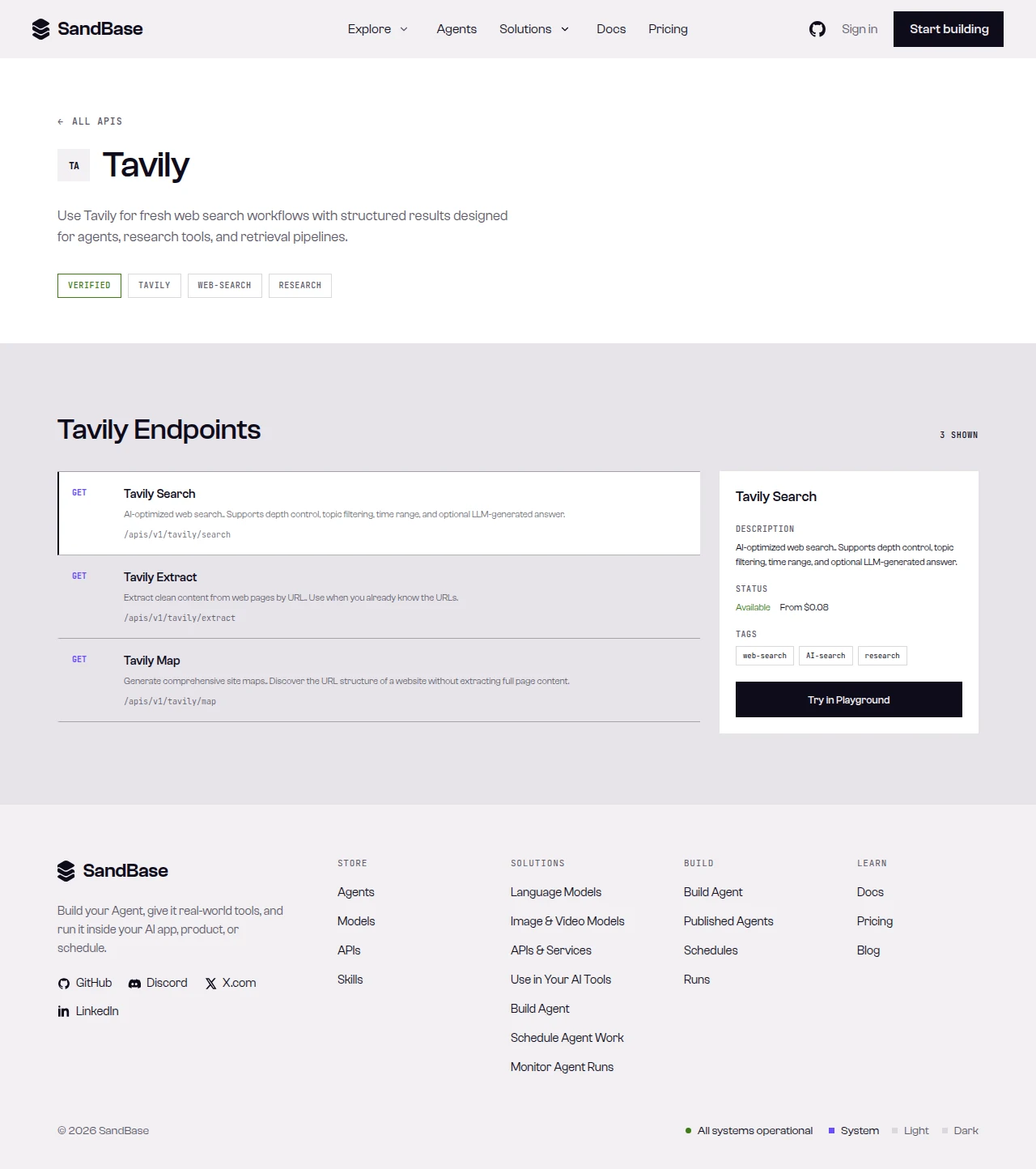 The Tavily API page on SandBase — a tagged overview and the endpoint list, each with its path.
Quick start: your first call
SandBase exposes more than one API surface. The catalog may show GET paths under /apis/v1/...; this guide uses the vendor-qualified Model API path on each endpoint’s API reference. Do not swap the HTTP method or URL — follow the reference for the endpoint you choose.
Run a search:
import os
import requests

resp = requests.post(
    "https://api.sandbase.ai/v1/api/tavily/search",
    headers={
        "Authorization": f"Bearer {os.environ['SANDBASE_API_KEY']}",
        "Content-Type": "application/json",
    },
    json={"query": "best practices for RAG systems"},
)
resp.raise_for_status()
body = resp.json()
if body.get("status") != "completed":
    error = body.get("error", {})
    raise RuntimeError(error.get("message", "Tavily request did not complete"))

# The envelope can vary: prefer a top-level `output`, else fall back to
# the documented `outputs[0].data`. Read the payload defensively.
output = body.get("output")
if output is None and body.get("outputs"):
    output = body["outputs"][0].get("data", {})
output = output or {}
for r in output.get("results", [])[:5]:
    print(r.get("score"), r.get("title"), "-", r.get("url"))
print("answer:", output.get("answer"))
curl -X POST https://api.sandbase.ai/v1/api/tavily/search \
-H "Authorization: Bearer $SANDBASE_API_KEY" \
-H "Content-Type: application/json" \
-d '{"query": "best practices for RAG systems"}'The response carries an id, a status, and the model name. The reference documents the payload under outputs[0].data; in my calls it often arrived under a top-level output object — so read either shape. A failed or timeout run instead carries error, so branch on status first. The block below is illustrative, not a documented guarantee — one capture from my search call (search run id a37e8e9d-b389-479d-ae8c-7822d5fe8629, tested on 2026-09-27, UTC); the reference’s business-payload example is intentionally empty, so treat these field names as observed-only and confirm them against a live response:
{
  "id": "a37e8e9d-b389-479d-ae8c-7822d5fe8629",
  "model": "tavily/search",
  "status": "completed",
  "output": {
    "query": "…",
    "answer": "…",
    "results": [ { "title": "…", "url": "…", "content": "…", "score": 0.0 } ],
    "response_time": 0.0
  }
}
Response shapes differ by endpoint — inspect one real response and map the exact path per endpoint.
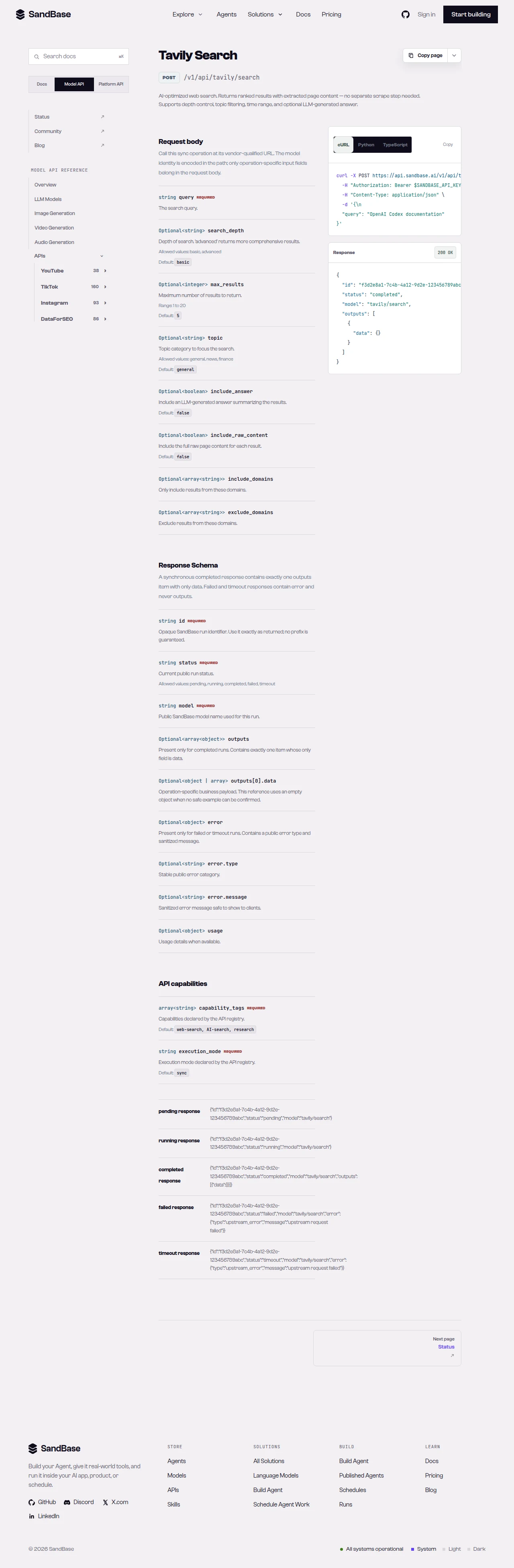 The endpoint API reference is the source of truth for each parameter name and response path.
Chaining search → extract
Because every endpoint shares the same auth and a consistent output envelope, an agent can chain a RAG retrieval step without special-casing each surface:
- Search by query. Call
tavily/searchwith aquery; readoutput.results, each carrying aurland ascore, plus a synthesizedanswer. - Extract the text. Call
tavily/extractwith theurlsyou want to keep to pull each page’sraw_content. - Or map a site. Call
tavily/mapwith aurlto discover a site’s structure before targeted extraction.
Each step returns the same { id, status, model, output } shape, so your agent branches on status once and reuses the same JSON-reading code across every step.
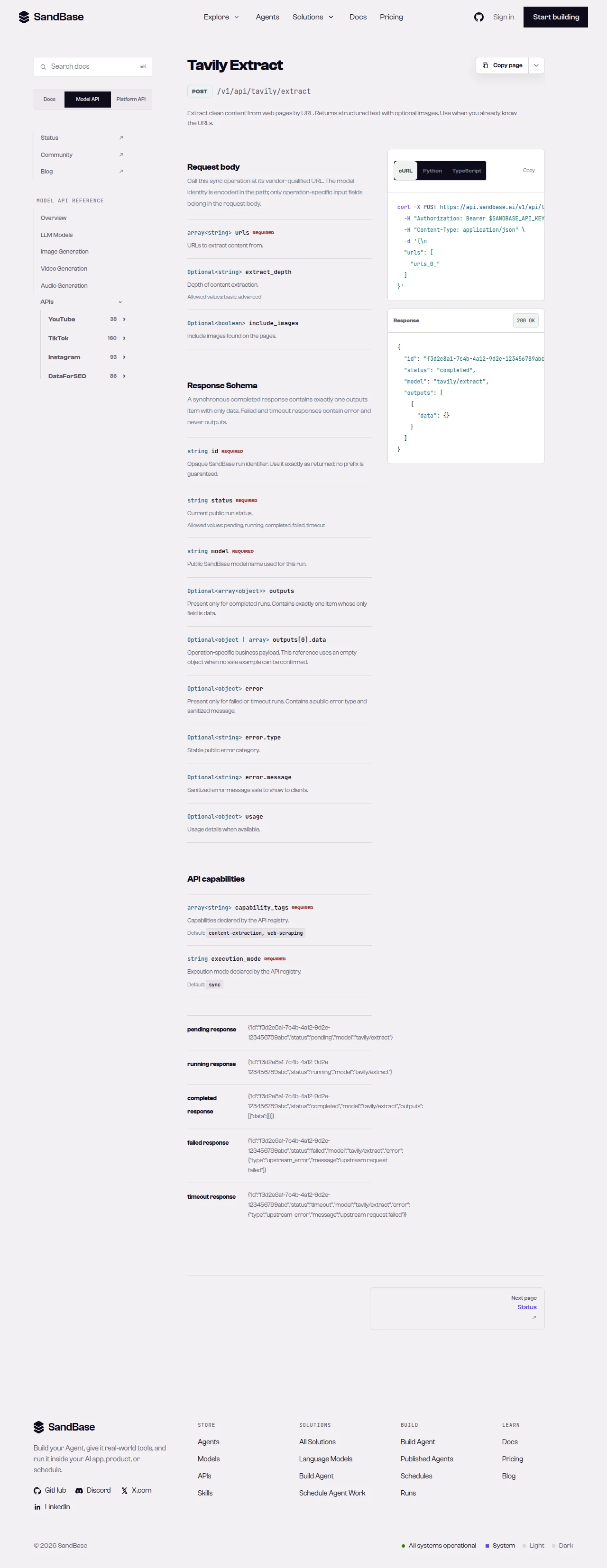 A slice of the Tavily endpoint list.
Common use cases
Tavily search API for RAG retrieval
Run tavily/search with a query to get ranked results with content and a synthesized answer, then pass the top URLs to tavily/extract for full text. Input: a query, then URLs. Output: results plus an answer, then page text. Endpoints: search, extract.
Tavily extract API for text extraction
Pass a set of page URLs to tavily/extract to pull their raw_content in one call, with a failed_results list for any misses. Input: urls. Output: extracted text. Endpoint: extract.
Tavily map API for site discovery
Call tavily/map with a url to discover a site’s structure — useful before targeted extraction across a documentation site. Input: a url. Output: discovered site structure. Endpoint: map.
Why run this at the API layer
Reading Tavily through one uniform API means your code depends on named JSON fields and a single response envelope rather than another vendor SDK. Auth is one key, and because every endpoint returns the same { id, status, model, output } shape, retries, logging, and error handling live in one helper you write once and reuse everywhere. Swap a query, swap a set of URLs, and the code path is identical — which is what makes a RAG or research agent composable. Your time goes to what the retrieved sources mean for your task, not to gluing SDKs together. When you need more than these reads, check the live listing for the endpoint that fits and confirm its parameters before wiring it in.
Limitations and boundaries
- Envelope can vary. The reference documents
outputs[0].data; in my calls the payload often arrived under a top-leveloutputobject. Read either shape (preferoutput, fall back tooutputs[0].data) and branch onstatus. extracttakesurls;maptakes aurl. Pass the parameter each endpoint documents.- Fields are observed-only. The reference guarantees the envelope; treat
results,answer,raw_content, andfailed_resultsas observed and confirm live. - Rate and volume. Treat responses as best-effort reads; as a client-side resilience measure, retry with backoff on transient errors such as HTTP 429.
- Verify endpoints against the live reference. Availability and fields can change; confirm before building on a specific endpoint.
FAQ
Do I need a separate Tavily API key or SDK?
No. You authenticate to SandBase with your SANDBASE_API_KEY and call the Tavily endpoints over plain REST — no separate SDK on your side.
Why does this surface return output instead of outputs?
The reference documents the payload under outputs[0].data; in my calls it often arrived under a top-level output object with the endpoint’s payload. Because the envelope can vary, read either shape (prefer output, fall back to outputs[0].data) and confirm against the live reference for the endpoint you call.
What’s the difference between search and extract?
search finds relevant pages by query and returns results plus a synthesized answer; extract pulls the full text of URLs you already have. A common RAG pattern is search first, then extract the top URLs.
Can I use this for RAG?
Yes. search → extract is a natural RAG retrieval step: find pages by query, pull their text, and feed it to your model. The synthesized answer from search covers the case where you want a grounded response directly.
Start with a search
Create a SandBase API key, call search with a query, and inspect the output before you chain into extract or map. When you are ready: