RoastWeb Guide: Turn a Website Audit into a Repair Plan
How to use RoastWeb for evidence-backed UX, conversion, mobile, SEO, and content audits—and how to turn its report into a practical repair backlog.

A website audit becomes useless the moment it turns into a bag of opinions. “Make the hero clearer” sounds reasonable, but it does not tell a team what was unclear, where the problem appeared, or what should be fixed before the next release. RoastWeb is designed around that gap: submit a public URL and receive a scored review of design, user experience, originality, content and copy, conversion, mobile, and SEO, with page evidence and ordered recommendations.
The tool is best for founders, freelancers, growth teams, and agencies that need a first-pass review before committing to a full research or redesign project. It is not a replacement for user interviews, revenue analytics, accessibility testing, or a controlled conversion experiment.
Key takeaway
- RoastWeb reviews seven areas and orders fixes by priority.
- The public sample report includes page evidence, suggested wording, SEO checks, and a simulated mobile performance run.
- Use the result as a triage document, not as an objective verdict on brand quality.
- Validate high-impact recommendations with first-party analytics and real users before shipping.
What RoastWeb actually delivers
The input is deliberately small: a public website address, a review model, and a tone. The output is much larger. The live page says a typical run takes about two minutes and is billed to the user’s SandBase balance, usually for a few cents. Available model options and prices can change, so treat the live selector and SandBase pricing page as the current source.
The public sample report shows the useful part of the product: each recommendation is tied to something found on the page. A content recommendation may cite the existing hero copy; a performance recommendation can cite a measured interaction delay; an SEO section checks the title, description, canonical URL, HTTPS, heading structure, structured data, and image alt text. The report also groups findings by severity and suggests an order of work.
That ordering matters. A team can spend a week polishing card shadows while the hero still fails to name the product or customer. RoastWeb pushes structural messaging and conversion gaps above cosmetic cleanup when the evidence supports it.
A practical workflow
1. Choose one page and one decision
Do not begin with “audit our website.” Pick a page and the decision it needs to support: understand the product, start a trial, request a demo, compare plans, or trust a technical claim. A pricing page and a documentation landing page should not be judged by the same conversion goal.
Before running the audit, record the page URL, target audience, primary action, and the metric you already watch. This gives you a baseline against which to judge the report.
2. Pick the tone for the reader, not for entertainment
“Brutal” can make a report memorable, but sharper language does not create better evidence. Use a gentler tone for a client-facing document and a direct tone for an internal backlog. The underlying findings matter more than the personality layer.
3. Separate observations, interpretations, and proposals
For each finding, ask three questions:
| Layer | Example | How to use it |
|---|---|---|
| Observation | The hero does not name the intended customer | Verify directly on the page |
| Interpretation | New visitors may struggle to self-qualify | Compare with behavior and user feedback |
| Proposal | Add a customer-specific value statement | Draft and test the change |
This separation prevents a suggested sentence from being mistaken for a proven improvement.
4. Turn the report into a small backlog
Create tickets only for findings that have an owner, supporting evidence, and a verification method. A strong ticket might say: “Rewrite the pricing hero to name builders and teams; verify with five comprehension tests and compare trial-start rate for two weeks.” A weak ticket says: “Improve copy.”
Start with three to five changes. If everything is urgent, the report has failed as a prioritization tool.
5. Re-run only after the page changes
Repeated audits of the same unchanged page create activity, not learning. Re-run after a meaningful release, preserve the previous report, and compare which findings disappeared, remained, or changed. For traffic and search context, a separate tool such as the Website Traffic Checker guide covers a different question: estimated audience movement rather than on-page quality.
Where it is useful
Pre-launch review. Run the production URL or a public staging URL shortly before release. It can catch missing metadata, unclear calls to action, and mobile issues while there is still time to fix them.
Agency discovery. A consultant can use the report to structure the first client conversation, then verify the important findings through analytics and interviews. Do not present an automated score as paid research you personally performed.
Landing-page iteration. Compare the same page across releases, but keep the model and review scope consistent. A changed score is only directional because page content, model behavior, and external SEO data can all change.
Competitive teardown. Public competitor pages can be reviewed, but the result reveals only visible implementation. It cannot reveal conversion rates, audience mix, experimentation history, or business constraints.
Visual evidence from the live product
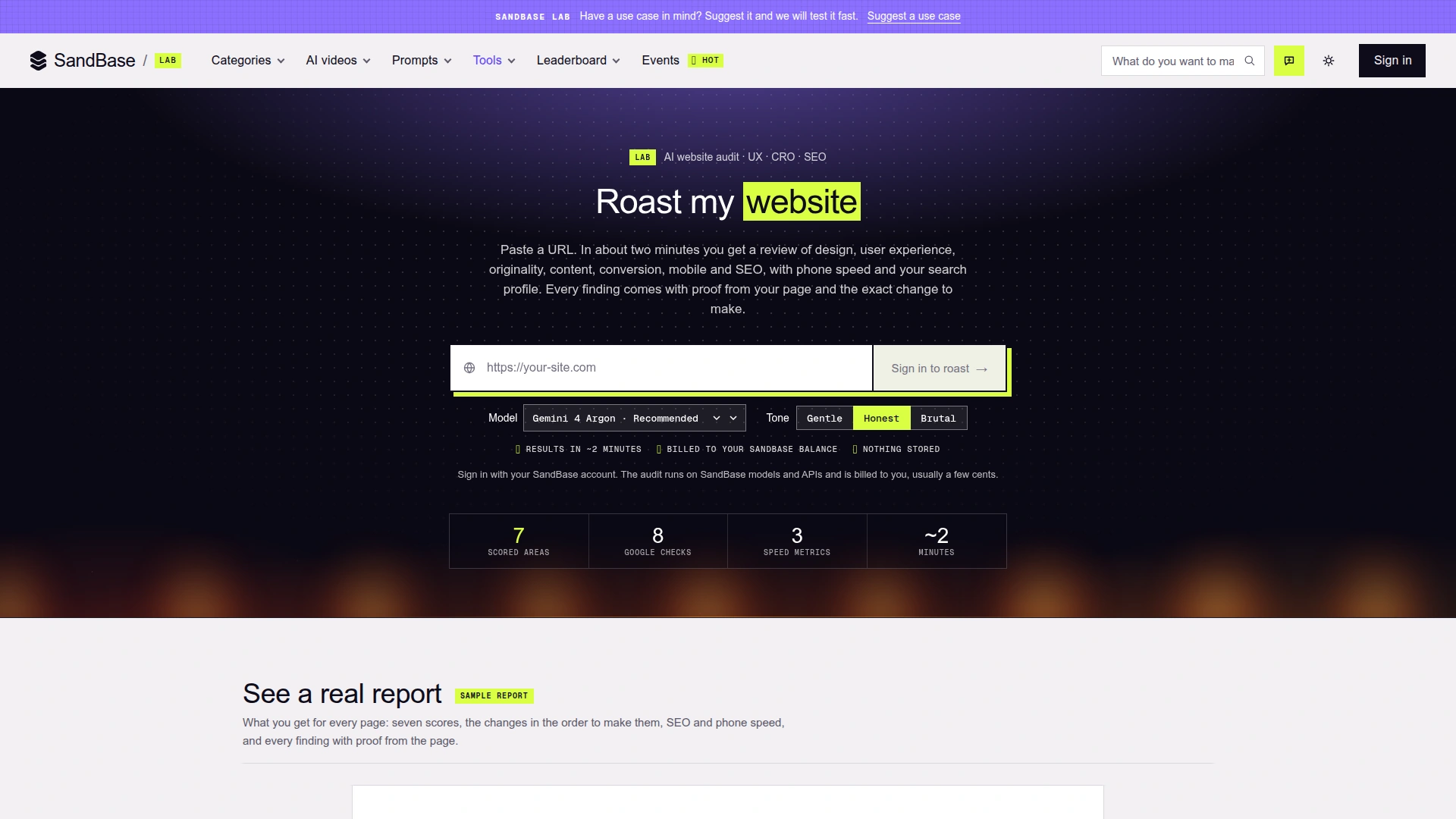 RoastWeb asks for a public URL, model, and review tone, then previews the evidence-backed report structure. Captured November 4, 2026.
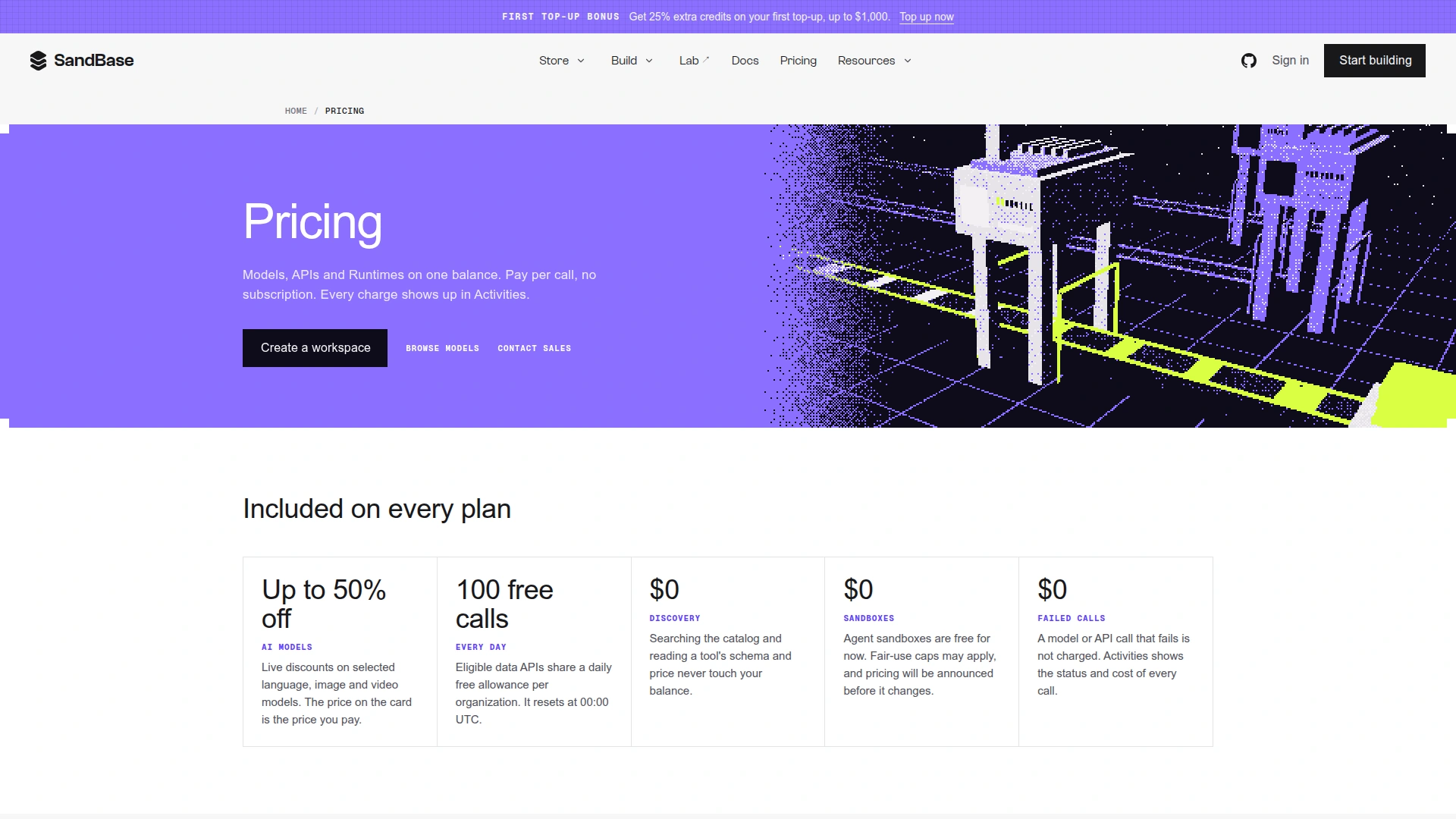 The pricing page is the source to check before a run; model and API rates can change after an article is published. Captured November 4, 2026.
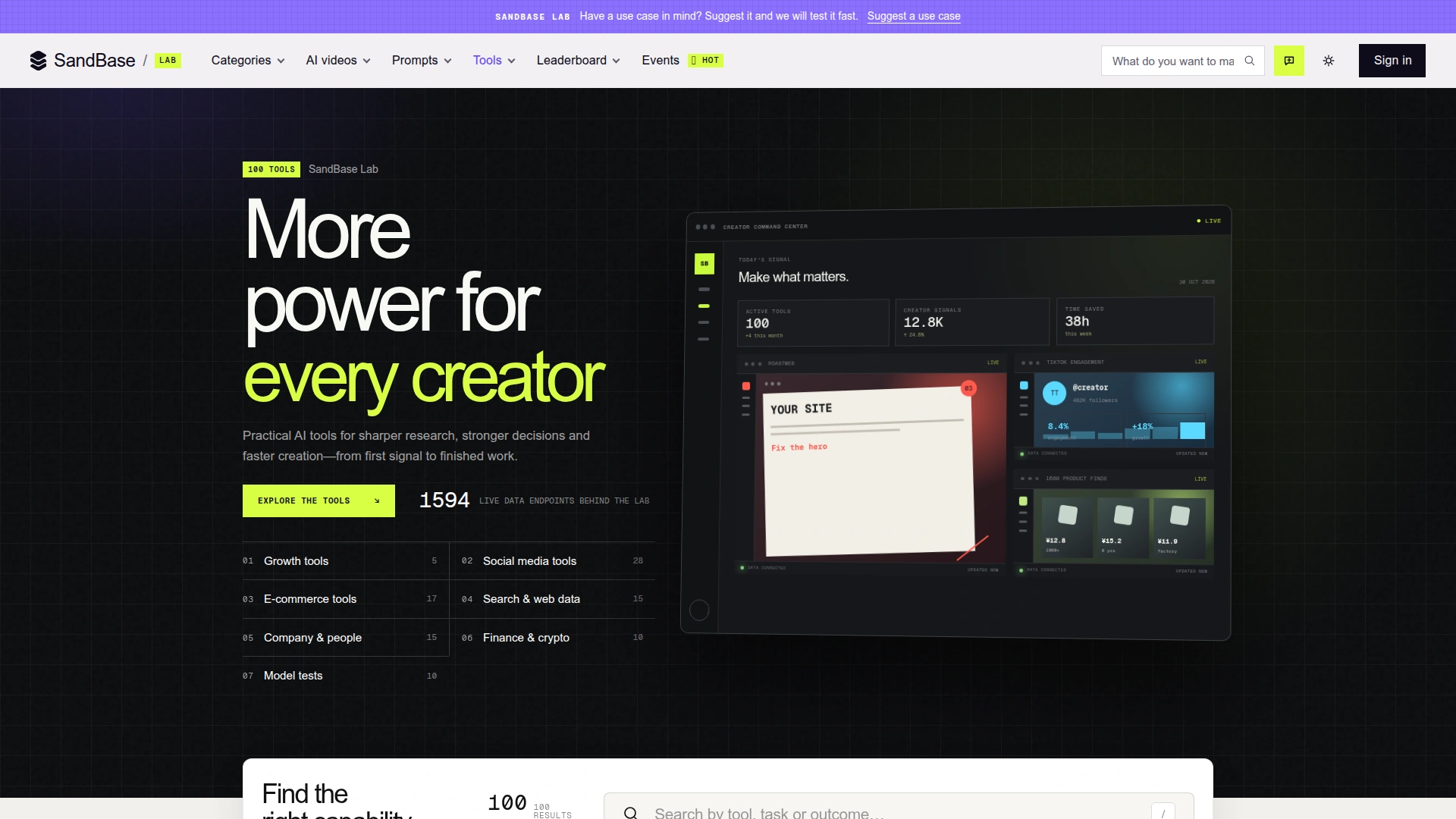 The directory places RoastWeb in Growth tools. That is an intended workflow category, not a guarantee of traffic or conversion gains. Captured November 4, 2026.
Limits that matter
- One crawl is a snapshot. Personalization, geography, authentication, and dynamic states may not be represented.
- Simulated mobile performance is useful for triage, not a substitute for field data from real devices.
- Search estimates and authority metrics are third-party observations, not Google guarantees.
- Suggested copy does not know legal, product, or brand constraints unless those facts are visible on the page.
- A high score does not prove that a page converts; a low score does not prove that a redesign will pay back.
Turning findings into measurable work
The best handoff format is not the PDF by itself. Create a table with five columns: finding, page evidence, business risk, proposed change, and verification. Evidence is the guardrail. If a recommendation cannot point to visible copy, a measured value, analytics, or a research note, keep it out of the sprint until someone can support it.
Describe risk in user terms. “The UX is weak” is not actionable. “A first-time visitor cannot identify whether the plan is for an individual or a team before seeing the price” is specific enough for design and copy to address. It also suggests a test: ask representative users to explain the offer without scrolling.
Match the verification method to the claim. Metadata can be checked mechanically. Performance should be repeated across lab runs and compared with field data when available. Messaging needs comprehension testing. Conversion changes need an experiment or a carefully bounded before-and-after analysis. Legal and pricing claims need review from the owner of that policy.
When traffic is too low for a clean experiment, write a falsifiable acceptance rule. For example: keep the revised hero only if at least four of five target users can name the product, intended customer, and next action after a five-second exposure. That is not statistically final, but it is more disciplined than approving whichever version the team likes.
Finally, preserve rejected recommendations. Record why each was declined: contradicted by user evidence, technically infeasible, legally unsafe, already covered elsewhere, or too costly for the expected risk. A future audit then starts from organizational memory instead of repeating the same debate.
FAQ
Does RoastWeb replace Lighthouse or Search Console?
No. It combines several review layers into one readable report. Lighthouse provides focused lab performance diagnostics, while Search Console provides first-party search performance for verified properties.
Should I implement every recommendation?
No. Prioritize recommendations that match the page’s job and have evidence you can verify. Reject suggestions that conflict with product truth, accessibility, legal requirements, or known user behavior.
Can I use it on a competitor?
It accepts public pages. Treat the result as an outside-in review and avoid claims about the competitor’s private performance or intent.
Bottom line
RoastWeb is strongest as a fast, evidence-organized second pair of eyes. Give it one page and one decision, translate the top findings into testable tickets, and keep the limits visible. The report should shorten the path to better research and better experiments—not replace them.