Product Review Analyzer: Features, Use Cases, and API Stack
A practical guide to SandBase Product Review Analyzer: supported marketplaces, decision signals, use cases, limits, and the four review APIs behind it.
A product can sit at 4.7 stars and still have a very specific problem: the lid leaks after a week, the sizing runs small, or the mounting hardware is missing. The average hides the decision. Review text contains it, but reading page after page across four marketplaces is not a sensible daily workflow.
The SandBase Product Review Analyzer is a focused Lab tool for that gap. Give it a product ID, choose Walmart, Home Depot, Taobao/Tmall, or JD.com, and it reads live public review data into a market brief. It is most useful when a product manager, seller, sourcing team, or research agent needs the rating distribution and repeated customer language before deciding what to fix, source, stock, or investigate next.
Key takeaway
- The tool starts from a product ID, not a keyword, so it is designed for deep review inspection rather than product discovery.
- It currently exposes four marketplace choices: Walmart, Home Depot, Taobao/Tmall, and JD.com.
- The useful output is not just an average rating: the page is designed around the review feed, rating distribution, recurring language, evidence, source, API-call count, and check time.
- Each result page consumes one live commerce API call from the signed-in SandBase account; pagination therefore has a real cost and should be scoped deliberately.
- Builders can move from the UI to the exact Walmart, Home Depot, Taobao, or JD review API when they need batching, scheduled checks, or their own analysis logic.
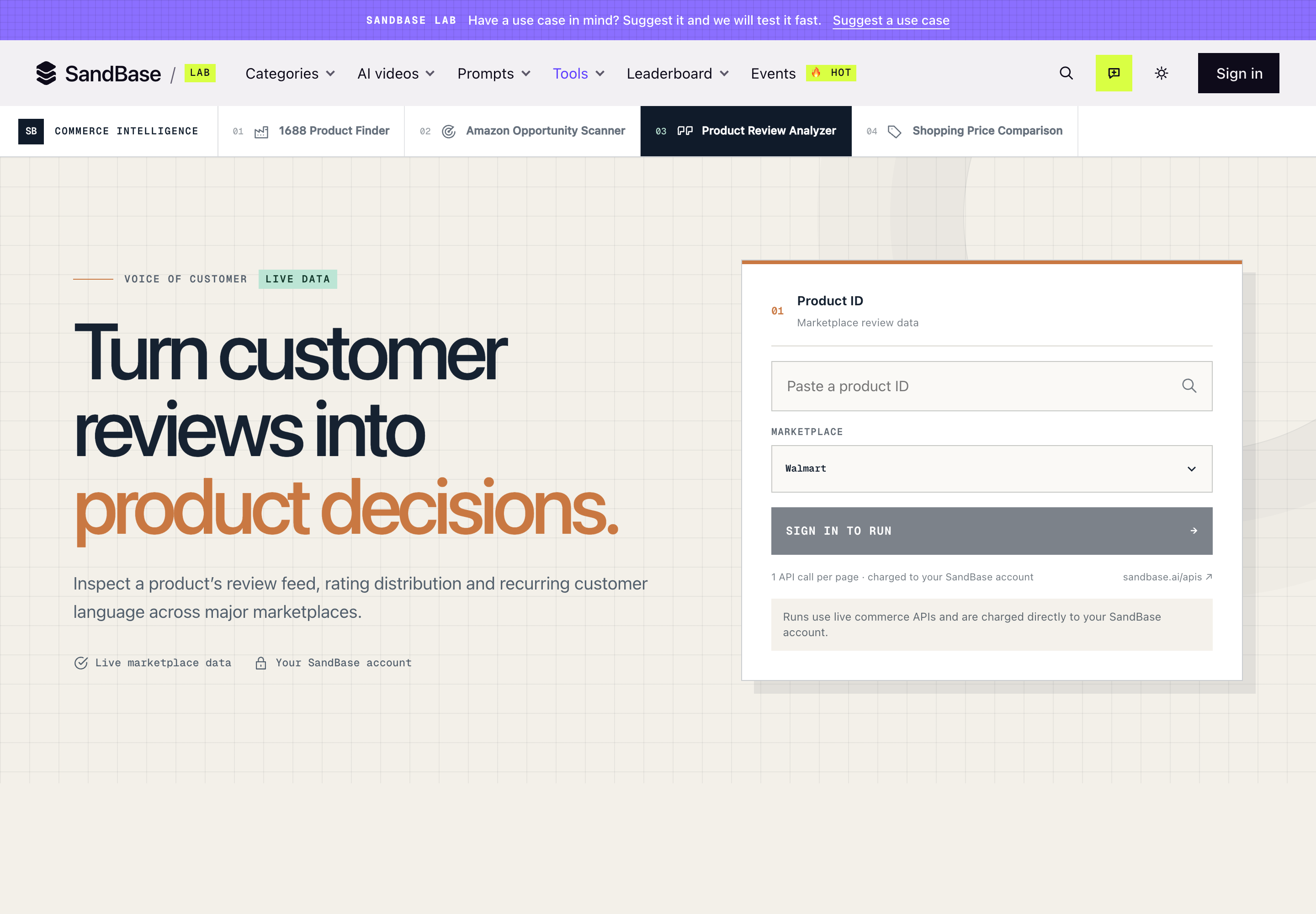
The Product Review Analyzer keeps the first step deliberately narrow: paste a product ID, select a marketplace, and run against live commerce data. Captured October 31, 2026.
What the Product Review Analyzer actually does
The screen has two required decisions: which product and which marketplace. That sounds modest, but it prevents a common research mistake. Keyword search answers “what products exist?” Review analysis answers “what is happening with this specific listing?” Mixing the two produces noisy conclusions because a keyword result can contain bundles, variants, accessories, and unrelated brands.
Once signed in, the tool sends the product ID to the selected marketplace review endpoint. The interface describes the result as a live market brief and is structured to show:
| Output area | Decision it supports |
|---|---|
| Review feed | Read the customer language behind the score |
| Rating distribution | See whether a high average masks a meaningful low-star tail |
| Recurring language / decision signals | Spot repeated complaints, praised attributes, and wording worth investigating |
| Returned records | Check the evidence behind the summary rather than accepting a floating claim |
| Source and checked time | Preserve marketplace and freshness context |
| API-call count | Keep the research cost visible, especially when paging |
The important distinction is evidence versus interpretation. A repeated phrase is a lead, not a proven root cause. “Hard to assemble” might indicate unclear instructions, a defective batch, or buyers using the wrong fasteners. The tool helps you find the pattern quickly; a product decision still needs a human to inspect representative reviews and, when relevant, returns, support tickets, or quality-control data.
Four marketplaces, four exact API dependencies
The marketplace selector is not a cosmetic filter. It changes the underlying endpoint because each platform identifies products, paginates reviews, and structures ratings differently.
| Marketplace in the tool | Corresponding SandBase API | What the catalog confirms |
|---|---|---|
| Walmart | Walmart Product Reviews | Product ID input, overall rating, ratings histogram, top positive and negative reviews, paginated review text, and photos |
| Home Depot | Home Depot Product Reviews | Product ID input, overall rating, ratings histogram, recommendation counts, review filters, and sorting |
| Taobao / Tmall | Taobao Product Reviews | Item ID input, pagination, and latest/default sorting for Taobao and Tmall reviews |
| JD.com | JD.com Product Comments | Item ID input and paginated customer comments for feedback and product-quality research |
Those links are the action layer for developers. The Lab tool is faster for a one-off inspection; the API pages are the right starting point when the same check must run across a catalog, on a schedule, or inside an agent workflow. The catalog descriptions above were verified on October 31, 2026. Nested business fields can change with upstream marketplaces, so read the live input schema before integration and treat observed payload fields as observed, not permanent guarantees.
Walmart: the clearest general-retail review shape
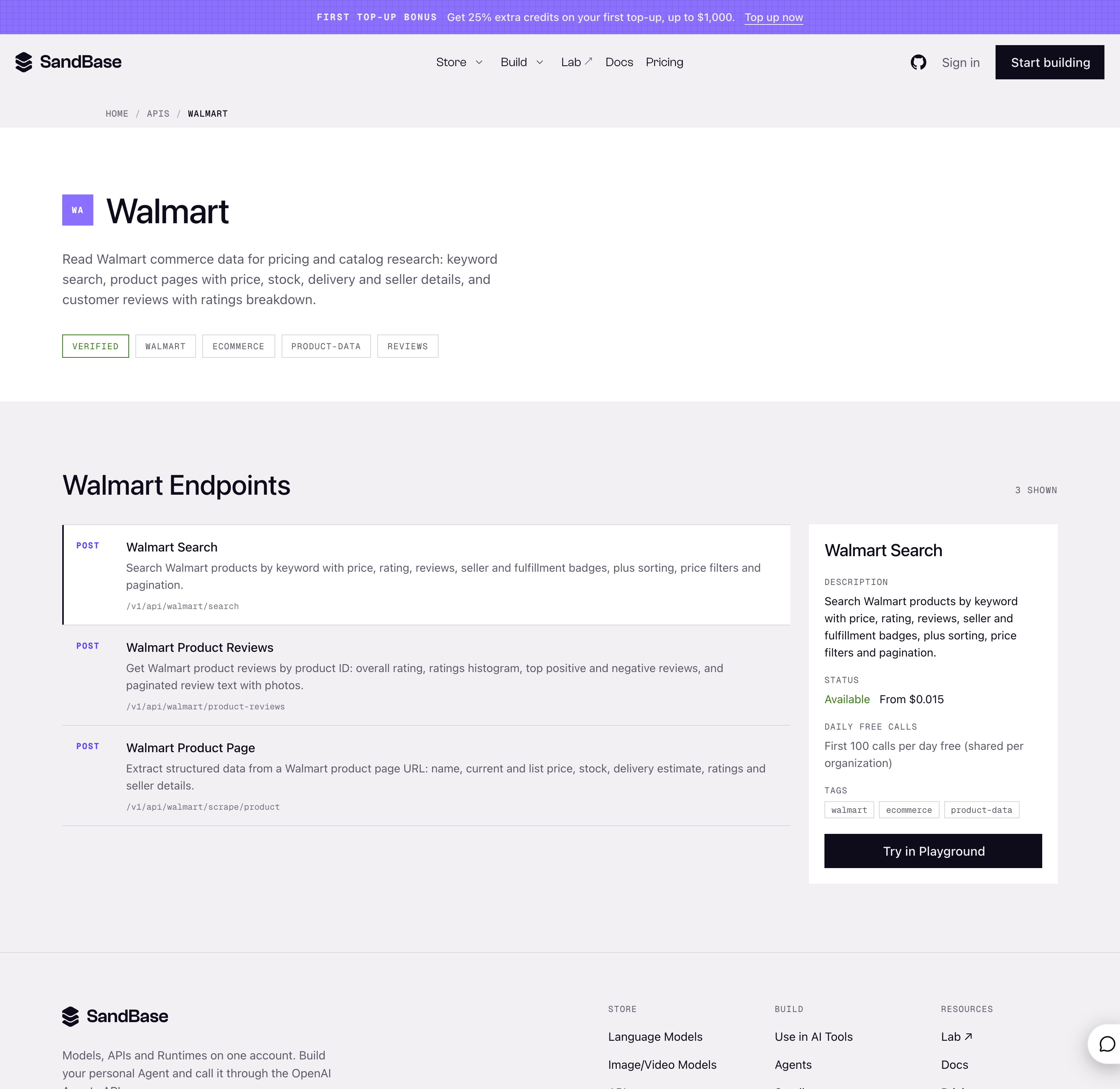
The Walmart catalog separates search, product-page extraction, and product reviews. Product Review Analyzer depends on the review endpoint, not the keyword-search endpoint. Captured October 31, 2026.
Walmart is a useful first stop when you need both the distribution and representative review text. The endpoint description explicitly includes a ratings histogram plus top positive and negative reviews. That combination helps answer two different questions: how large is the unhappy segment, and what language does that segment use?
It does not prove that the top negative review is the most common failure. Treat it as a fast reading cue, then page through enough reviews to test whether the same issue repeats.
Home Depot: recommendation counts matter for considered purchases
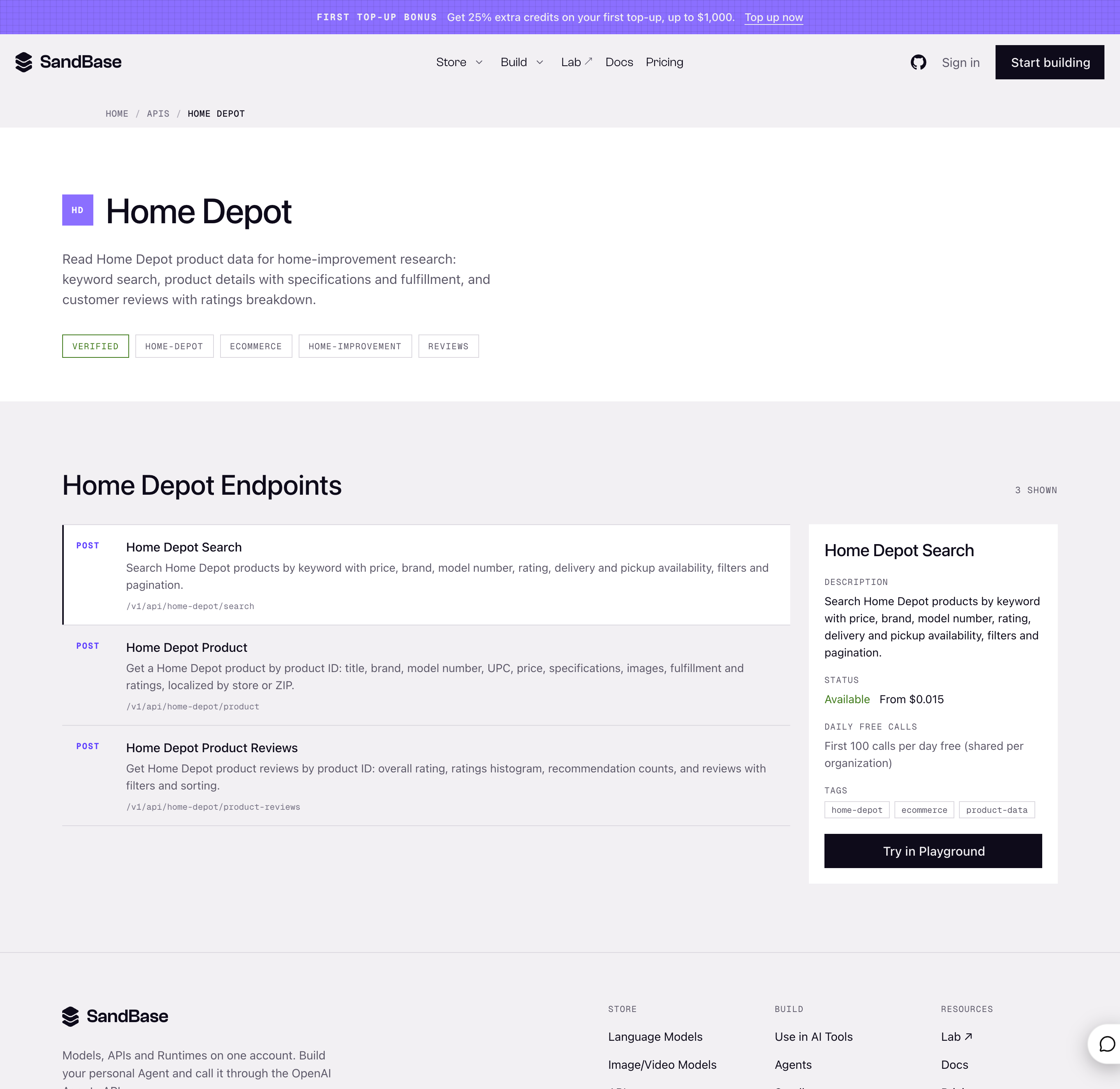
Home Depot’s review endpoint adds recommendation counts, filters, and sorting to the rating distribution. Captured October 31, 2026.
For tools, fixtures, and home-improvement products, a star score can flatten very different experiences: installation difficulty, fit with an existing system, missing components, or long-term durability. The Home Depot dependency adds recommendation counts and review filters, which are useful when the research question is “would buyers recommend this product?” rather than merely “what was the average score?”
The boundary remains the same: public review evidence is not warranty-claim data, verified defect rates, or private retailer analytics.
Taobao and Tmall: sorting is part of the method
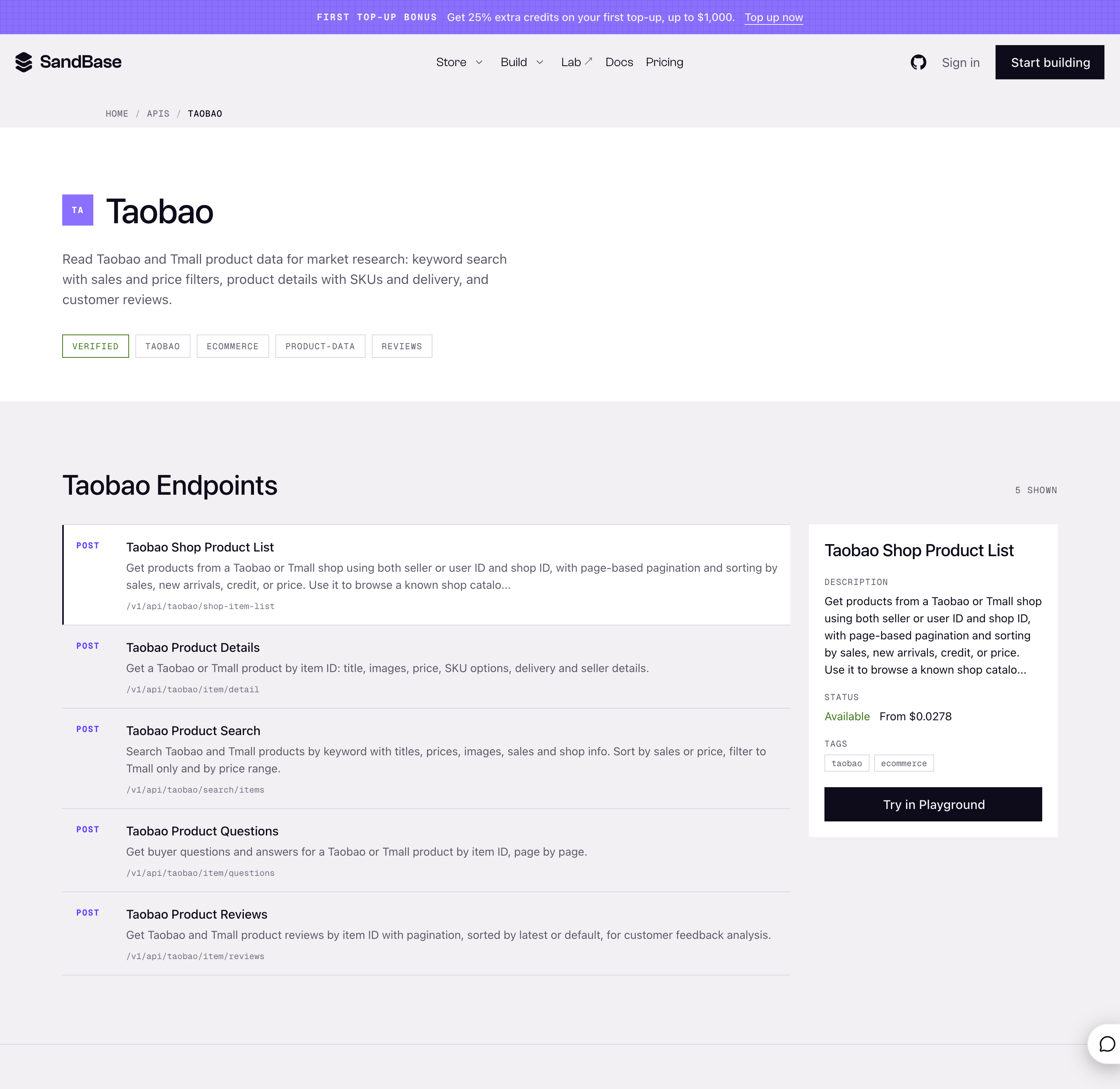
The Taobao catalog lists a dedicated review endpoint with pagination and latest/default sorting for Taobao and Tmall item IDs. Captured October 31, 2026.
Sorting deserves attention here. A default ordering can emphasize reviews selected by the marketplace, while latest ordering answers a recency question. Neither is universally correct. Use default sorting to understand the listing’s visible social proof; use latest sorting when you suspect a new batch, packaging change, or recent quality regression.
This is also why the Product Review Analyzer asks for an item ID. A single Taobao/Tmall keyword can resolve to many listings and variants; review conclusions only make sense when the listing boundary is explicit.
JD.com: comments for product-quality research
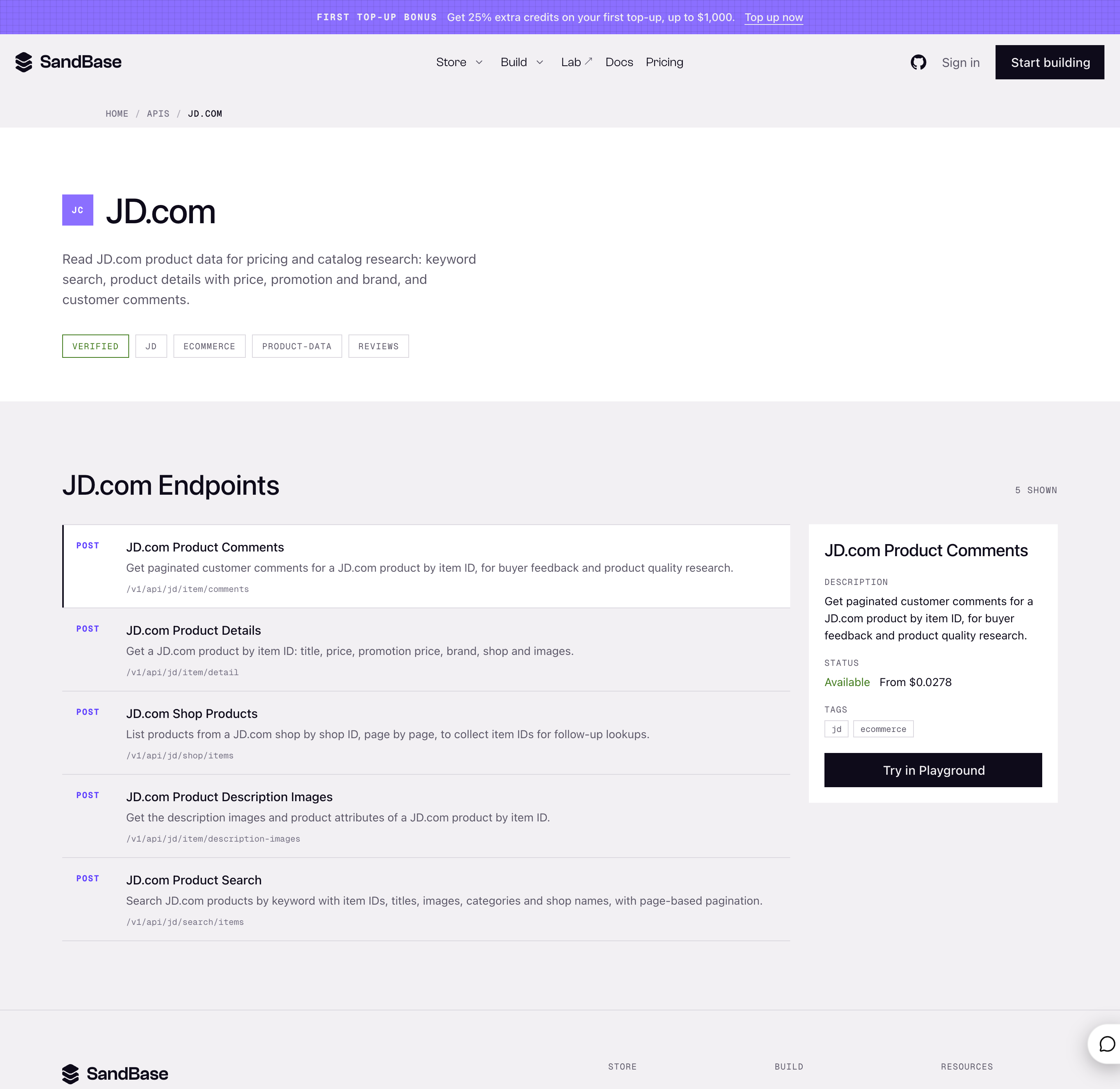
JD.com’s dependency is named Product Comments and accepts an item ID with pagination. Captured October 31, 2026.
JD uses “comments” in the endpoint name, but its role in the tool is the same: retrieve public buyer feedback for one product ID. The naming difference matters when building an integration. Do not guess a shared /reviews path across vendors; use each linked model page and its exact route.
Where the tool is genuinely useful
1. Product managers: turn vague feedback into a testable backlog
Suppose a compact appliance has strong sales and a 4.6-star average. The analyzer repeatedly surfaces “hard to clean” and “seal” language. That is not enough to authorize a redesign, but it is enough to create two testable questions: does residue collect around the gasket, and do low-star reviews concentrate around leakage?
The value is compression. Instead of handing a team hundreds of comments, you can hand them a short evidence trail and the representative records to inspect.
2. Marketplace sellers: audit a listing before changing copy
Reviews often expose a mismatch between the product and the promise. If buyers repeatedly mention that an item is smaller than expected, the cheapest intervention may be a clearer dimensions image rather than a product change. If comments cluster around missing parts, listing copy will not fix fulfillment.
This distinction saves bad optimization. The tool helps classify whether the next action belongs to merchandising, packaging, operations, or product engineering.
3. Sourcing teams: compare risk before committing inventory
For a sourcing decision, the useful question is rarely “which listing has more stars?” It is “what can fail after I commit to 2,000 units?” Run the tool on a small set of directly comparable listings, then compare complaint categories: material feel, breakage, sizing, assembly, packaging, or delivery damage.
Keep comparisons within one marketplace and product category where possible. A 4.5 on Walmart and a 4.5 on Taobao are not calibrated instruments with identical buyer populations or moderation rules.
4. Customer-research and support teams: improve interview prompts
Recurring customer language makes qualitative interviews sharper. If public reviews repeatedly use “wobbly,” ask users when the wobble appears and under what load. Avoid asking “do you have stability issues?”—that wording presupposes the answer.
Public reviews are best used to generate hypotheses for interviews, not replace interviews with people in your target segment.
5. Agent builders: graduate from one-off UI checks to monitoring
The UI is ideal for checking a product now. An agent is appropriate when the same product set must be revisited weekly, new reviews must be compared with a baseline, or an alert should fire when a complaint theme crosses a threshold.
That workflow should preserve the raw endpoint response, query time, marketplace, product ID, page count, and transformation version. If the summary changes next week, you need to know whether customer feedback changed or the extraction logic did.
For a deeper implementation pattern, see the existing product review analysis agent tutorial, which covers filtering, labeling, aggregation, and model-selection trade-offs on a different pair of marketplaces.
Product Review Analyzer versus building directly on the APIs
| Choose the Lab tool when… | Choose the APIs when… |
|---|---|
| You have one product ID and need a quick brief | You need to process many product IDs |
| A human will inspect the evidence immediately | A scheduled job or agent must repeat the work |
| The built-in review feed and decision signals are enough | You need custom taxonomies, storage, alerts, or joins |
| You want visible call count and source context without coding | You need retry policy, pagination control, and audit logs |
The UI is not a toy version of the API. It is an opinionated decision surface. That is a strength when the task matches it and a limitation when the task does not.
A disciplined five-minute workflow
- Copy the exact product or item ID from the marketplace listing.
- Open Product Review Analyzer, sign in, and select the matching marketplace.
- Run the first page and inspect the rating distribution before reading any generated signal.
- Open representative positive and negative records. Check whether the repeated language appears in the evidence.
- Write one decision and one uncertainty. Example: “Investigate lid-seal durability; current public reviews do not establish defect rate.”
- Page further only if the next page can change the decision. Each page is another API call charged to the account.
That last step is easy to skip. More reviews are not automatically better. If the first page exposes three unrelated complaints, another page may clarify frequency. If twenty records repeat the same narrow wording, additional pages may add cost without changing the next action.
Limits to keep visible
- It is listing-level, not market discovery. You need a product ID before the analysis begins.
- Live data changes. A report is a dated snapshot, not a stable benchmark.
- Marketplace schemas differ. The four dependencies do not promise identical fields or sorting behavior.
- Public reviews have selection bias. Reviewers are not a random sample of all buyers.
- A recurring phrase is not causality. Validate with support, returns, QA, or interviews before claiming a root cause.
- Pagination costs calls. The tool states one API call per page, billed to the signed-in SandBase account.
- No private seller data is implied. The verified surface is public marketplace review data, not orders, refund reasons, private messages, or seller-console analytics.
Testing boundary for this guide: I verified the public tool interface, its four marketplace choices, the visible call-accounting text, and the corresponding SandBase API catalog pages on October 31, 2026. I did not use a signed-in account to run a product, so this article does not claim a measured response time, a specific returned review count, or a guaranteed business-payload schema.
FAQ
Does Product Review Analyzer search for products by keyword?
No. The current interface takes a product ID and marketplace. Use a marketplace search endpoint or the marketplace site to identify the listing first, then analyze that specific ID.
Which marketplaces are supported?
The selector showed Walmart, Home Depot, Taobao/Tmall, and JD.com on October 31, 2026. The exact dependencies are linked in the API table above.
Is one result enough to make a product decision?
It is enough to identify a hypothesis or decide what to inspect next. It is not enough to establish a defect rate or causal explanation. Check representative records and combine public reviews with internal evidence when you have it.
Why not just paste reviews into a general chatbot?
A general chatbot still needs a reliable extraction step, marketplace context, pagination, and a trace back to records. Product Review Analyzer packages those mechanics into a bounded workflow and keeps source, check time, and call count visible.
Can I automate the same workflow?
Yes. Start from the exact Walmart, Home Depot, Taobao, or JD.com review endpoint. Follow its live schema and use POST /v1/api/<vendor>/<path>; the documented SandBase payload is under outputs[0].data.
Bottom line
Product Review Analyzer is strongest as the bridge between a suspicious average and a concrete next question. It narrows the job to one listing, makes the review evidence inspectable, and exposes the API cost of paging. Use the Lab tool for fast human research; use the linked APIs when the workflow needs scale, scheduling, custom labels, or an audit trail.