OpenClaw 2.0 Installation and Hermes Memory Migration: What to Check
Install OpenClaw, preview a Hermes import, distinguish memory-only from full migration, and check recall, credentials, conflicts, and your route back.
Key takeaway
If you already use Hermes, the useful question is not whether OpenClaw is “back.” It is whether you can try its rebuilt interface without losing useful memory or accidentally importing credentials and automations. OpenClaw 2.0 added import paths, but memory import and full migration are different operations.
- Use memory-only import if you want to bring remembered preferences and facts, not your whole setup.
- Preview a full migration before applying it; sessions and scheduled jobs are not automatically activated.
- Verify the destination files and recall in a new conversation, not just the import’s success message.
- Keep Hermes data and a backup until the new setup passes your checks.
The installation observations were recorded at first publication. Commands and migration boundaries were rechecked against official documentation on September 8; this update does not claim a second fresh-machine test.
1. Install and confirm the Gateway works first
The current getting-started documentation requires Node.js 24.16+ or 26.1+ and recommends Node 26. Have an existing supported Claude Code/Codex login or provider API key available. Existing access must actually verify; a subscription alone does not establish compatibility with every route.
Check the runtime:
node --versionThe documented macOS/Linux installer is:
curl -fsSL https://openclaw.ai/install.sh | bashWindows PowerShell:
iwr -useb https://openclaw.ai/install.ps1 | iexThese commands download and execute installation code and change your machine. Read the official installer before running it, especially on a work computer. Use one platform’s command, not both. The current installer follows the current release; it does not pin your installation to the original 2.0 package, which the release notes identify as v2026.8.1.
Current onboarding offers Quick start to reuse detected access and Custom setup for more choices. If no route verifies with a real response, complete manual provider setup. The classic wizard is still documented:
openclaw onboard --classicDo not import memories yet. First get one ordinary chat working. If Quick start is running the Gateway in the foreground, keep that terminal open. To run it as a background service instead, press Ctrl+C and then:
openclaw gateway install
openclaw gateway status
openclaw dashboard
The service installation changes startup configuration. The expected status is a running Gateway, normally listening on port 18789; the dashboard must open and return a model response. A loaded web page with a failed model login is not a working setup. Follow the displayed authentication instructions without copying a Gateway password or token into a public screenshot.
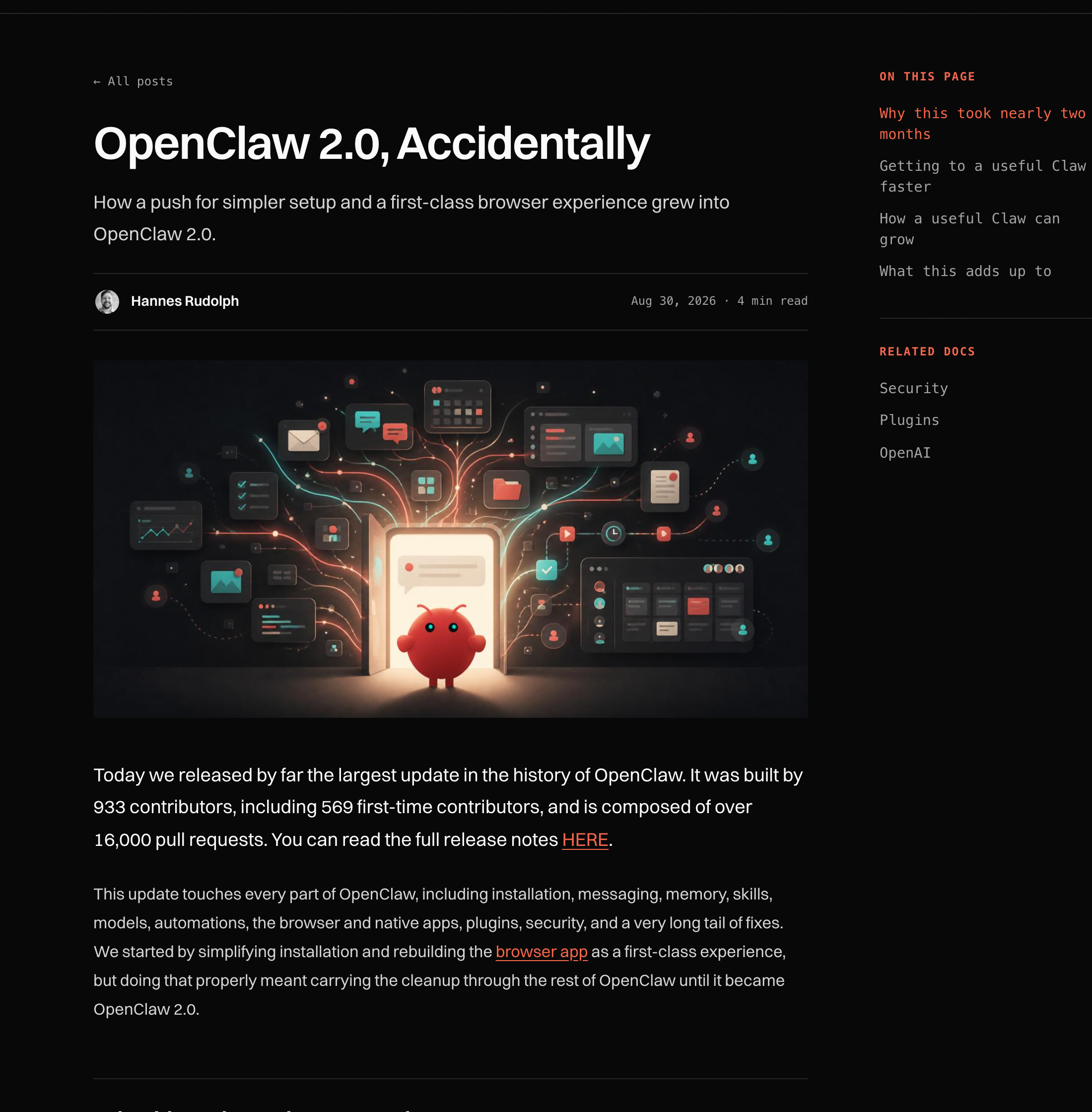
Figure: The August 30 official announcement explains the rebuilt onboarding and browser experience. Current command details come from the linked getting-started documentation.
2. Choose memory-only import or full Hermes migration
The Hermes migration documentation makes a distinction that the phrase “one-click migration” hides:
| Route | What it brings | What it does not establish |
|---|---|---|
| Onboarding memory page or Control UI Memory import | Hermes memories/MEMORY.md and memories/USER.md, copied under memory/imports/hermes/ for indexed recall | It is not a transfer of all settings, skills, credentials, or conversations |
| Full Hermes migration provider | Supported model configuration, MCP server definitions, workspace files, memory and skills; supported credentials only with consent | Not all Hermes options map to OpenClaw; unsupported items need review |
| Archive-only items in full migration | Sessions, logs, cron, databases and other listed source state are retained for manual review | They do not become active OpenClaw conversations, scheduled jobs or live databases |
MCP means the protocol agents use to connect to external tools. A server definition arriving in the new configuration does not prove that its login, tool filters, or provider-specific options still work.
For memory-only import, open the Memory destination in Settings, choose the Hermes source, review the proposed files and target agent, and apply only after that scope is correct. Existing workspace memory remains untouched on this path. Full migration instead appends the two memory files to the matching OpenClaw files. Do not treat these two destinations as interchangeable.
In the earlier installation, the wizard’s Hermes import was convenient. But importing those files is not proof that every previous conversation is searchable, every skill runs, or a scheduled job will resume.
3. Preview a full migration before writing anything
If you need configuration and skills as well as memory, use the standalone CLI preview:
openclaw migrate hermes --dry-runThis builds the plan without changing state. The provider follows HERMES_HOME and the active Hermes profile, then falls back to the platform default. Check the source path, destination agent, conflict list, skipped items and credential entries. Use the documented --from option if the detected source is not the one you intend to migrate.
For the first import, keep credentials out and retain interactive confirmation:
openclaw migrate apply hermes --no-auth-credentialsRun this only after approving the plan in your terminal. Standalone apply creates and verifies an OpenClaw backup when local OpenClaw state exists; it does not replace your independent backup of the Hermes source. Keep both and protect them like credentials: backups and archives can contain private data even when the displayed report redacts secrets.
Fresh onboarding also supports openclaw onboard --flow import, staging and verifying the new setup before making it active. That route requires a fresh setup. If you already completed onboarding, do not reset working state merely to see the import wizard; use the standalone preview or memory-only interface instead.
If a plan reports a conflict, stop and compare the source with the existing target. Do not add --overwrite as a routine fix. It explicitly permits replacement. The detailed migration docs also warn that an unexpected conflict during apply may leave independent items applied: read the item-level report, not just the final success or failure line.
4. Check what arrived, including a fresh-chat recall test
After a full import, follow the documented health sequence:
openclaw doctor
openclaw gateway restart
openclaw status
Doctor can apply pending configuration migrations, and restart interrupts the Gateway, so do this after preserving your work. Do not add repair, reset or overwrite flags simply to clear a warning.
Then check the actual migration result:
- Files: Open the target memory files and compare a few known entries with the source. For memory-only imports, inspect
memory/imports/hermes/; do not expect the main workspace files to have been replaced. - Recall: In a new private conversation with the same destination agent, ask about a distinctive, non-sensitive fact that already exists in the imported memory. Do not put its answer in the question.
- Isolation: Confirm you selected the intended agent. Official recall boundaries stay within eligible private conversations and the same agent; a shared conversation is not a substitute for this check.
- Full-migration extras: Inspect imported model settings and selected skills separately. Review MCP items flagged as unsupported. Test a harmless read before allowing external writes.
- Credentials and jobs: With the no-auth command above, missing credentials are expected. Archived cron and sessions must not be mistaken for running jobs and restored chats.
For example, suppose the source already says, “Weekly planning is Thursday at 15:00.” Ask “When is my weekly planning session?” and inspect the retrieved source, if shown. This is a suggested acceptance test, not a recorded migration result. A correct answer alone can be a guess; combine it with file inspection and the Memory page’s indexing status.
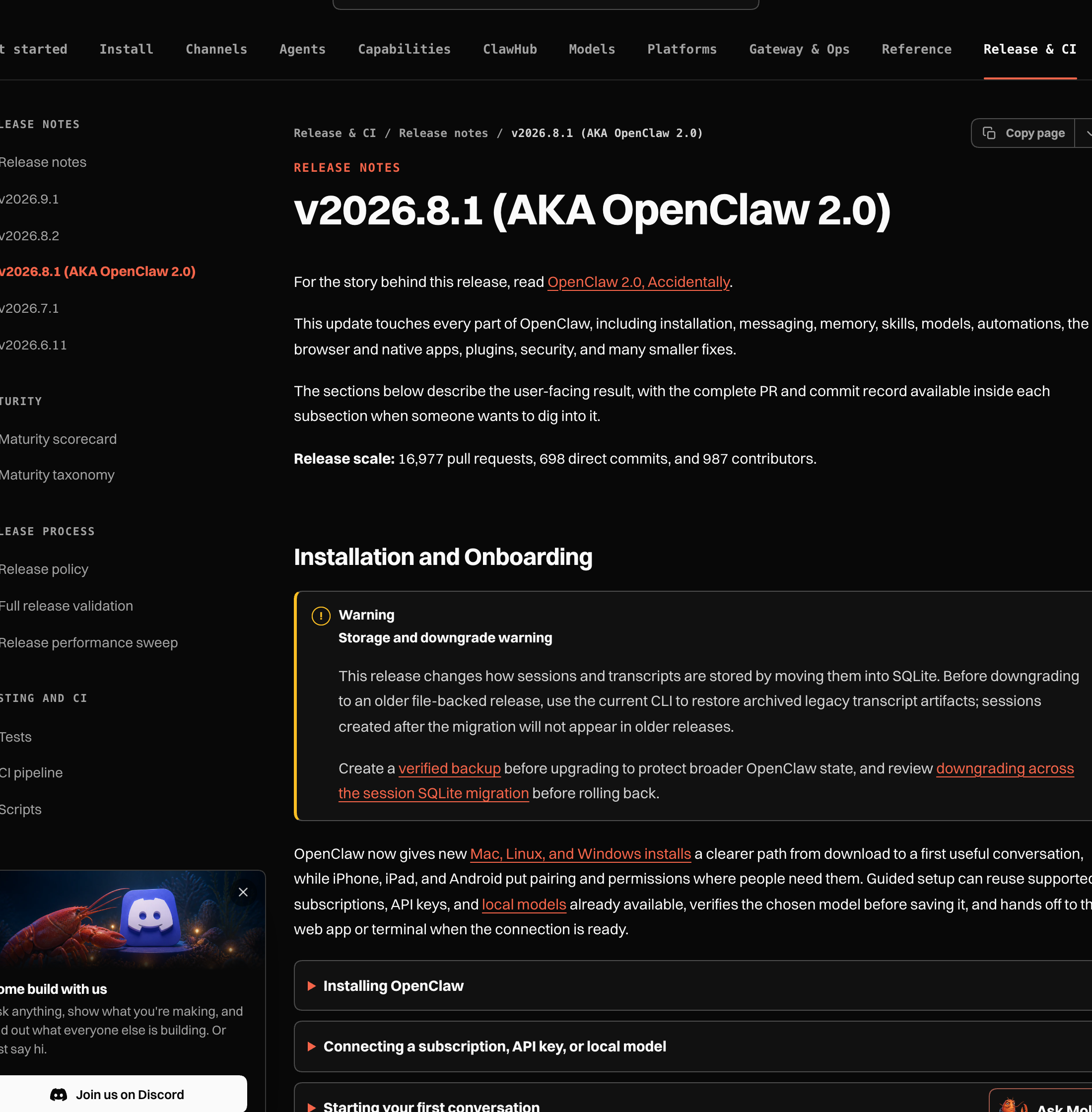
Figure: The release notes identify v2026.8.1 as OpenClaw 2.0. The linked Memory and Hermes migration pages define import scope and verification boundaries in more detail.
5. Keep a route back when recall or setup fails
A missing memory answer can mean a wrong source profile, wrong destination agent, an incomplete index, or a file that was never in the supported import set. Inspect those in that order before repeating the import. Repeating a full import with overwrite can replace valid destination edits without fixing recall.
Keep the original Hermes data unchanged during this trial. Preserve the pre-migration OpenClaw backup and the item-level report. If you abandon the trial, return to the still-working Hermes setup and stop newly enabled OpenClaw automations or channel connections so they cannot duplicate external actions. Restoration of an OpenClaw backup is a separate operation; use the official backup and restore instructions, not a guessed directory overwrite.
If you later choose to import supported OAuth credentials, the Hermes guide warns against both tools using the same refresh grant. Reauthenticate one side before running both. “The source files still exist” does not mean shared credentials can be used concurrently without consequences.
What the 2.0 rebuild changed—and what still feels unfinished
During the earlier fresh-machine installation, the wizard found existing Codex access, the rebuilt Control UI put conversations in the middle and sessions on the side, and Hermes memory import was convenient. Small session controls and an agent-creation flow requiring /approve were still awkward for newcomers. Those are earlier observations, not guarantees about every current interface.
The broader rebuild remains relevant background. The August 30 launch blog credited 933 contributors and more than 16,000 pull requests after a nearly seven-week release gap. It described shared sessions, built-in memory, more explicit approvals and improved automation history. None of those claims means a Hermes setup transfers completely.
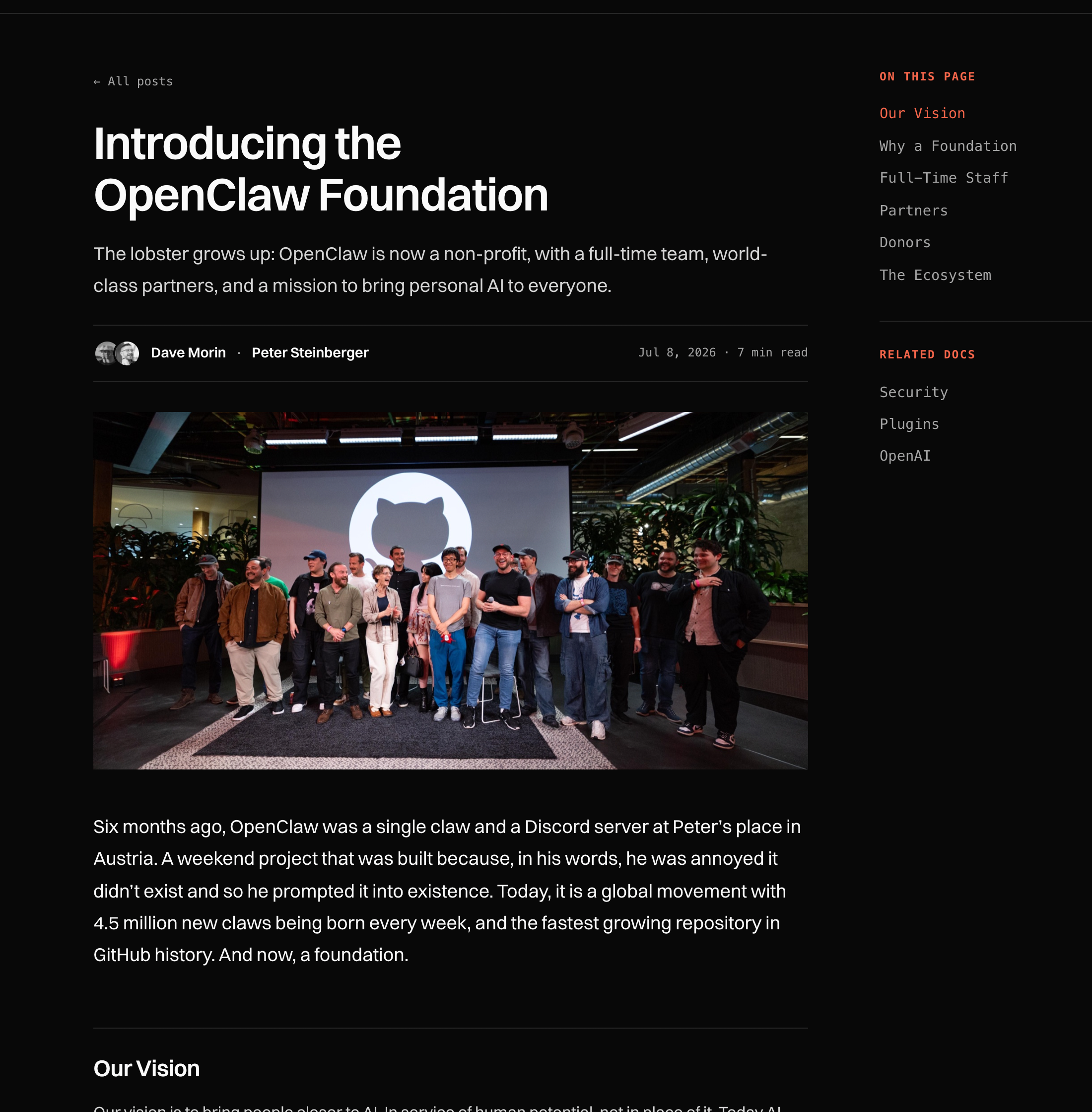
Figure: The Foundation announcement documents the project’s independent governance. It is background, not evidence that a particular Hermes import succeeds.
Setup is less front-loaded, but diagnosing a Gateway, reviewing imports and managing credentials still require care. For broader architecture choices rather than migration steps, see DeepSeek Harness, OpenClaw and Hermes compared.
Conclusion
A successful migration is not a green completion banner. It is the right files in the right agent, usable recall, deliberately configured credentials and no unexpected external jobs. Start with memory-only import if that is all you need. Keep Hermes intact until those checks pass.
FAQ
Can I import all Hermes conversations in one click?
Not through memory-only import. It copies two supported memory files. Full migration archives sessions and databases for review; it does not activate them as equivalent OpenClaw history.
Why didn’t my API keys import?
The example uses --no-auth-credentials intentionally. Supported credential import requires a separate decision; a detected key is not automatic permission to copy it. Check the official supported-key list.
Should I reset OpenClaw if onboarding won’t import?
Not just to unlock that screen. Fresh onboarding imports require fresh state. On an existing installation, preview standalone migration or use memory-only import, then review conflicts without resetting.
Can I keep using Hermes after trying OpenClaw?
Keep its source data and verify it still works. Avoid two active automations sending the same message, and reauthenticate one tool if you deliberately imported a shared OAuth refresh grant.
Evidence & Sources
- OpenClaw 2.0, Accidentally, August 30, 2026
- Getting started
- Migrating from Hermes
- Migration CLI reference
- OpenClaw 2.0 Memory release notes
- Introducing the OpenClaw Foundation
Source check: September 8, 2026. Hands-on observations were recorded at first publication; no new installation, credential import or migration was executed for this revision.