Meta Muse Glimmer: 30B Agent Model That Runs on Your GPU
Meta Muse Glimmer is a 30B dense multimodal model for local agentic workflows. Apache-2.0, runs on a single consumer GPU, calls tools and writes code locally.
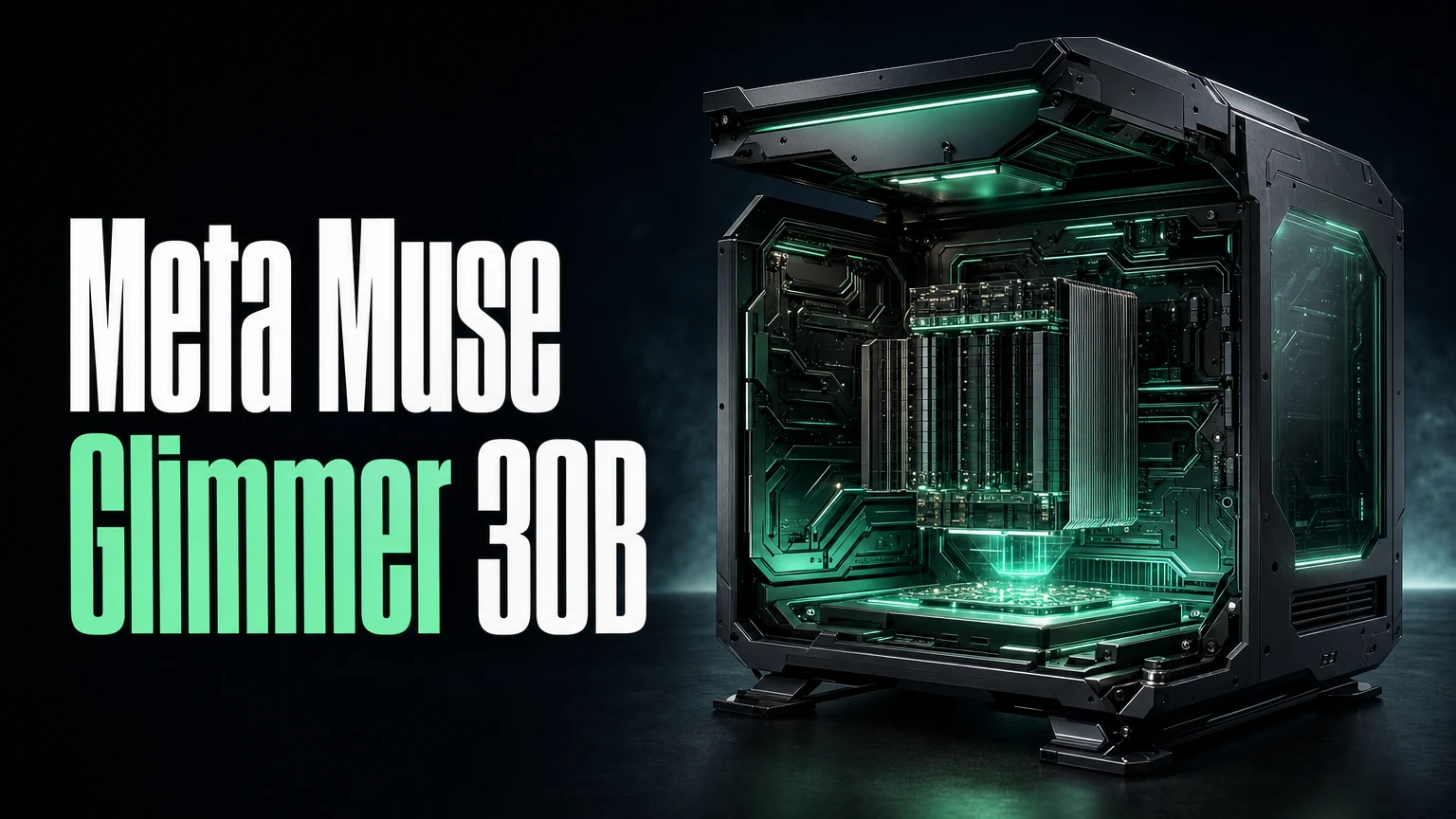
On August 10, Meta Superintelligence Labs released Muse Glimmer — a 30-billion parameter dense model designed from the ground up for one thing: running agentic workflows locally on your Mac or PC with a single consumer GPU. No cloud API. No subscription. Apache-2.0 license, weights on HuggingFace, and a clear statement about what Meta thinks “personal intelligence” should look like.
This isn’t a general-purpose chat model that happens to fit on consumer hardware. It’s purpose-built for tool calling, code writing, file manipulation, and multi-step execution — the agent capabilities that usually require cloud models — all running on hardware you already own.
TL;DR
- Meta Muse Glimmer: 30B dense (not MoE) multimodal model for local agentic workflows
- Runs on a single consumer GPU (24GB+ VRAM recommended, quantized versions for 16GB)
- Apache-2.0 license, weights on HuggingFace
- Capabilities: tool calling, code writing/debugging, file/screenshot processing, extended workflows
- Part of Zuckerberg’s “personal intelligence” vision — AI that runs on your device, not the cloud
- Released August 10, 2026 by Meta Superintelligence Labs
- Context: Meta reopening models after a brief closed period
Why Local Agent Models Matter Now
The cloud model APIs are extraordinary, but they have three properties that not everyone can accept:
- Your data leaves your machine. Every file, screenshot, and code snippet your agent processes gets sent to a remote server.
- You pay per token, forever. There’s no fixed cost for unlimited usage.
- You depend on uptime and rate limits. When the provider goes down or throttles you, your agent stops.
Muse Glimmer addresses all three. Once you download the weights, the model runs locally with zero network dependencies. Your code never leaves your machine. You pay once for the hardware, not per request. And there’s no rate limit — your GPU is the only bottleneck.
This has been technically possible with open-weight models for a while (via Ollama, vLLM, and similar tools), but the models that fit on consumer hardware weren’t good enough at agent tasks — calling tools reliably, managing multi-step workflows, understanding screenshots. Muse Glimmer is Meta’s attempt to close that gap.
Model Specifications
| Spec | Value |
|---|---|
| Parameters | 30 billion (dense) |
| Architecture | Dense transformer (not MoE) |
| Modalities | Text, image, screenshots, files |
| License | Apache-2.0 |
| Weights | HuggingFace (open download) |
| Target Hardware | Single consumer GPU (24GB+ VRAM) |
| Quantized Versions | 4-bit (16GB VRAM), 8-bit (20GB VRAM) |
| Optimized For | On-device agentic workflows |
| Release Date | August 10, 2026 |
| Developer | Meta Superintelligence Labs |
The “dense” architecture matters. At 30B parameters, every parameter is active on every forward pass. Compare this to MoE models like DeepSeek V4 Flash (284B total, 13B active) — Muse Glimmer is the same size it looks like. This makes inference simple and memory-predictable, which is exactly what you want on consumer hardware where you can’t afford the routing complexity of MoE.
What It Can Actually Do
I’ve been running it on a Mac Studio with an M3 Ultra (192GB unified memory, though it only needs about 20GB for the 8-bit quantized version). Here’s what works:
Tool Calling
Muse Glimmer supports structured tool-call schemas in the same format as cloud models. You define tools, the model decides when to call them, and your local runtime executes them. This is the foundation of agent behavior — and it works locally.
import ollama

response = ollama.chat(
    model="muse-glimmer:30b",
    messages=[{"role": "user", "content": "Find all TODO comments in ./src and create a tracking issue for each one."}],
    tools=[{
        "type": "function",
        "function": {
            "name": "search_files",
            "description": "Search files matching a pattern",
            "parameters": {"type": "object", "properties": {"pattern": {"type": "string"}, "path": {"type": "string"}}}
        }
    }, {
        "type": "function",
        "function": {
            "name": "create_issue",
            "description": "Create a tracking issue",
            "parameters": {"type": "object", "properties": {"title": {"type": "string"}, "body": {"type": "string"}}}
        }
    }]
)
Code Writing and Debugging
The model generates, reviews, and debugs code with quality comparable to cloud models in the 30-70B class. It’s not Sonnet 4 or DeepSeek V4, but for local iteration — writing scripts, fixing bugs, scaffolding features — it’s remarkably capable.
Screenshot and File Understanding
Muse Glimmer processes screenshots, UI mockups, and document images as part of its workflow. This means a local agent can look at error dialogs, read PDF invoices, or understand UI layouts without sending those images to the cloud.
Extended Multi-Step Workflows
The model handles workflows spanning 10-20+ tool calls in sequence without losing track of the overall goal. It maintains coherent plans across file edits, terminal commands, and verification steps — the agentic loop pattern that cloud models have owned until now.
Pricing: The Local Economics
There is no per-token pricing. The cost model is entirely hardware-based:
| Setup | Hardware Cost | Ongoing Cost | Performance |
|---|---|---|---|
| Mac M3/M4 (24GB+) | $1,600-3,500 | $0 (electricity) | 15-25 tok/s (quantized) |
| RTX 4090 (24GB VRAM) | $1,500-2,000 | $0 (electricity) | 25-40 tok/s (quantized) |
| RTX 5090 (32GB VRAM) | $2,000-2,500 | $0 (electricity) | 40-60 tok/s (full precision) |
| Cloud API (comparison) | $0 upfront | $0.75-$15/M tokens | Variable |
The break-even calculation depends on usage volume. At 100M tokens/month of cloud API usage at DeepSeek V4 Flash rates ($0.14/$0.28), you’re spending ~$20-30/month. Against Gemini 3.7 Flash ($0.75/$3.75), it’s $150-400/month. If you’d otherwise spend $200+/month on cloud APIs, local hardware pays for itself within a year.
But the real argument isn’t cost — it’s privacy and independence. If your agent processes proprietary code, client data, or sensitive documents, local execution means those files never leave your network.
Context: Meta’s Open-Source Return
Muse Glimmer arrives at an interesting moment. Meta went through a brief period of restricting access to newer models (Llama 4.5 had usage restrictions that annoyed the open-source community), then reversed course. Muse Glimmer under Apache-2.0 — the most permissive mainstream license — is a clear signal that Meta is recommitting to open.
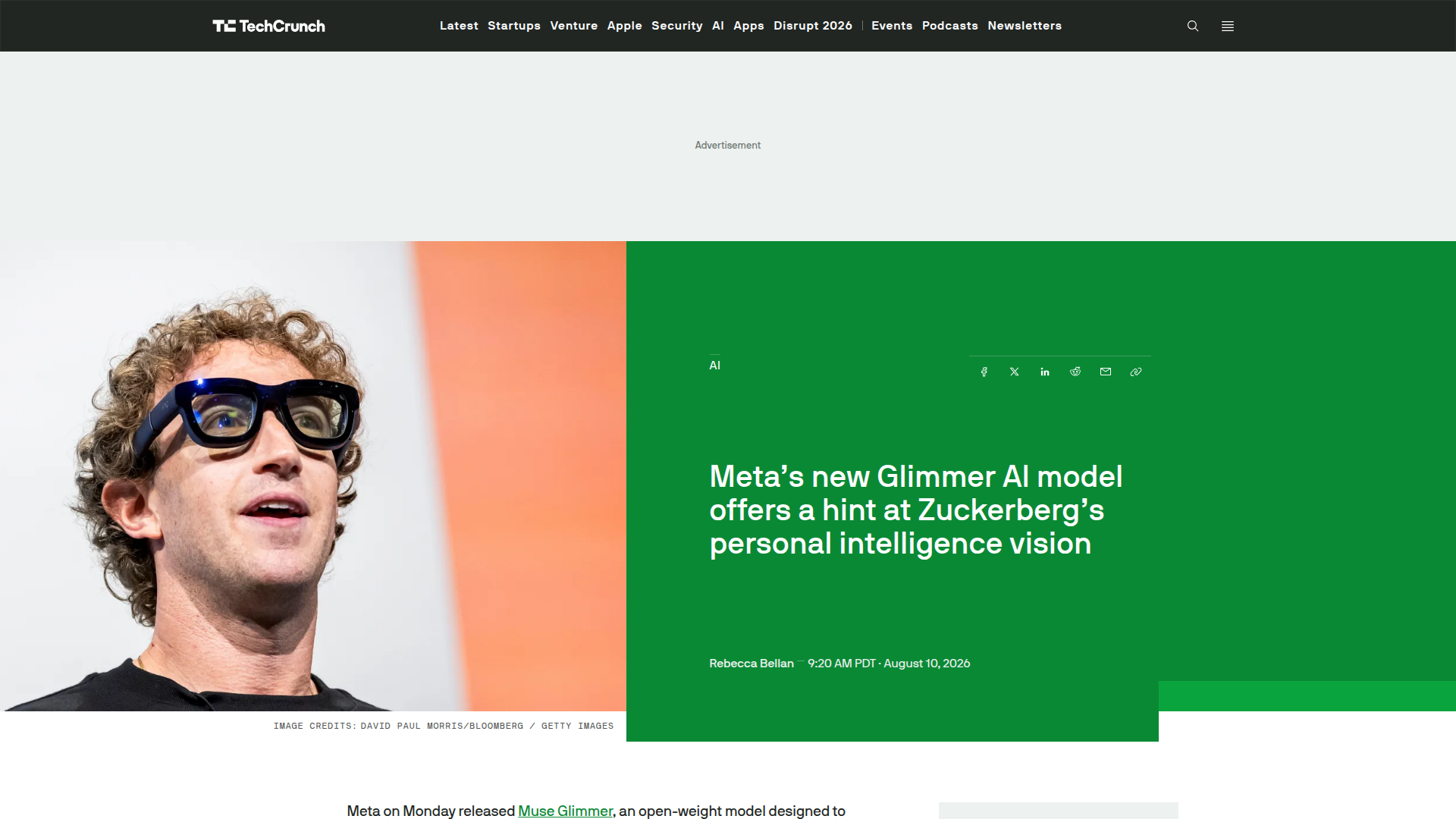
This is part of Zuckerberg’s “personal intelligence” vision: AI that lives on your device and works for you, not for an API provider. Whether that’s altruism or a strategic play to commoditize the cloud AI layer (which benefits Meta’s ads business by reducing AI infrastructure costs for everyone), the practical outcome is the same: a strong agent model you can run for free.
The upcoming Muse Spark 1.2 model is also expected to be open-sourced, continuing this pattern.
How It Compares to Other Local Options
| Model | Parameters | Agent Capabilities | License | Hardware Requirement |
|---|---|---|---|---|
| Muse Glimmer | 30B dense | Full (tools, vision, code, workflows) | Apache-2.0 | 24GB VRAM (16GB quantized) |
| Gemma 4 12B | 12B | Basic (chat, code) | Apache-2.0 | 8-12GB VRAM |
| Phi-4 14B | 14B | Moderate (code, reasoning) | MIT | 10-14GB VRAM |
| Llama 4 Scout | 109B (17B active) | Good (code, reasoning) | Custom | 24GB+ VRAM |
| Apple Foundation Model | Unknown | On-device tasks | Proprietary | Apple Silicon only |
Muse Glimmer’s advantage is specificity. It’s not trying to be a general chat model that can also do agent tasks. It’s built specifically for tool calling, code writing, and multi-step execution on consumer hardware. Gemma 4 and Phi-4 are smaller and faster but weaker at structured agent workflows. Llama 4 Scout is capable but has licensing restrictions that Apache-2.0 doesn’t.
Setting It Up
Fastest path to running Muse Glimmer locally:
# Via Ollama (simplest)
ollama pull muse-glimmer:30b-q4
ollama run muse-glimmer:30b-q4

# Via vLLM (more control)
pip install vllm
vllm serve meta/muse-glimmer-30b --quantization awq --max-model-len 32768

# Via llama.cpp (lowest memory)
./llama-server -m muse-glimmer-30b-q4_k_m.gguf -c 32768 --port 8080
All three expose an OpenAI-compatible endpoint, so any agent framework that uses the standard chat completions API works without modification. If you’re already using SandBase Managed Agents, you can point a local instance at your Muse Glimmer server as the model backend.
Limitations
Let me be direct about where Muse Glimmer falls short:
-
Context window is smaller. At 32K-64K tokens (depending on quantization and hardware), it’s nowhere near the 1M offered by cloud models. Long-codebase analysis still needs a cloud model or smart retrieval.
-
Speed on consumer hardware. At 15-40 tokens/second, it’s noticeably slower than cloud API responses. Multi-step agent loops take longer wall-clock time.
-
Quality ceiling. 30B parameters is 30B parameters. It won’t match Claude Sonnet 4 or DeepSeek V4 on complex reasoning tasks. It’s optimized for agentic tasks specifically, not general intelligence.
-
No continuous improvement. Cloud models get silently updated. Local weights are frozen until you download a new version.
FAQ
What GPU do I need to run Muse Glimmer?
Minimum: any GPU with 16GB VRAM for the 4-bit quantized version (RTX 4060 Ti 16GB, Mac M2 Pro+). Recommended: 24GB VRAM for 8-bit quantization (RTX 4090, Mac M3 Pro+). Full precision needs 60GB+ (workstation cards or high-end Mac Studios).
Is it good enough to replace cloud models for coding agents?
For local iteration — writing scripts, debugging, file manipulation — yes, it’s surprisingly capable. For production-grade software engineering on complex codebases, cloud models (DeepSeek V4, Sonnet 4) are still meaningfully better. Use Muse Glimmer for development and privacy-sensitive tasks, cloud models for heavy-lift work.
How does it compare to just running Llama locally?
Muse Glimmer is specifically optimized for agentic tasks: tool calling, structured output, multi-step planning. Generic Llama models are better at general conversation but weaker at the structured agent behaviors. If your use case is “local AI agent,” Glimmer wins. If it’s “local chatbot,” Llama 4 might be more versatile.
Can it process images and screenshots?
Yes. Muse Glimmer is multimodal — it accepts images, screenshots, and document scans as input. This means your local agent can look at error dialogs, read receipts, analyze UI layouts, and process visual content without sending anything to the cloud.
Will Meta keep updating it?
Meta has announced Muse Spark 1.2 as the next model in this family, also expected to be open-sourced. The pattern suggests ongoing investment, but there’s no SLA for update frequency. This is open-source — you get what’s released when it’s released.
Bottom Line
Muse Glimmer represents a category shift: the first time a model specifically designed for local agentic workflows ships at a quality level that’s genuinely useful, not just a demo. At 30B dense parameters under Apache-2.0, it gives developers a path to build agents that process sensitive data, run without internet access, and cost nothing per inference.
It won’t replace cloud models for heavy-lift tasks. But for local development iteration, privacy-sensitive workflows, and the growing number of developers who want their AI tools to run without a cloud dependency, Muse Glimmer is the model that finally makes “local agent” more than a talking point.