Threads Creator Research API Tutorial
Build a Threads creator-research workflow: resolve a list of handles into profile records, rank by reach, and extract bio links — one SandBase key, no login.
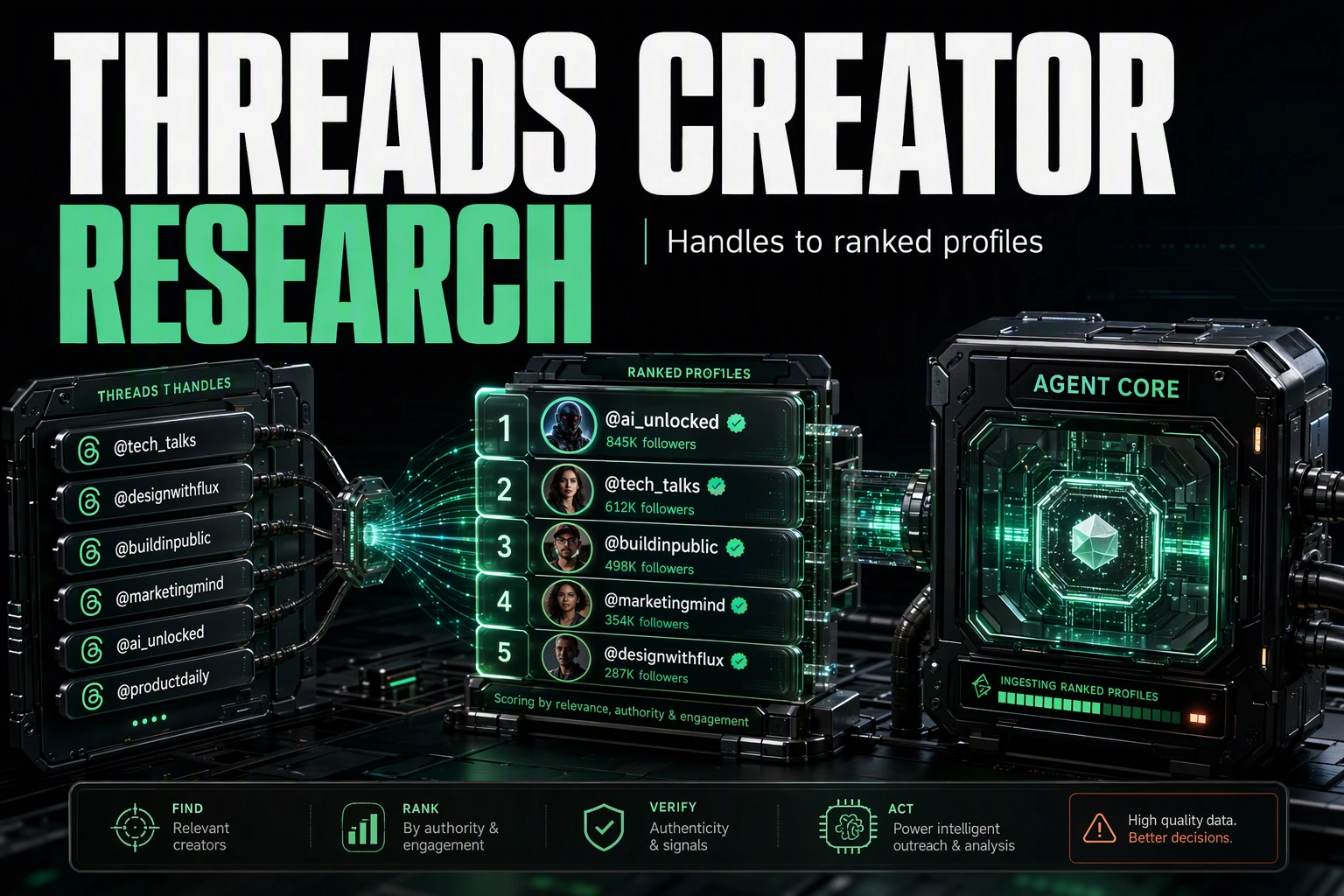
Creator research on Threads starts with a list of handles and ends with a ranked table you can act on: who has reach, who is verified, and where their audience goes next. This tutorial builds that workflow with the SandBase Threads API — resolve each handle to a public profile, rank by follower count, and pull the bio links. One SandBase key, no Threads login and no SDK.
For the full endpoint tour, see the Threads public data API hub. This piece is the applied research workflow.
Key takeaway
- One endpoint does the work:
threads/web/user-infowith ausername, called once per handle.- Every call is
POST /v1/api/threads/<path>with oneSANDBASE_API_KEY; responses share the same envelope — a completed run carriesoutputs, while a failed or timeout run carrieserrorand nooutputs.- The profile nests under a
userkey with fields likefull_name,follower_count,is_verified, andbio_links— read them defensively.- Public, read-only data only; no Threads login of your own, but a SandBase API key is still required.
The workflow at a glance
| Step | Endpoint | Input | You get |
|---|---|---|---|
| 1. Resolve profiles | threads/web/user-info | username | a profile record under user |
| 2. Rank & extract | (in your code) | the records | a table ranked by follower count, with bio links |
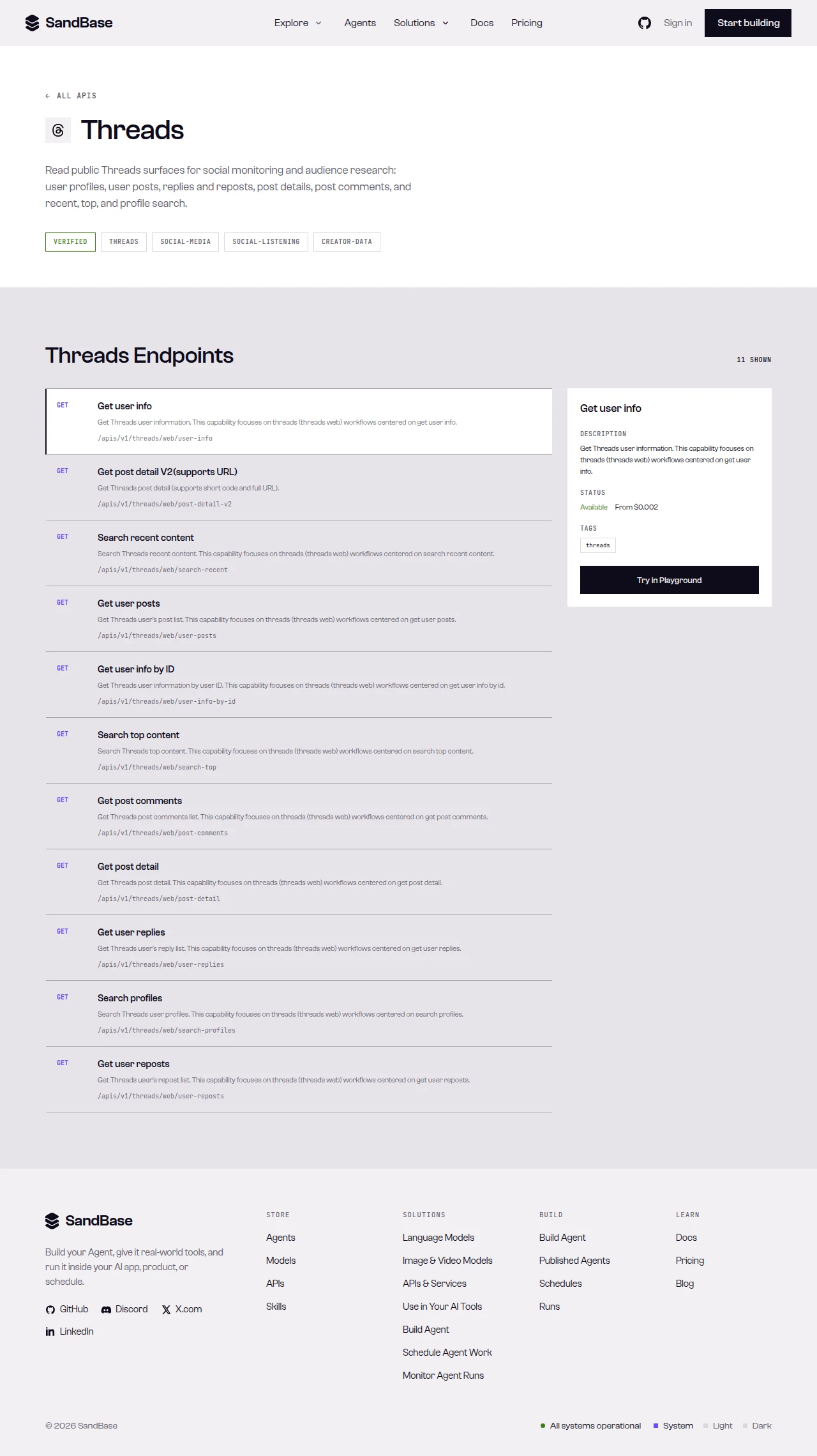 The endpoint API reference is the source of truth for each parameter name and response path.
Step 1 — Resolve each handle to a profile
Start with a shared helper that branches on status, then read one profile. Because a single handle can occasionally come back empty from the upstream, read defensively and skip anything without a user:
import os
import requests

BASE = "https://api.sandbase.ai/v1/api/threads"
HEADERS = {
    "Authorization": f"Bearer {os.environ['SANDBASE_API_KEY']}",
    "Content-Type": "application/json",
}


def call(path: str, payload: dict) -> dict:
    resp = requests.post(f"{BASE}/{path}", headers=HEADERS, json=payload, timeout=90)
    resp.raise_for_status()
    body = resp.json()
    if body.get("status") != "completed":
        raise RuntimeError(body.get("error", {}).get("message", "request did not complete"))
    # The reference guarantees only the envelope; business fields vary by
    # endpoint, so read defensively and confirm against a live response.
    return body["outputs"][0]["data"]


def profile(username: str) -> dict | None:
    data = call("web/user-info", {"username": username})
    return data.get("user")  # may be absent for an occasional upstream miss


p = profile("zuck")
if p:
    print(p.get("full_name"), p.get("follower_count"), p.get("is_verified"))
Only the envelope is guaranteed, so the code reads each business field with .get(): a completed run carries outputs, while a failed or timeout run carries error and no outputs. The block below is my tested response, tested on 2026-09-27 (UTC) — the numbers will change, so treat them as a point-in-time reading and confirm against a live response:
{
"id": "77059cb9-8616-4be1-abfe-96e82a12b54f",
"status": "completed",
"model": "threads/web/user-info",
"outputs": [
{
"data": {
"user": {
"full_name": "Mark Zuckerberg",
"biography": "Mostly superintelligence and MMA takes",
"follower_count": 5744972,
"is_verified": true,
"bio_links": [],
"id": "63055343223",
"pk": "63055343223"
}
}
}
]
}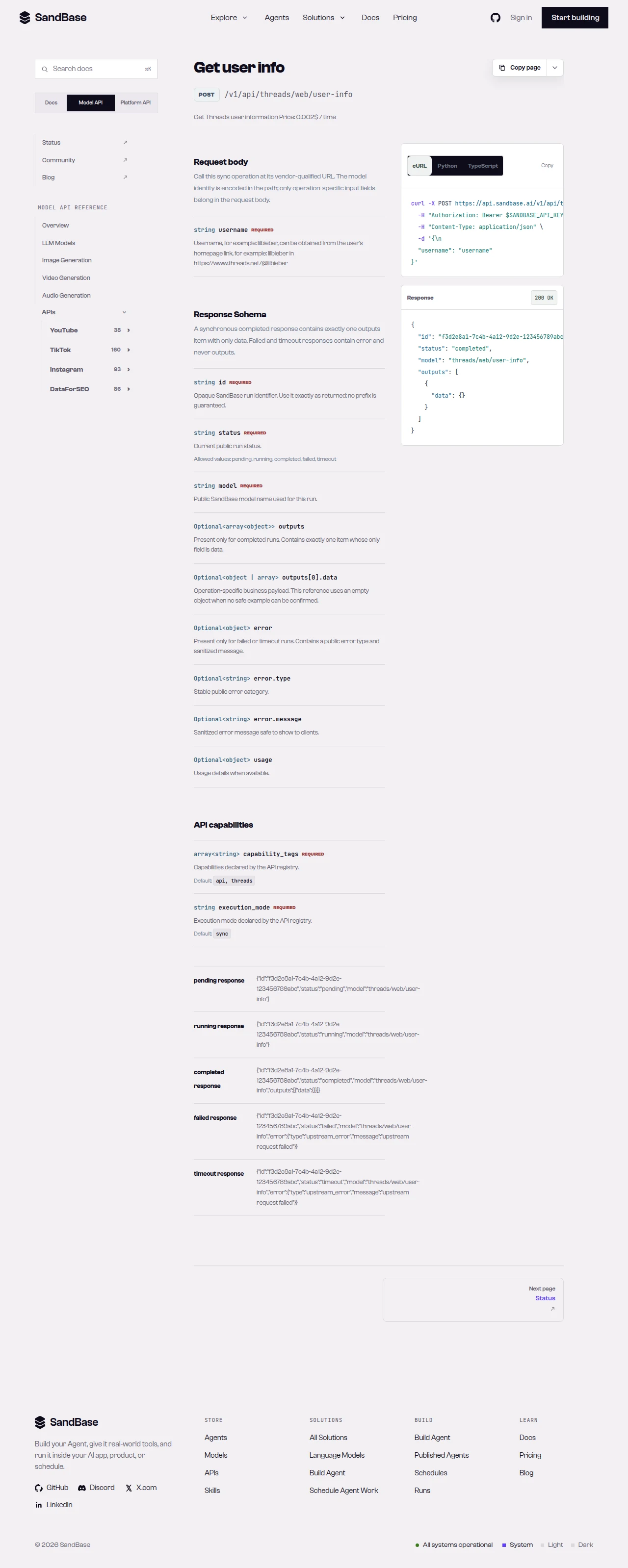 user-info returns the profile under a
 user key — read the path defensively.
Step 2 — Resolve a list of handles
Loop your candidate handles through the same helper, skipping any that come back empty:
HANDLES = ["zuck", "mosseri", "natgeo"]

records = []
for handle in HANDLES:
    p = profile(handle)
    if not p:
        continue  # skip an occasional empty upstream result
    records.append({
        "username": handle,
        "name": p.get("full_name"),
        "followers": p.get("follower_count") or 0,
        "verified": p.get("is_verified", False),
        "bio": p.get("biography"),
        "links": [l.get("url") for l in (p.get("bio_links") or []) if isinstance(l, dict)],
    })
Each record is a flat, storable row. The bio_links extraction reads each link defensively, since the list can be empty and its item shape can vary — confirm it against a live response.
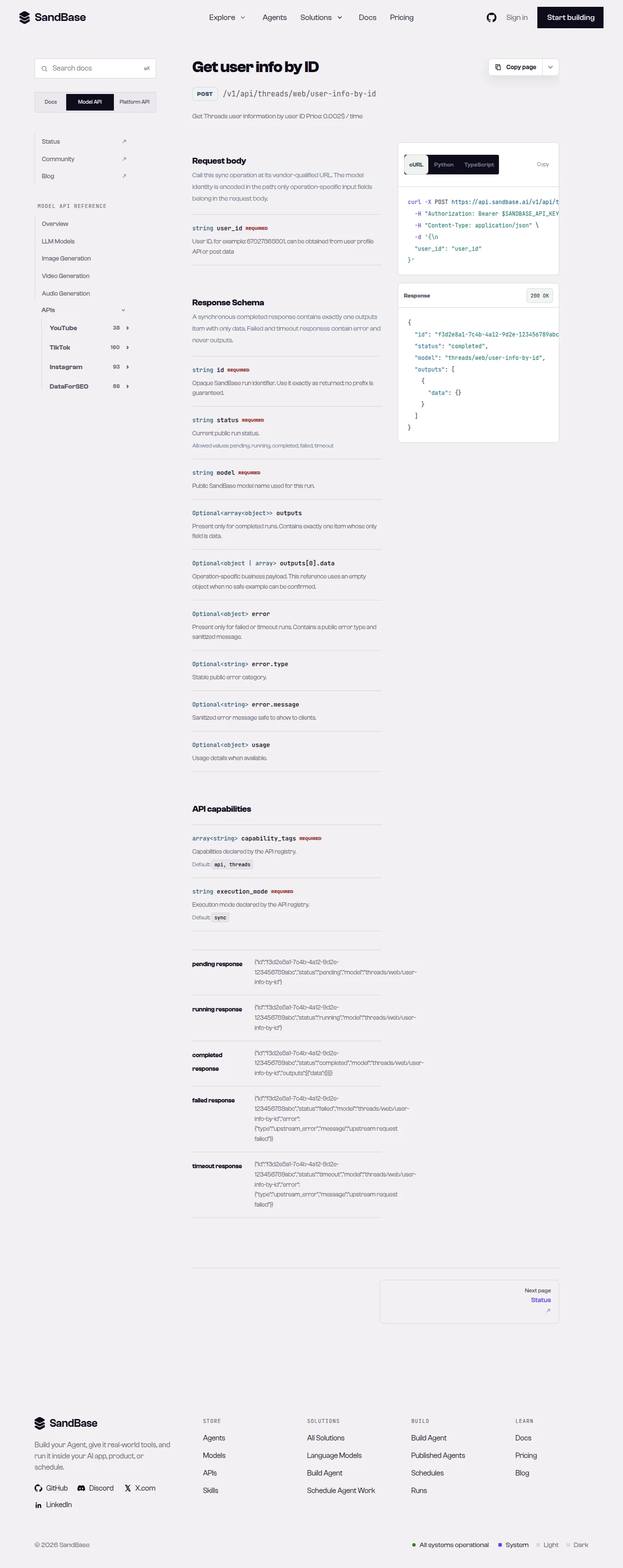 Read each endpoint’s schema; profile fields nest under
 user and can change over time.
Step 3 — Rank and report
With flat records in hand, ranking is a sort. Order by follower count and surface the verified accounts first for a quick research table:
def report(records: list[dict]) -> list[dict]:
    return sorted(
        records,
        key=lambda r: (r["verified"], r["followers"]),
        reverse=True,
    )


for r in report(records):
    badge = "✓" if r["verified"] else " "
    print(f"{badge} {r['followers']:>12,}  @{r['username']}  {r['name']}")
That is the whole loop: resolve, collect, rank. Because the records are flat JSON with named fields, the same table drops into a spreadsheet, a database, or an agent’s context without reshaping.
Putting it together
A minimal creator-research pass looks like this:
HANDLES = ["zuck", "mosseri", "natgeo"]

records = []
for handle in HANDLES:
    p = profile(handle)
    if p:
        records.append({
            "username": handle,
            "name": p.get("full_name"),
            "followers": p.get("follower_count") or 0,
            "verified": p.get("is_verified", False),
            "links": [l.get("url") for l in (p.get("bio_links") or []) if isinstance(l, dict)],
        })

ranked = report(records)
Because every call shares the same envelope and the same call helper, adding retries or rate-limit backoff is a one-place change. When you need more than the profile read — a user’s posts or replies — note that those endpoints key off a user_id, not a username: take the pk/id that user-info already returns and pass it as user_id (with an optional end_cursor for paging) to user-posts or user-replies. Check the live Threads listing and confirm the endpoint’s availability against its reference before wiring it in, since some post and search reads can be intermittent.
Why run this at the API layer
You could open each profile in a browser and copy the numbers, but that does not scale past a handful of handles and it gives you no structured data to rank. Reading through one uniform API means every handle returns the same envelope — a completed run carries outputs with a profile under user, while a failed or timeout run carries error and no outputs — so your loop is a few lines and your records are consistent. Auth is one key, retries live in one helper, and the ranking logic is a plain sort over flat rows.
That uniformity is what makes the workflow composable. Grow the handle list, add a field to each record, or feed the ranked table into a scoring step — the resolve loop does not change. Your time goes to what the profiles mean for your research, not to scraping and reshaping.
Limitations and boundaries
- Public, read-only data only. No posting, following, or private/account-only data.
- Read defensively. The profile nests under
user, and an occasional handle can come back empty upstream — skip empties and use.get(). - Parameters and shapes follow the upstream surface.
user-infotakes ausername;bio_linksmay be empty. Inspect a real response and read the schema first. - Rate and volume. Treat responses as best-effort reads; retry with backoff on transient errors such as HTTP 429, and pace your loop.
- Verify against the live reference. Availability and fields can change, and some post/search reads can be intermittent; confirm before building on a specific endpoint.
FAQ
Do I need a Threads or Meta login?
No. You authenticate to SandBase with your SANDBASE_API_KEY. This workflow reads public profile data and needs no Threads account or OAuth on your side.
Why check for an empty result per handle?
An individual user-info read can occasionally come back without a user object from the upstream. Reading data.get("user") and skipping empties keeps a batch loop robust rather than crashing on one miss.
Can I read private or account-only data? No. This workflow is public profile data only — name, bio, follower count, verified status, and bio links. Private and account-authorized content are out of scope.
Build it
Create a SandBase API key, resolve a list of handles, and rank them by reach. When you are ready: