LinkedIn Company Research API Tutorial | SandBase
Build a LinkedIn company-research workflow: read a company profile, pull its posts, and page the feed — one SandBase key, no LinkedIn login, no SDK.
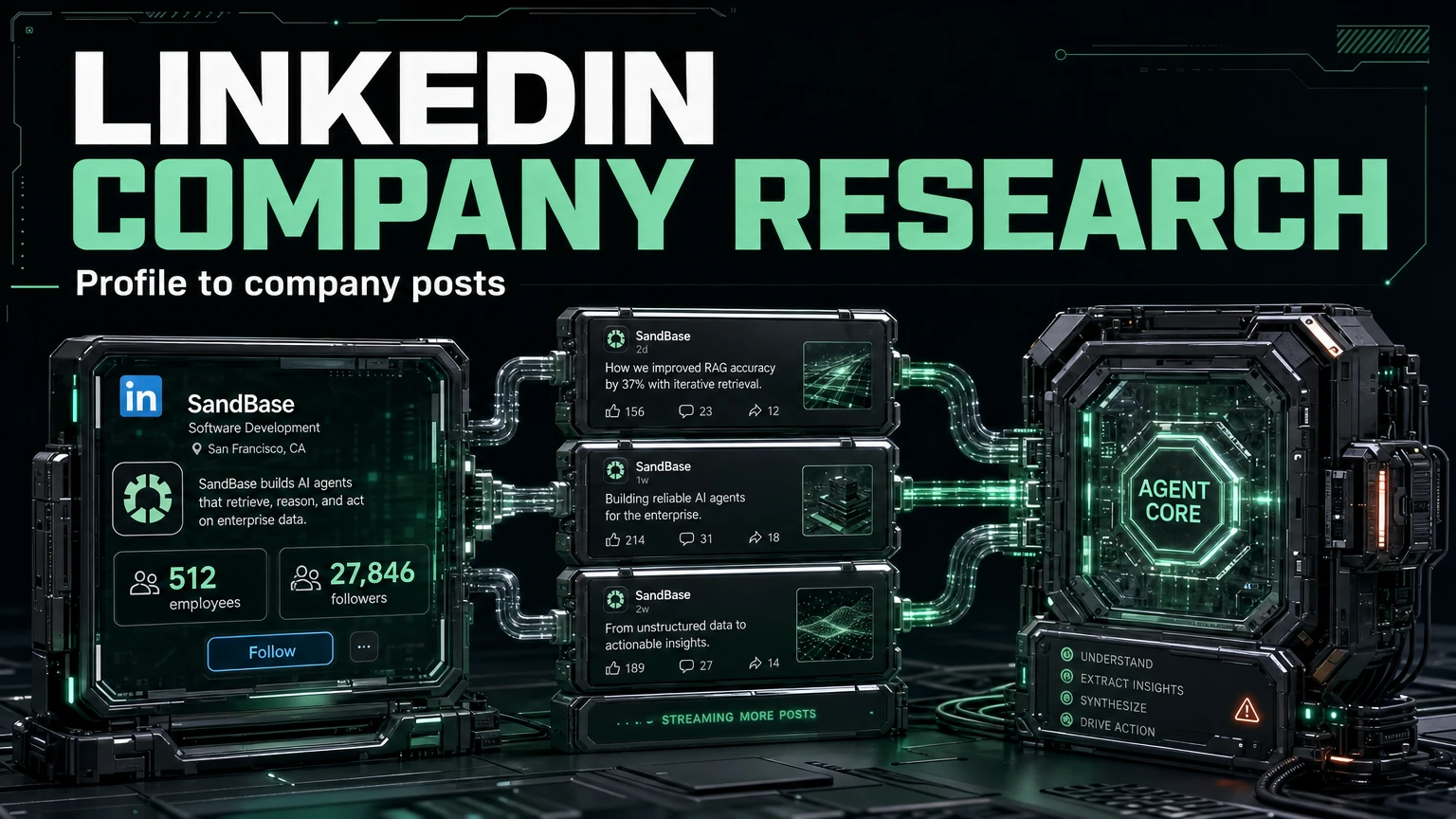
If you do B2B research or competitive intelligence, LinkedIn company pages are a rich, structured source: headcount, headquarters, follower base, and a public post feed. This LinkedIn Company Research API tutorial wires a repeatable loop with two SandBase endpoints — read the company profile, then pull its posts — so an agent can run it end to end. It builds on the LinkedIn public data API hub; read that first for the big picture.
Everything here is public, read-only data. There is no LinkedIn login and no SDK — a SandBase API key is still required to authenticate. The endpoint API reference is the source of truth for parameters and the response envelope. The reference guarantees only that envelope; the payload field names below come from calls I ran (tested on 2026-09-28, UTC) and are illustrative, observed-only — not documented guarantees — so confirm them against a live response.
Key takeaway
- Two endpoints form the loop:
company-profile(firmographics) →company-posts(public feed).- Each call is
POST /v1/api/linkedin/web-v2/<path>with a companyurl, oneSANDBASE_API_KEY.- Both endpoints take the same company
url, so the loop is trivially chainable.- Public, read-only data only — no posting, no private/account-only data.
SandBase vs. the official LinkedIn API
| Your need | Use |
|---|---|
| Public, read-only company profiles and posts | SandBase LinkedIn public-data API |
| Manage a page, post, or use Marketing/partner APIs | LinkedIn’s official APIs |
| Private or member-only data | Neither public workflow |
The workflow at a glance
- Read the profile with
linkedin/web-v2/company-profileusing a companyurl. - Pull the posts with
linkedin/web-v2/company-postsusing the sameurl, paging with the returnedpaging.
Each endpoint returns the shared envelope — an id, a status, the model, and the payload on a completed run.
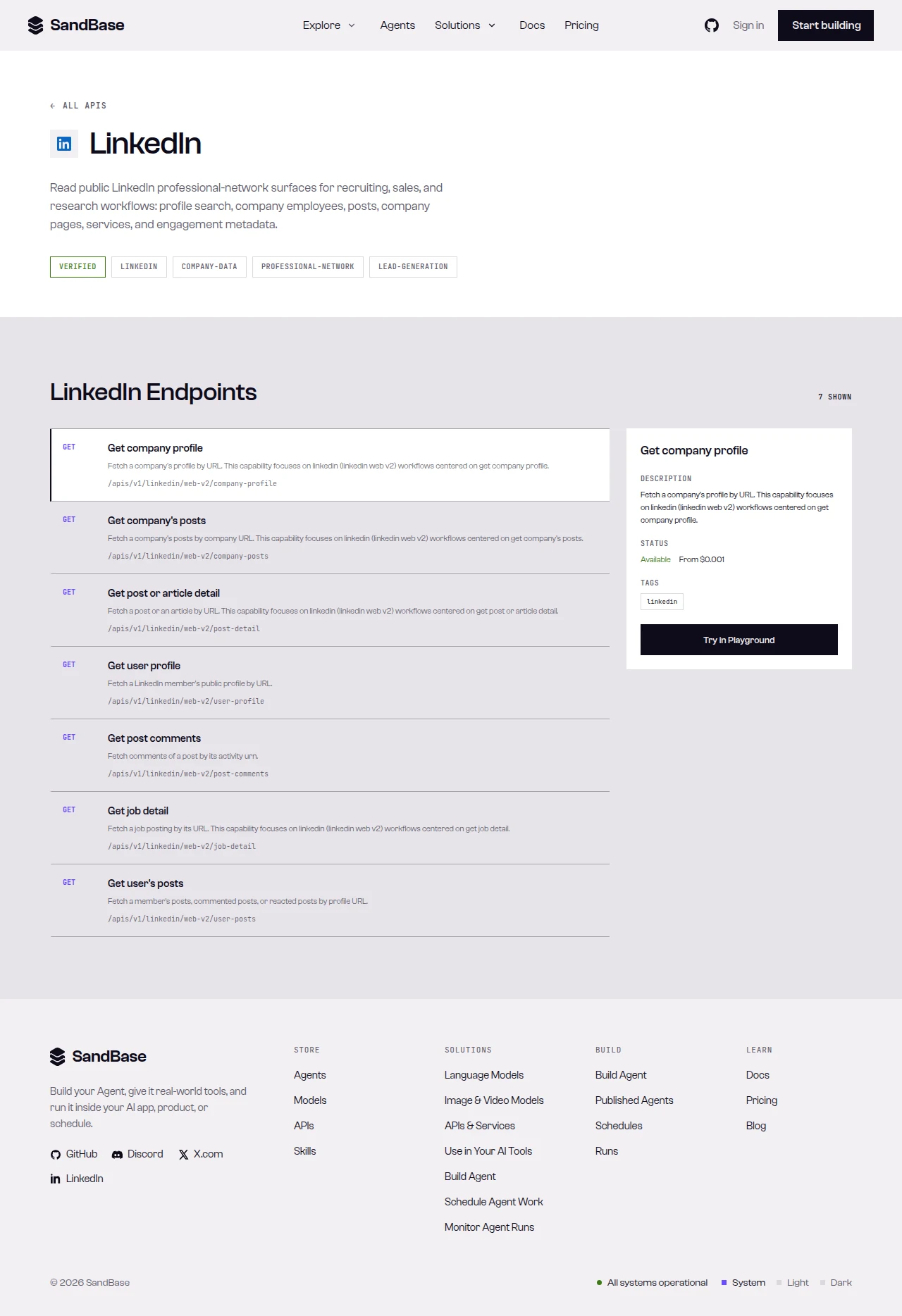 The LinkedIn endpoints on SandBase — company-profile and company-posts drive this loop.
Step 0: one helper for every call
import os
import requests

API = "https://api.sandbase.ai/v1/api"
HEADERS = {
    "Authorization": f"Bearer {os.environ['SANDBASE_API_KEY']}",
    "Content-Type": "application/json",
}

def call(path: str, payload: dict) -> dict:
    resp = requests.post(f"{API}/{path}", headers=HEADERS, json=payload, timeout=70)
    resp.raise_for_status()
    body = resp.json()
    if body.get("status") != "completed":
        raise RuntimeError(body.get("error", {}).get("message", f"{path} did not complete"))
    # Envelope can vary: prefer a top-level `output`, else `outputs[0].data`.
    output = body.get("output")
    if output is None and body.get("outputs"):
        output = body["outputs"][0].get("data", {})
    return output or {}
Step 1: read the company profile
url = "https://www.linkedin.com/company/openai"
profile = call("linkedin/web-v2/company-profile", {"url": url})
print(profile.get("company_size"), "|", profile.get("followers"), "followers")
print("HQ:", profile.get("headquarters"))
In the response I captured (company-profile run id 79201745-d83f-4b1f-bee3-ba676cd1a1f0, tested on 2026-09-28, UTC), the payload carried about, description, company_size, followers, employees, and headquarters — illustrative, observed-only fields. Read each with .get() and confirm against a live response.
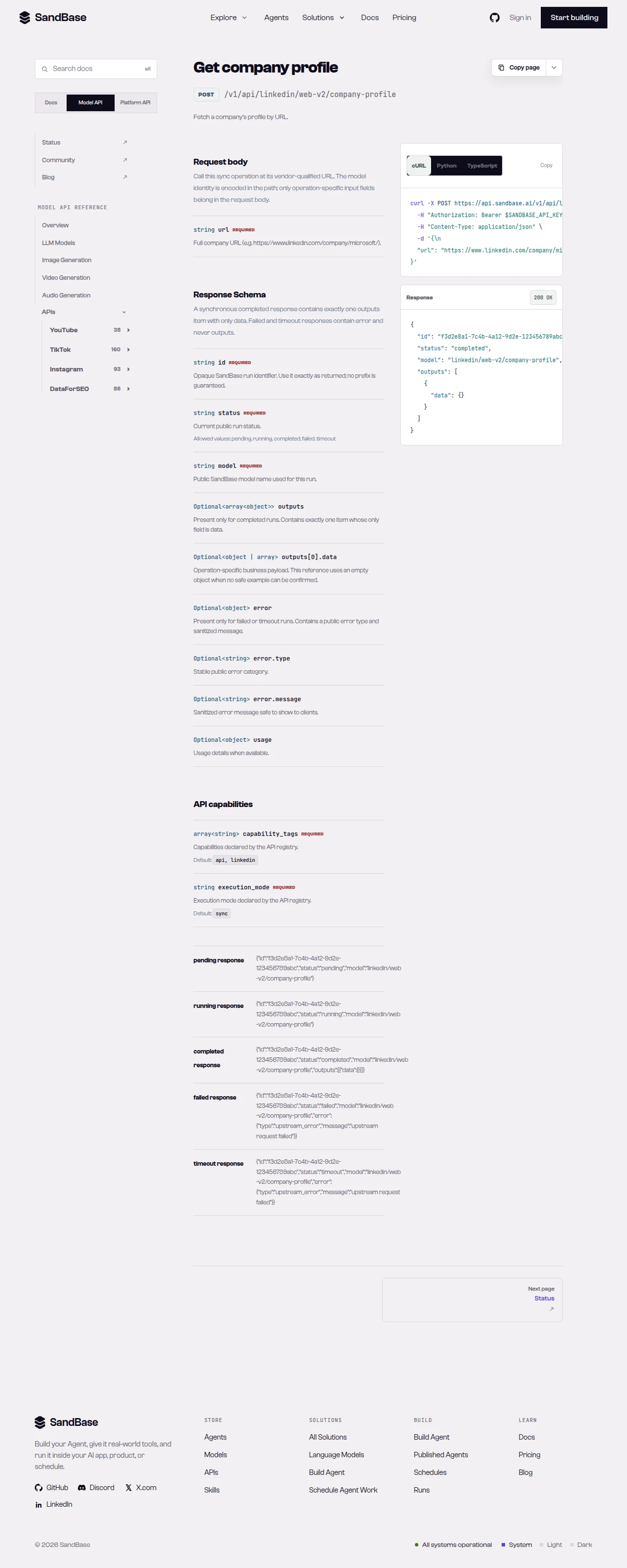 The company-profile reference — the source of truth for the
 url parameter and response path.
Step 2: pull the company posts
feed = call("linkedin/web-v2/company-posts", {"url": url})
posts = feed.get("data", [])
paging = feed.get("paging")
for p in posts[:5]:
    print(p.get("num_likes"), "likes,", p.get("num_comments"), "comments -", p.get("posted"))
In my run (company-posts run id acda947a-5c3e-4114-a762-b1474e333bff), the payload carried a data list of posts (each with num_likes, num_comments, num_reposts, posted, and poster) plus a paging object. To page, follow the paging object per the reference — confirm the exact mechanism against it.
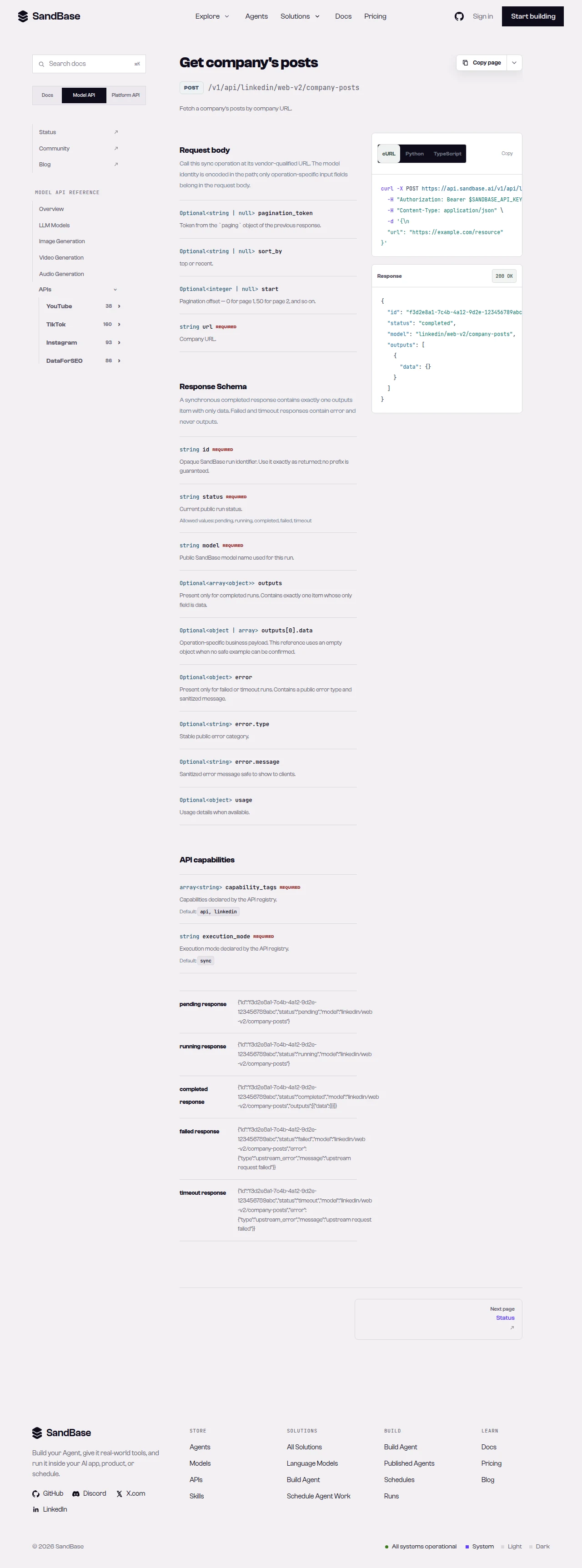 The company-posts reference — pass the same company
 url; page via the paging object.
Putting it together
def research(company_url: str):
    profile = call("linkedin/web-v2/company-profile", {"url": company_url})
    feed = call("linkedin/web-v2/company-posts", {"url": company_url})
    posts = feed.get("data", [])
    engagement = [
        {"posted": p.get("posted"), "likes": p.get("num_likes"), "comments": p.get("num_comments")}
        for p in posts if isinstance(p, dict)
    ]
    return {
        "company_size": profile.get("company_size"),
        "followers": profile.get("followers"),
        "recent_posts": engagement,
    }
Because both endpoints take the same company url and share the same envelope, the loop stays flat: one status check in call(...) and one .get() pattern across profile and posts.
Common use cases
Competitive intelligence
Read a competitor’s company_size, followers, and headquarters, then pull recent posts to see what they promote and how it lands (likes, comments, reposts). Input: a company url. Output: firmographics plus a post-engagement sample. Endpoints: company-profile, company-posts.
Lead and account research
Enrich a target-account list with company_size and followers from company-profile to prioritize outreach. Input: company urls. Output: comparable firmographics. Endpoint: company-profile.
Content and messaging analysis
Pull a company’s posts and analyze poster, cadence, and engagement to understand their content strategy. Input: a company url. Output: a post feed with engagement. Endpoint: company-posts.
Hiring and growth signals
A company’s company_size and followers over successive reads, combined with the themes and frequency of its recent posts, hint at momentum — a company posting heavily about hiring or product launches alongside follower growth is likely scaling. Poll the two endpoints on a cadence, store the numbers, and compare across runs. Read every field defensively and treat the trend as a directional signal, since observed fields vary. Input: a company url. Output: firmographic and posting trends over time. Endpoints: company-profile, company-posts.
Practical notes
- Envelope can vary. The reference documents
outputs[0].data; read either shape (preferoutput, fall back tooutputs[0].data). - Page via the
pagingobject. Follow the reference’s paging mechanism forcompany-posts. - Business fields are observed-only. Treat
followers,num_likes,company_size, and the like as observed and confirm live. - Public, read-only data only. No posting, no member-only data. Authenticate with a SandBase API key.
- Be a good client. Retry with backoff on transient errors such as HTTP 429; page rather than hammering.
FAQ
Do I need a LinkedIn developer app or login?
No. You authenticate to SandBase with your SANDBASE_API_KEY. These read endpoints need no LinkedIn account or OAuth on your side.
What identifies a company?
A company page url (e.g. https://www.linkedin.com/company/<slug>). Both endpoints take the same url.
How do I page through more posts?
The company-posts payload carries a paging object; follow it per the reference.
Can I read member profiles or private data? This tutorial covers company endpoints. The hub also documents public person-profile reads; private and member-only data are out of scope.
Wrap up
Two endpoints, one envelope, one company url — that is the whole company-research loop. For the full endpoint catalog, see the LinkedIn public data API hub. When you are ready: